ClinicsJo for your clinic team

Your clinic. Wherever you work.

A workspace for your clinic team, on your phone and computer. Choose your device to find the approved release.

For authorized doctors, reception and clinic staff. Sign in with your existing clinic account.

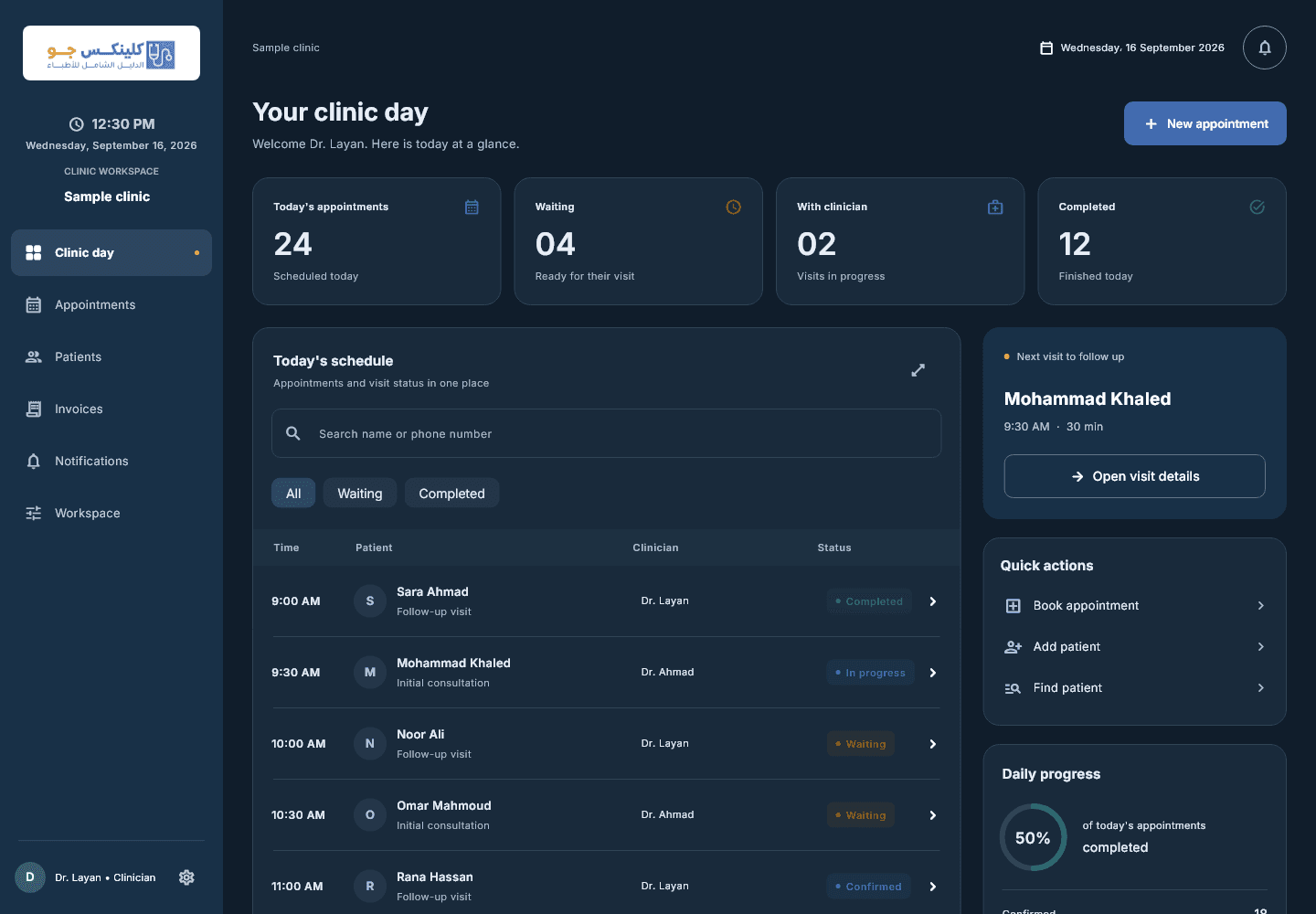
Windows clinic-day interface with demonstration data
Application interface preview — demonstration data

Choose your device. Get to work.

Direct installer downloads. The latest published release for each device appears here.

Windows

ClinicsJo for desktop

A larger workspace for reception and clinic operations on Windows.

Version
1.4.19 (33)
Published
19 Sept 2026
File size
16.3 MB
Installer
EXE · x64
Download for Windows
What is new?

Improved lab order pagination, search, specialty fields and guarded print/share. Internal notes remain private; staff chat access follows current permissions.

File checksum (SHA-256)8f54f1f4520d90e5284adf1f020274e3851a86bd64fa6aaf17ac550f95ef530b
Android

ClinicsJo for mobile

Review appointments and records on your Android phone or tablet.

Version
1.4.19 (33)
Published
19 Sept 2026
File size
90.5 MB
Installer
APK
Download for Android
What is new?

Improved lab order pagination, search, specialty fields and guarded print/share. Internal notes remain private; staff chat access follows current permissions.

File checksum (SHA-256)c7835a5b86f838d05cbf13ebd78ebed019e907a7a036deb45670f75bc9490032

Tools that fit your clinic workflow

Your clinic day at a glance

Doctor calendars, appointment statuses and patients waiting or with their doctor.

Patient records within reach

Open a patient record from an appointment to review visits, procedures and treatment.

Clearer financial follow-up

Invoices, payments, income and reports, with printing and sharing options.

Access matched to each role

Screens and actions follow staff permissions and the features enabled for the clinic.

An interface for your team

Arabic and English, light and dark themes, on mobile and desktop.

Connected to your clinic

Use your existing clinic account and receive data updates and alerts while connected.

At your desk. In your hand.

One workspace, adapted to your device

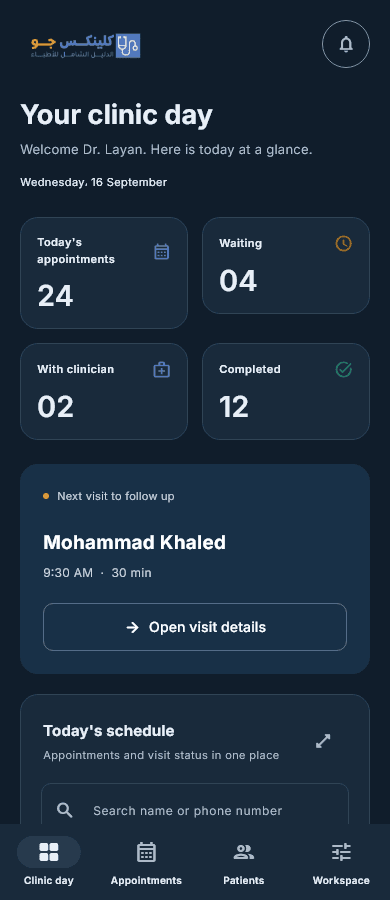
A spacious desktop interface and touch-friendly mobile cards and controls. Keep your attention on your patients and your clinic day.

  • Shortcuts for booking and opening patient records
  • Layouts adapted to Arabic and your screen size
  • Clinic staff access governed by permissions
ClinicsJo mobile interface with demonstration data
Demonstration data

Start in three steps

  1. 01

    Download

    Choose your device to download its installer directly.

  2. 02

    Install

    Open the file and follow your device prompts. Android may ask you to allow installation from the download source.

  3. 03

    Sign in

    Use your existing clinic account. Available options depend on the clinic subscription and your assigned permissions.

Need help installing the app?

[email protected]