
Join as a Doctor in Jordan and Introduce Your Clinic
Create a professional profile with your specialty, experience, clinic location and opening hours. Explore ClinicsJo scheduling, patient records and billing, then choose a plan with the tools your team needs.
Start clinic registrationClinicsJo clinic management software
Discover the right system for your clinic
How does a dentist follow treatment plans and payments? How does a surgeon organize postoperative reviews? Choose your specialty to explore the software through situations familiar to your practice.
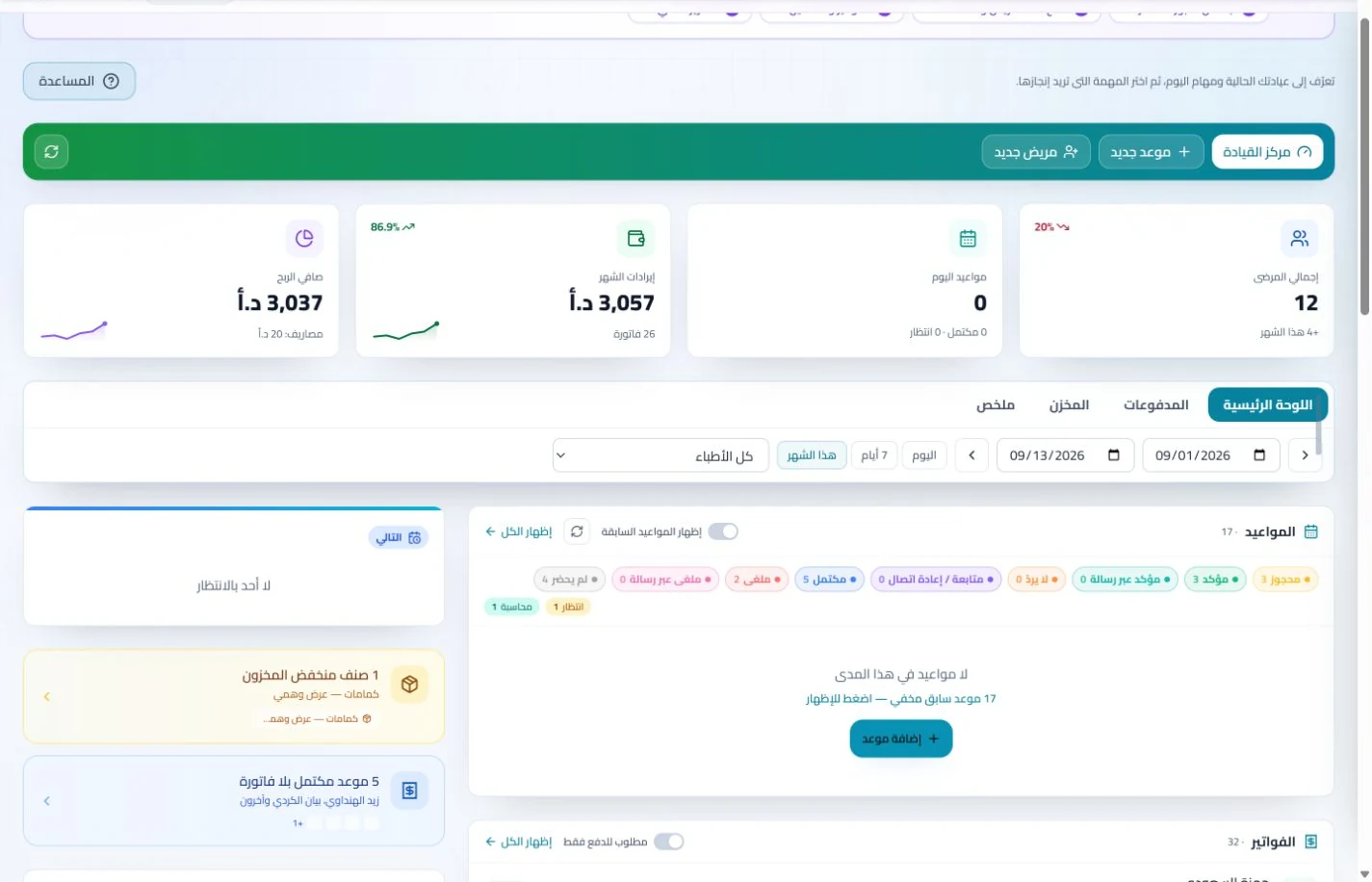 View screenshot ↗
Manage your clinic and your online presence
A clinic-management subscription combines tools for patient records, appointments, billing and teamwork with a doctor and clinic profile on ClinicsJo. We prepare your profile for indexing and organize your specialty, services and location to support discovery in Google and AI-powered search. Tools and limits depend on your selected plan.
Choose your specialty
Open the systems directory and choose dentistry, dermatology, surgery or another specialty.
Explore features in your daily work
View real screenshots and specialty examples covering records, appointments, accounts and your team.
Return to registration and start your trial
On any system page, select “Try it free for 7 days” to continue to platform registration.
Doctor Profiles and Clinic Management Software in Jordan
A complete doctor profile helps visitors understand your services, clinic location and available contact and booking options. Add accurate qualifications, experience, specialty and opening hours, and keep them up to date.
Published profiles connect to relevant specialty and location directories. Search preparation supports discovery, while search engines decide indexing and ranking. A subscription does not guarantee a Google position or booking volume.
Explore clinic management software in Jordan and the clinic software buying guide before subscribing.
Tools for Your Public Profile and Daily Clinic Work
A clear doctor profile
Present your specialty, education, experience and services alongside your clinic address, opening hours and approved public contact details.
Appointments linked to your schedule
Set services and availability, and follow bookings and their status according to clinic settings and permissions.
Organized patient records
On plans that include clinic management, follow visits, notes, prescriptions and attachments in the patient record.
Billing and team permissions
Review invoicing, payment, reporting and user-access tools, including which features your selected plan provides.
Compare Plans for Your Clinic
Public doctor-profile plans differ from subscriptions that include clinic management software. Check the plan duration, price, enabled features, user limits and available services before subscribing.
See the latest details on the ClinicsJo pricing and plans page. If you need records, scheduling and billing, choose a plan that explicitly includes clinic management. WhatsApp reminders require the feature to be enabled and a messaging channel to be connected and configured.
How to Join the Platform
Create your account
Open registration and enter the requested doctor and clinic details.
Complete your professional profile
Add your specialty, experience, services, location and opening hours. Check accuracy before publication.
Review features and plans
Explore the system guide for your specialty and compare current plans and limits before selecting one.
Prepare your clinic team
When clinic management is enabled, configure users, permissions and schedules, then test your workflow before daily use.
Doctor Membership and Clinic Software Questions
Introduce Your Clinic and Choose Its Tools
Review features and plans, then complete your details to begin ClinicsJo registration.
Register your clinic