How do I follow supplies used in nursing services?
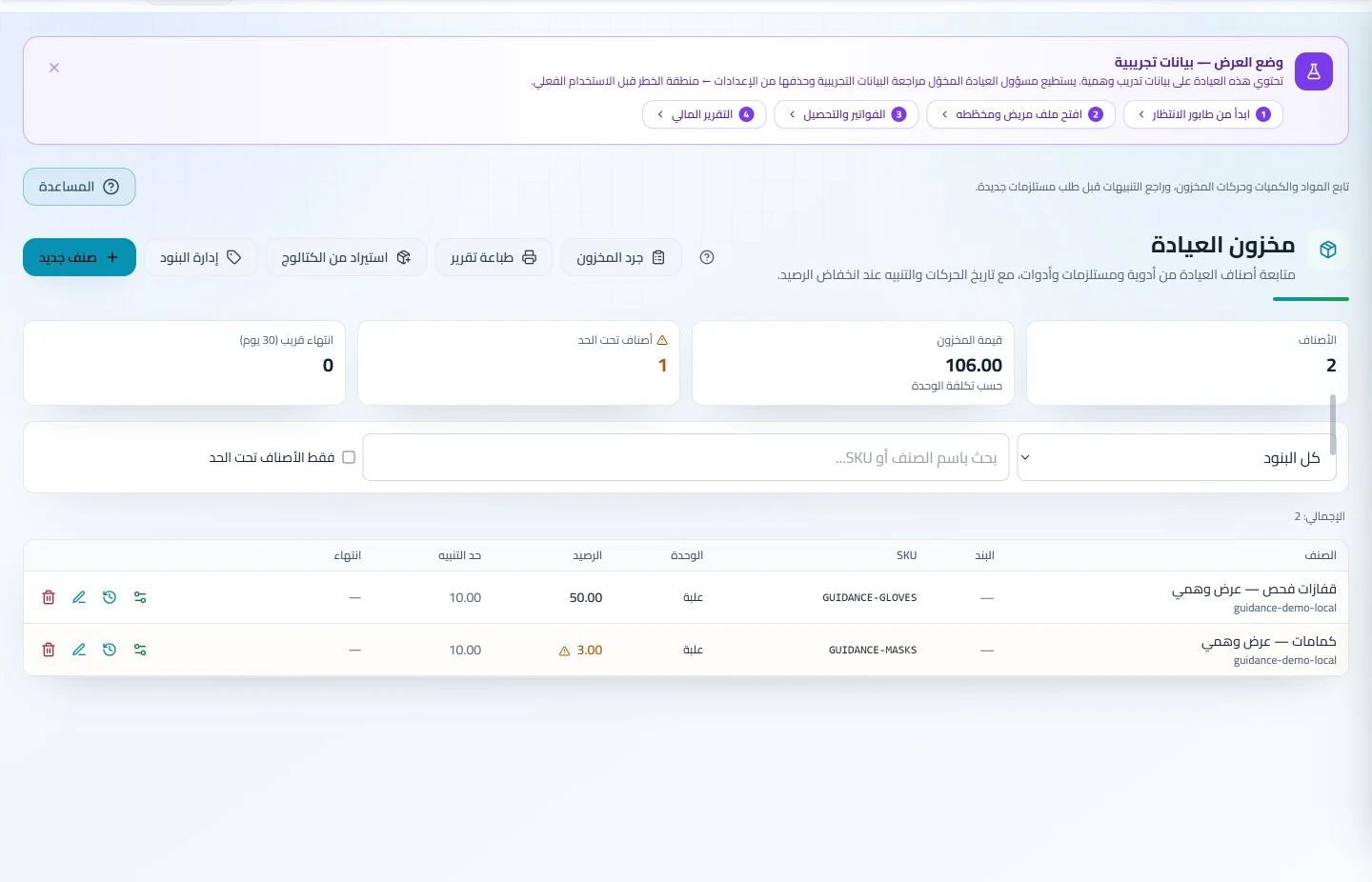
Define items, units and storage locations and record stock issues and stocktakes. Review balances and low-stock indicators for reordering.
An everyday clinic example
A repeat nursing service and its supplies
Select the service and book the visit, then document the work performed in the client file. The responsible staff member checks stock and records issued materials. Complete the service invoice and retrieve prior notes before the next visit.
Define nursing services and their prices.
Document the work performed at each visit.
Record stock movements and review low-stock alerts.
Record the delivered service, visit notes and attachments in the client file and arrange follow-up where needed. Authorized staff can retrieve earlier details without asking the colleague who provided the service to reconstruct them.
Patient records
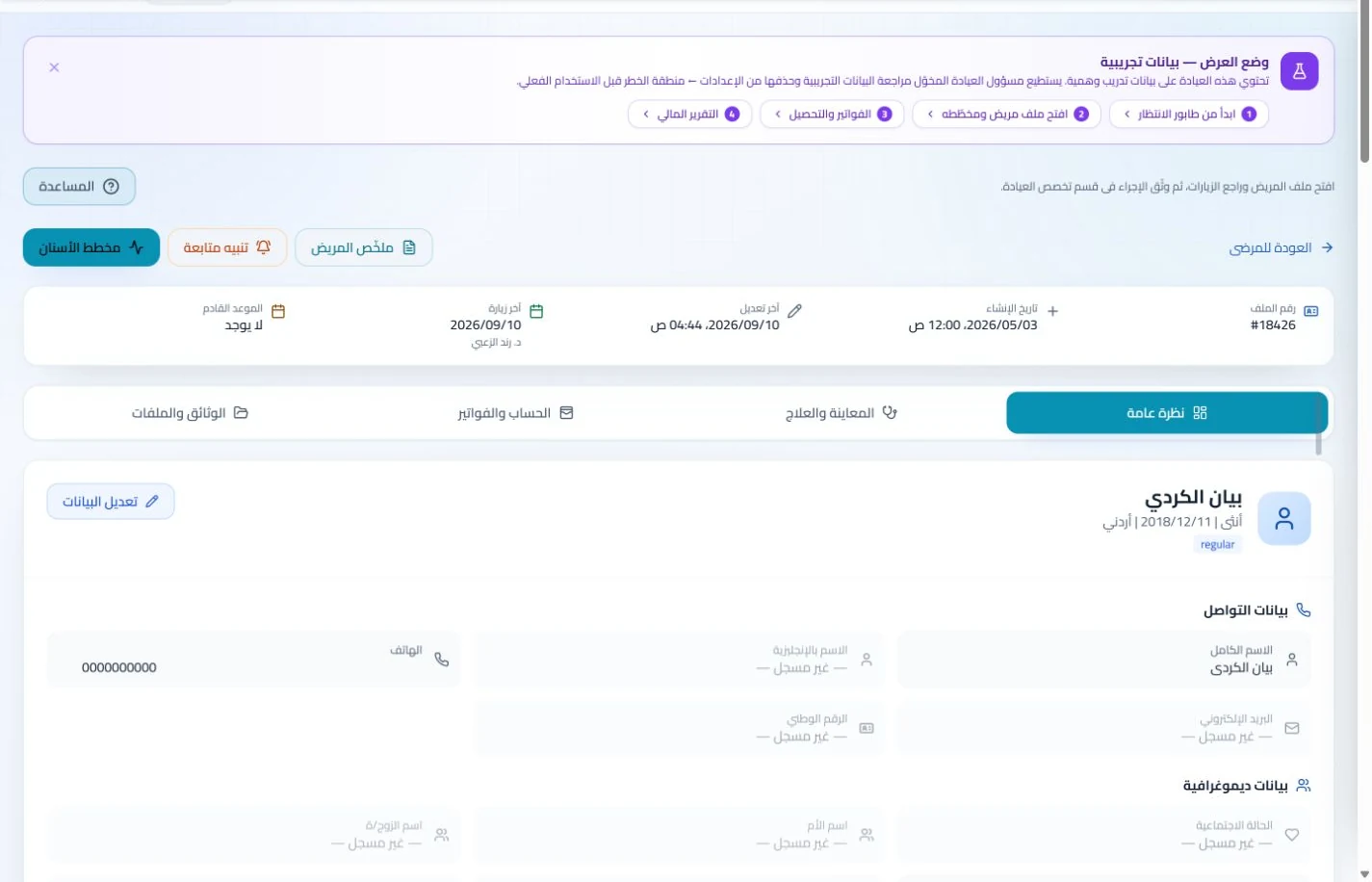
Keep patient details, visits, attachments, prescriptions and plans in a retrievable record. Recording information during the visit reduces later searching and repeated documentation.
Book, change and cancel appointments and follow attendance, the waiting queue and working hours. Updating states during the day gives clinicians and reception a common scheduling reference.
Keep team responsibilities and attendance organized
Assign follow-up tasks, set permissions and administer attendance and leave. Management can use these records to transfer responsibilities when assignments change instead of coordinating everything through repeated calls.
Branches and team
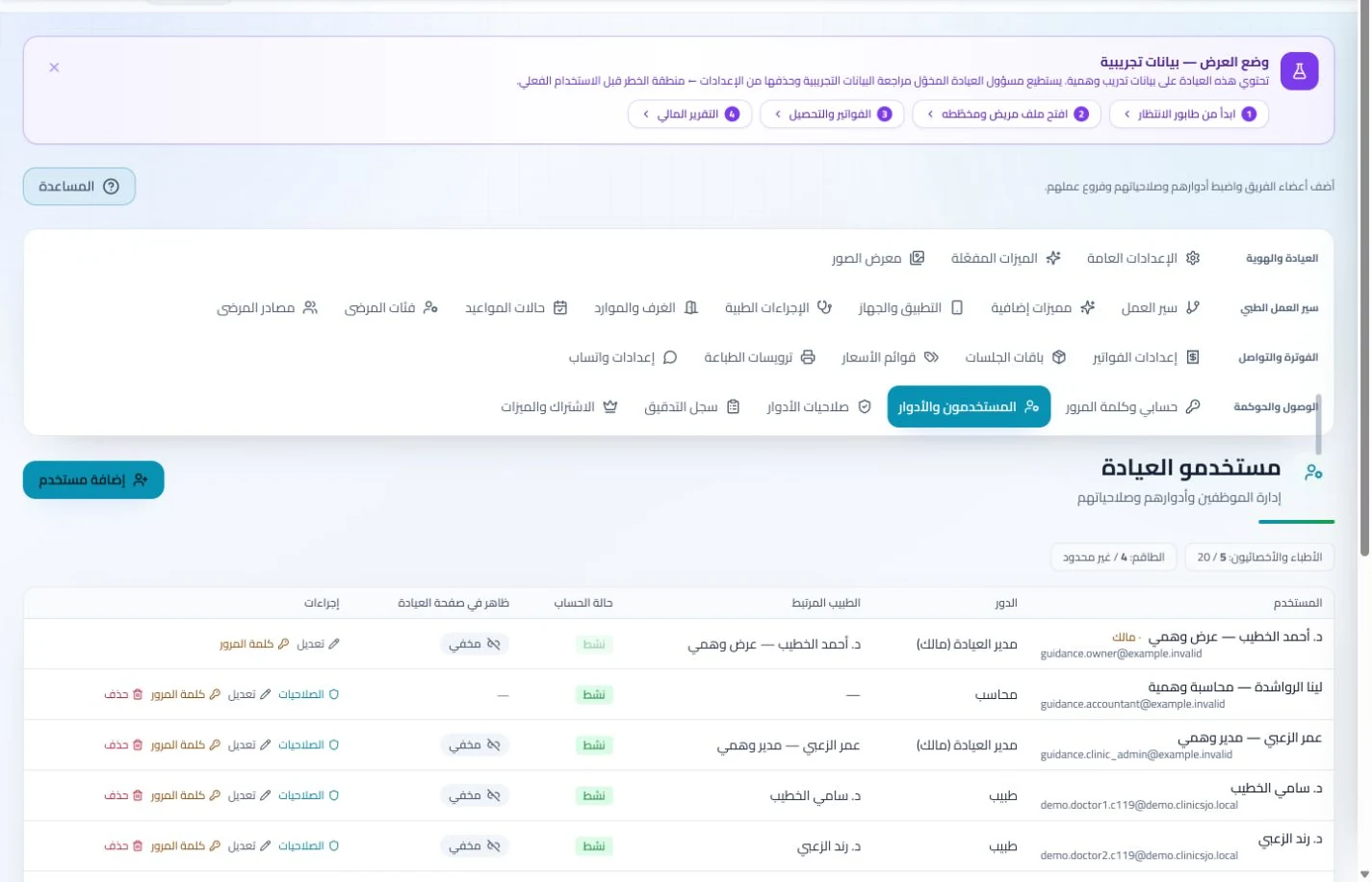
Configure services, prices, rooms and branches with user permissions and team tasks. Defined roles and follow-up ownership clarify handovers and reduce internal questions about the next administrative action.
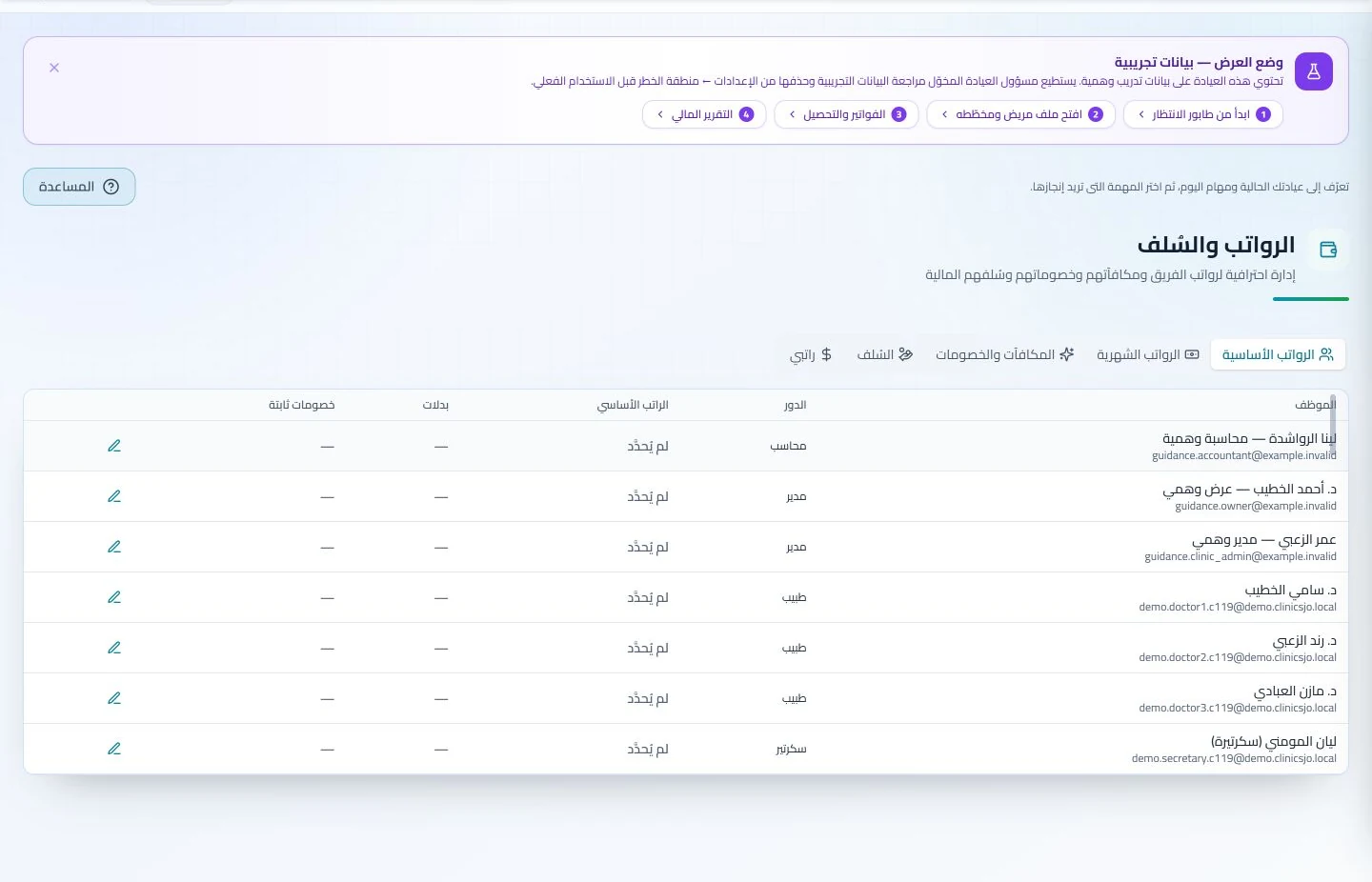
Administer attendance, leave, payroll, advances and commissions according to clinic settings. Dedicated employee records make payroll preparation easier to review with fewer searches through notebooks and messages.
Record service supplies and the corresponding payment
Log dressing materials and supplies used and record the service invoice and payment. Stock and account reviews show what needs replenishment or collection after the day’s visits.
Inventory and storage
Track items, quantities, storage, movements and stocktakes with low-stock and expiry alerts. Accurate balances require logged receipts and usage; review them to identify replenishment needs before supplies run out.
Manage invoices, receipts, payments, outstanding balances and installments when enabled. Recording payments when received distinguishes collected amounts from balances needing follow-up without repeated manual calculation.
How do I identify suitable software for nursing services in Jordan?
Run a training service involving a consumable: document the visit and invoice, enter a stock issue, then review quantity and payment. Look for clear service ownership, balances and inventory. This can be evaluated in ClinicsJo with the appropriate modules enabled; do not assume every invoice automatically consumes materials or that quantities remain accurate without recorded movements. Compare staff permissions, reports and inventory costs, and assign record-maintenance responsibility for each shift.
Create your account, set up clinic details and services, and try the software free for 7 days. Then choose a clinic-management plan for your clinicians, team and required features.
A clinic-management subscription combines tools for patient records, appointments, billing and teamwork with a doctor and clinic profile on ClinicsJo. We prepare your profile for indexing and organize your specialty, services and location to support discovery in Google and AI-powered search. Tools and limits depend on your selected plan.
The plans page lists current prices, features and limits; some services require activation and setup.