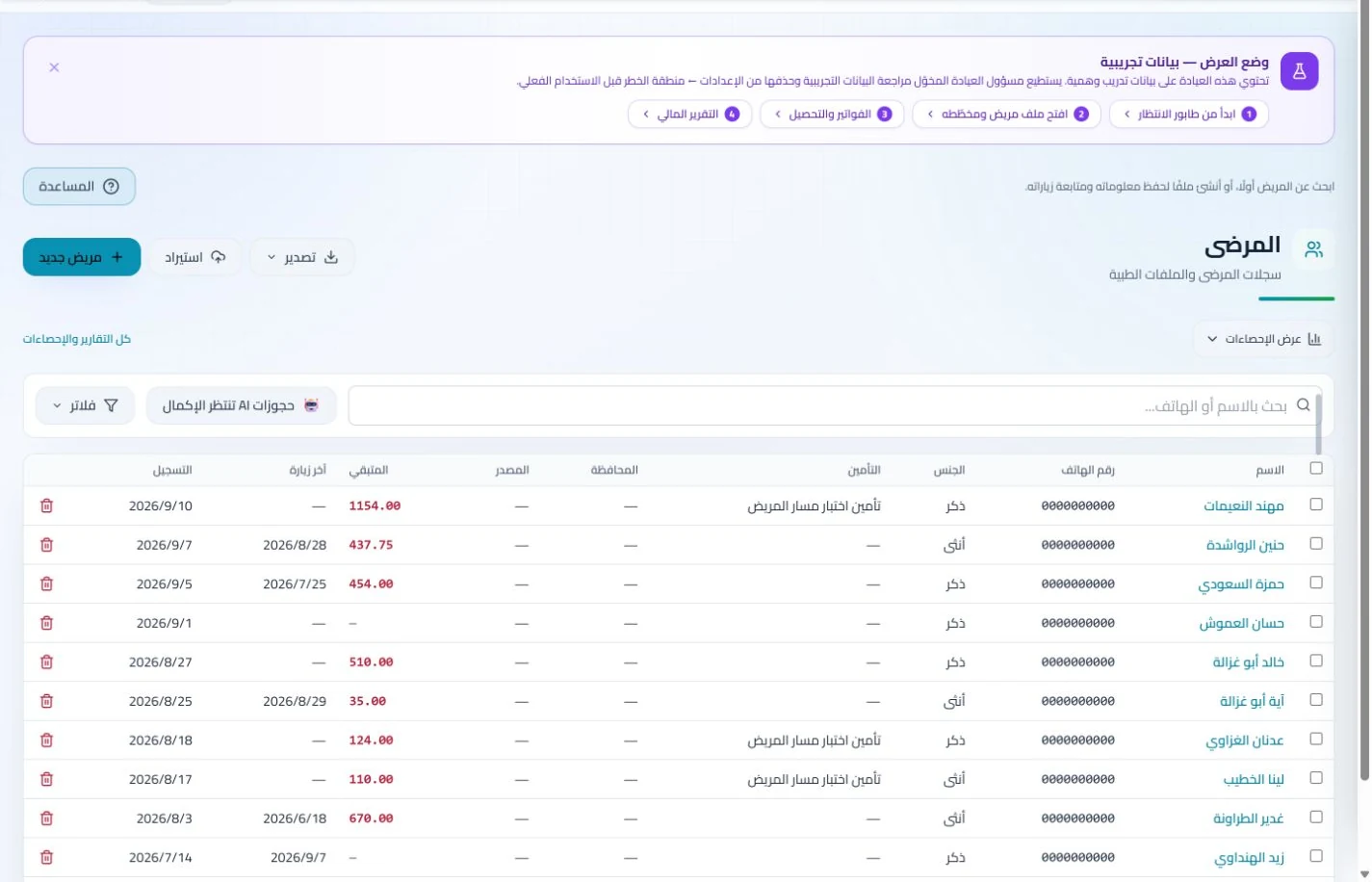
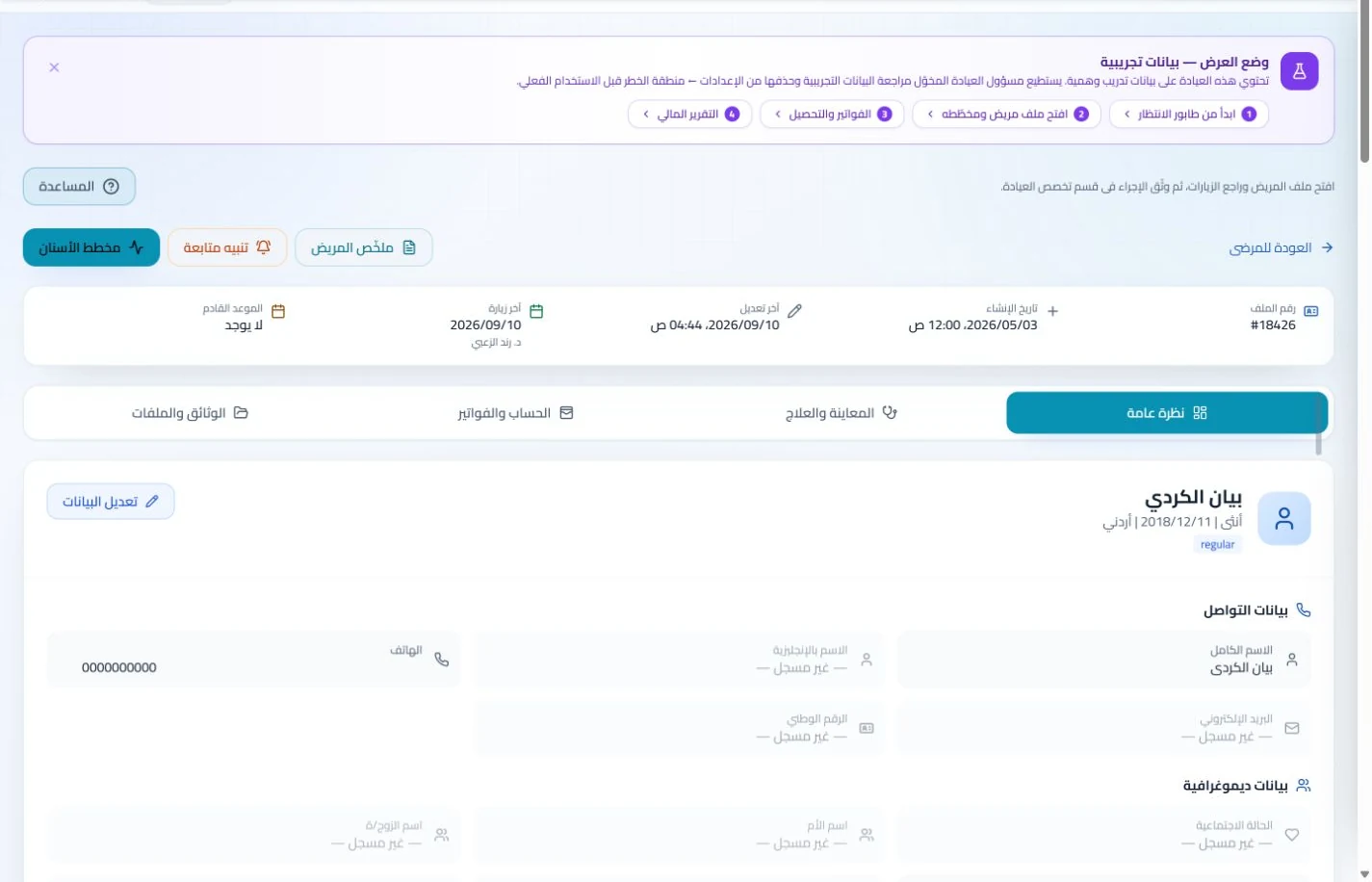
Save the appropriate contact details while maintaining an individual file for each patient. Verify identity when booking or opening a record to keep visits and accounts separate.
An everyday clinic example
Coordinating reviews for several family members
Reception finds each individual record and books the correct patient. Retrieve earlier notes and add the new prescription or report. Charge services to their respective accounts even when one phone contact coordinates the appointments.
Keep family members' records and accounts separate.
Review earlier preventive visits and consultations.
Coordinate follow-up appointments with the recorded contact.
Maintain an individual record and visit history for each patient, including family members attending together. Find the correct person’s prescriptions and notes without mixing their documents or consultations.
Patient records
Keep patient details, visits, attachments, prescriptions and plans in a retrievable record. Recording information during the visit reduces later searching and repeated documentation.
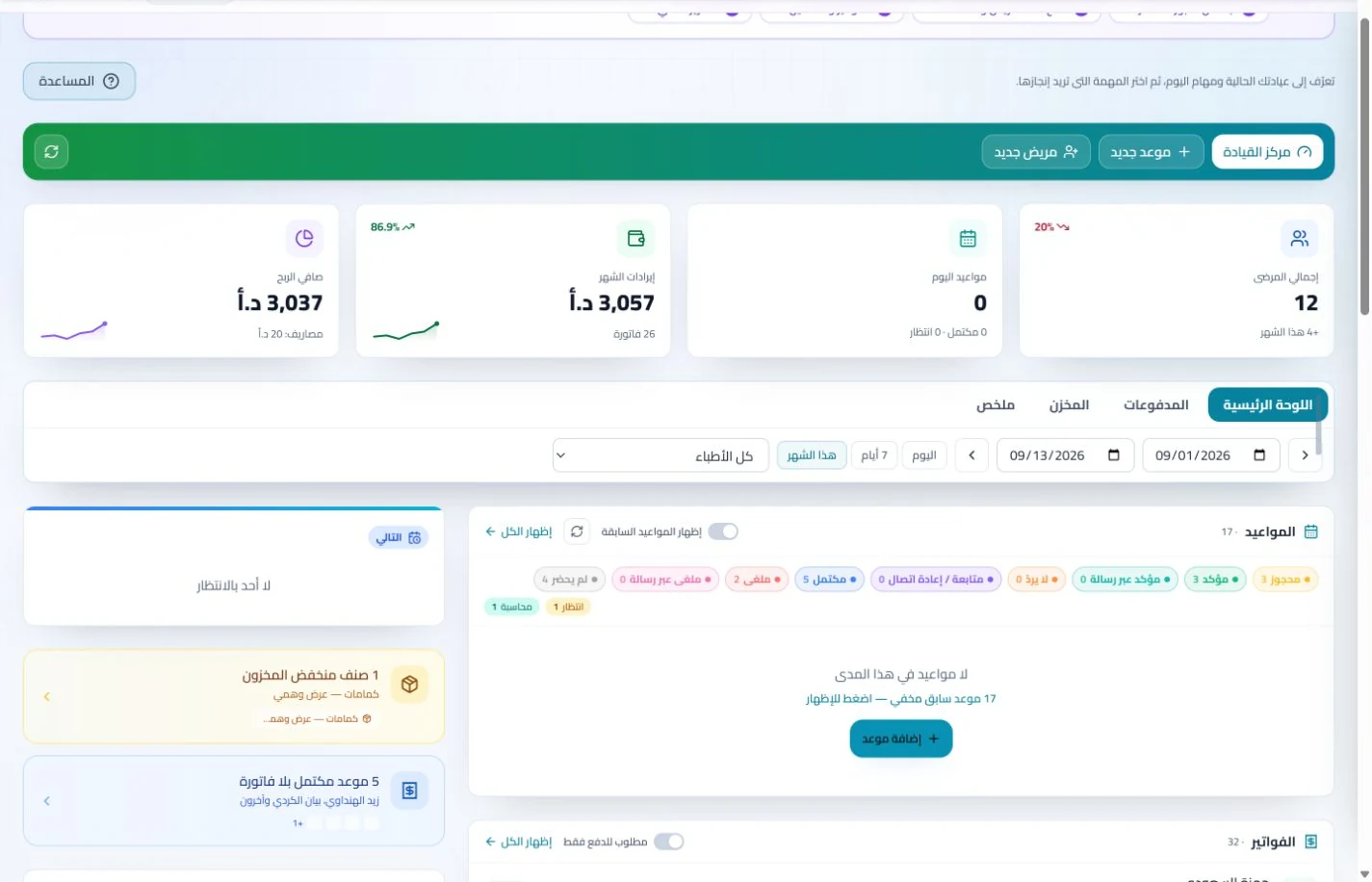
Book, change and cancel appointments and follow attendance, the waiting queue and working hours. Updating states during the day gives clinicians and reception a common scheduling reference.
Connect practice discovery with appointment administration
Present published clinic details and services in your public profile and organize appointments in the working schedule. Staff can check each patient’s booking and attendance instead of relying only on messages.
Appointments
Book, change and cancel appointments and follow attendance, the waiting queue and working hours. Updating states during the day gives clinicians and reception a common scheduling reference.
A public practice profile presents contact details and published services, alongside available booking tools and help guides. Visitors can find practice information while staff access guidance as they learn the tools.
Support administration beyond the consultation room
Follow patient invoices and payments while administering staff attendance, leave and payroll in their sections. Financial and team information remains available without collecting several notebooks at month end.
Invoices and collections
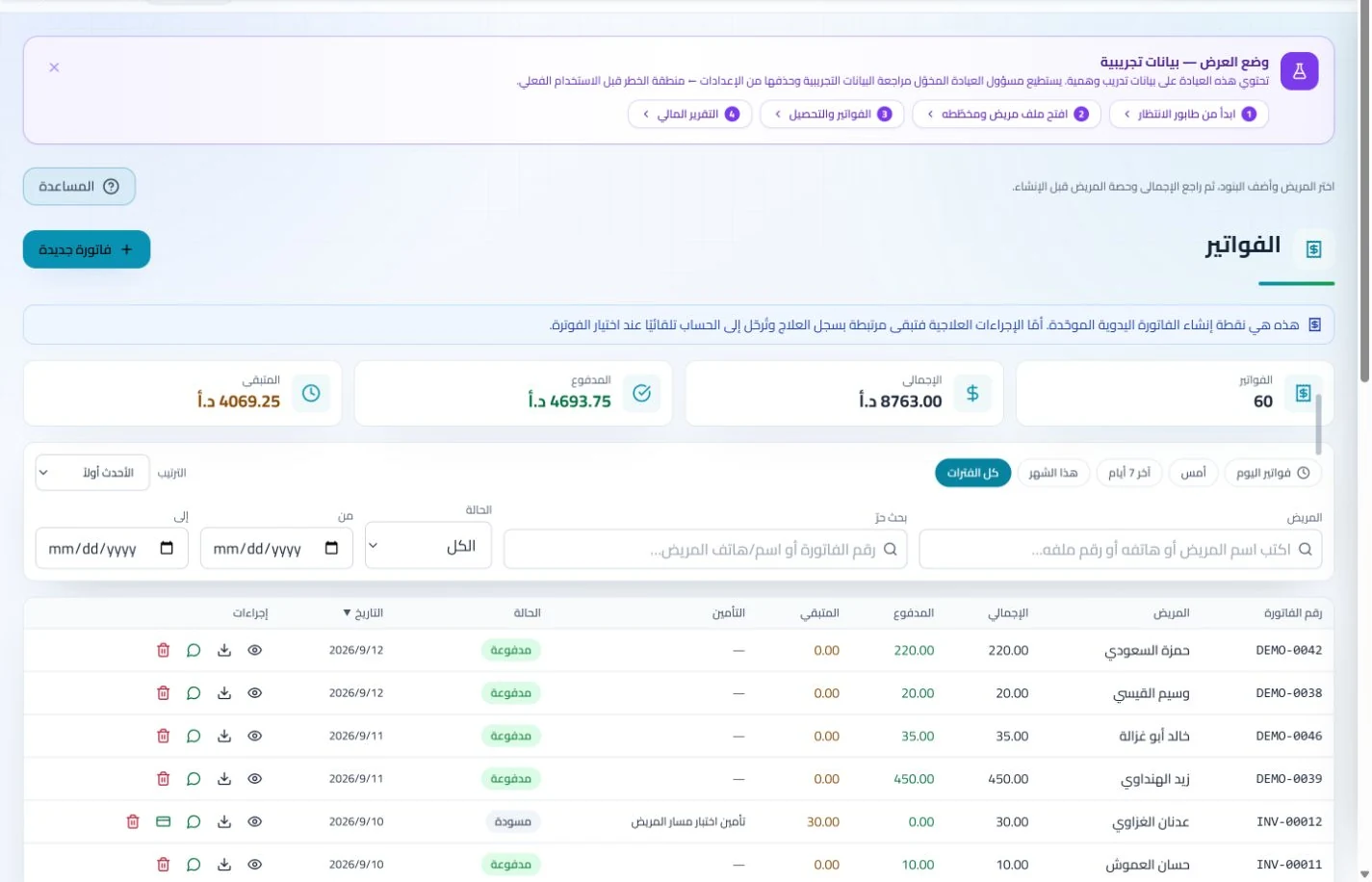
Manage invoices, receipts, payments, outstanding balances and installments when enabled. Recording payments when received distinguishes collected amounts from balances needing follow-up without repeated manual calculation.
Administer attendance, leave, payroll, advances and commissions according to clinic settings. Dedicated employee records make payroll preparation easier to review with fewer searches through notebooks and messages.
How can I choose software for a family medicine clinic in Jordan?
Evaluate the system using a training family of three people, each with a review, service and invoice, sharing a contact method where needed. Test search, booking and balance retrieval without confusing identities. ClinicsJo organizes separate records, appointments and accounts, but import mappings and duplicate-detection rules should be reviewed before moving family records. Choose a plan matching staff numbers and test reception, clinician and accounting handovers using the same cases.
Create your account, set up clinic details and services, and try the software free for 7 days. Then choose a clinic-management plan for your clinicians, team and required features.
A clinic-management subscription combines tools for patient records, appointments, billing and teamwork with a doctor and clinic profile on ClinicsJo. We prepare your profile for indexing and organize your specialty, services and location to support discovery in Google and AI-powered search. Tools and limits depend on your selected plan.
The plans page lists current prices, features and limits; some services require activation and setup.