Oncology follow-up involves multiple reports and providers. Organized visit documents and appointments help staff retrieve recorded information in context.
How do I follow missing reports before an oncology consultation?
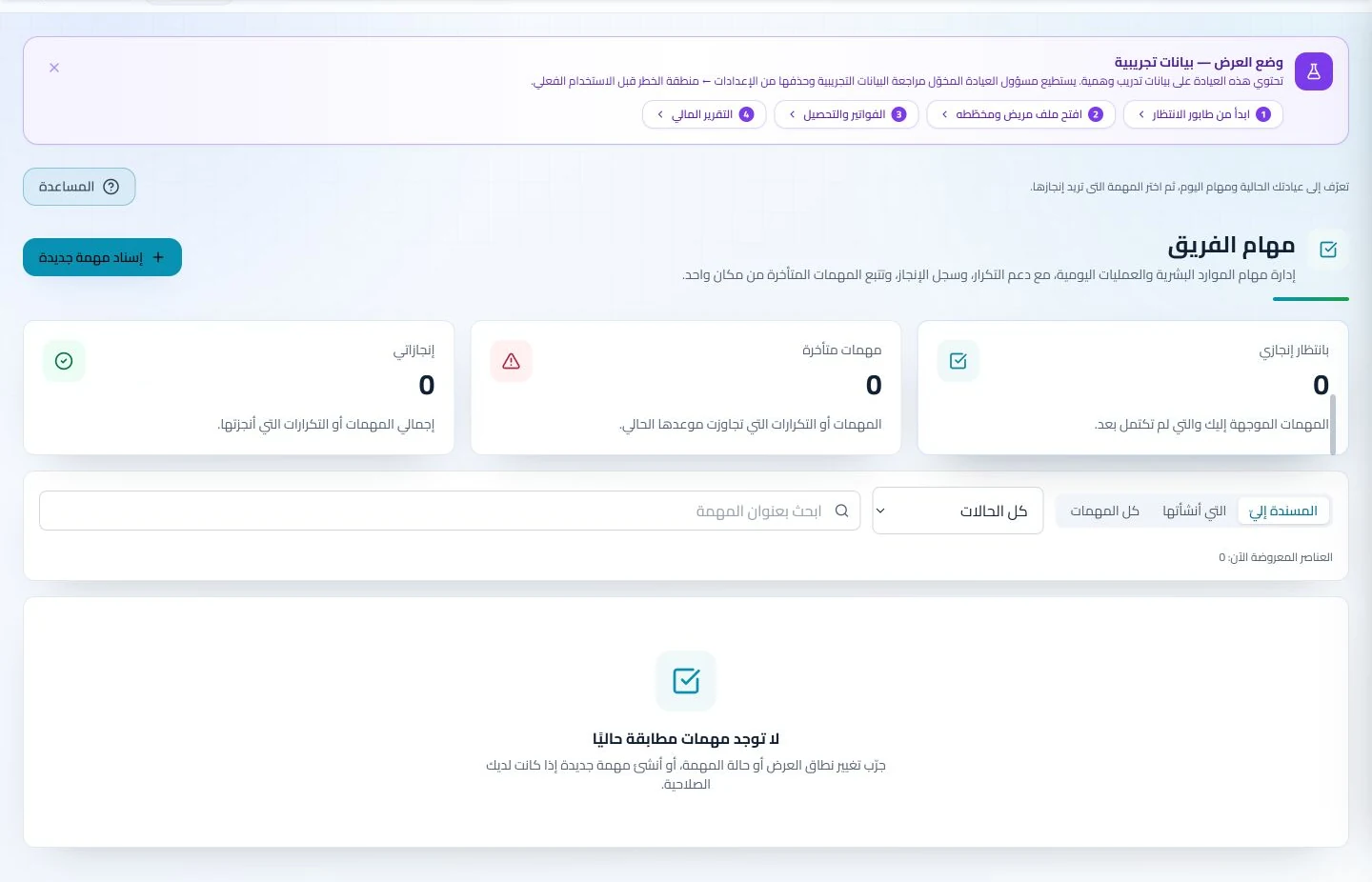
Use team tasks to record the required document and its assignee. Attach documents as they arrive and review the tasks and patient file before the appointment.
An everyday clinic example
Preparing oncology consultation documents
Staff attach available reports and assign a task for a missing document. Review the file before the appointment, then add your consultation summary and newly received attachments. Book the return visit while document follow-up remains visible to the team.
Gather received reports before the consultation appointment.
Assign the team to follow up on required documents.
Keep uploaded pathology, imaging and referral reports with visit notes in the patient record. At consultation, retrieve available documents without requesting that every report be resent individually.
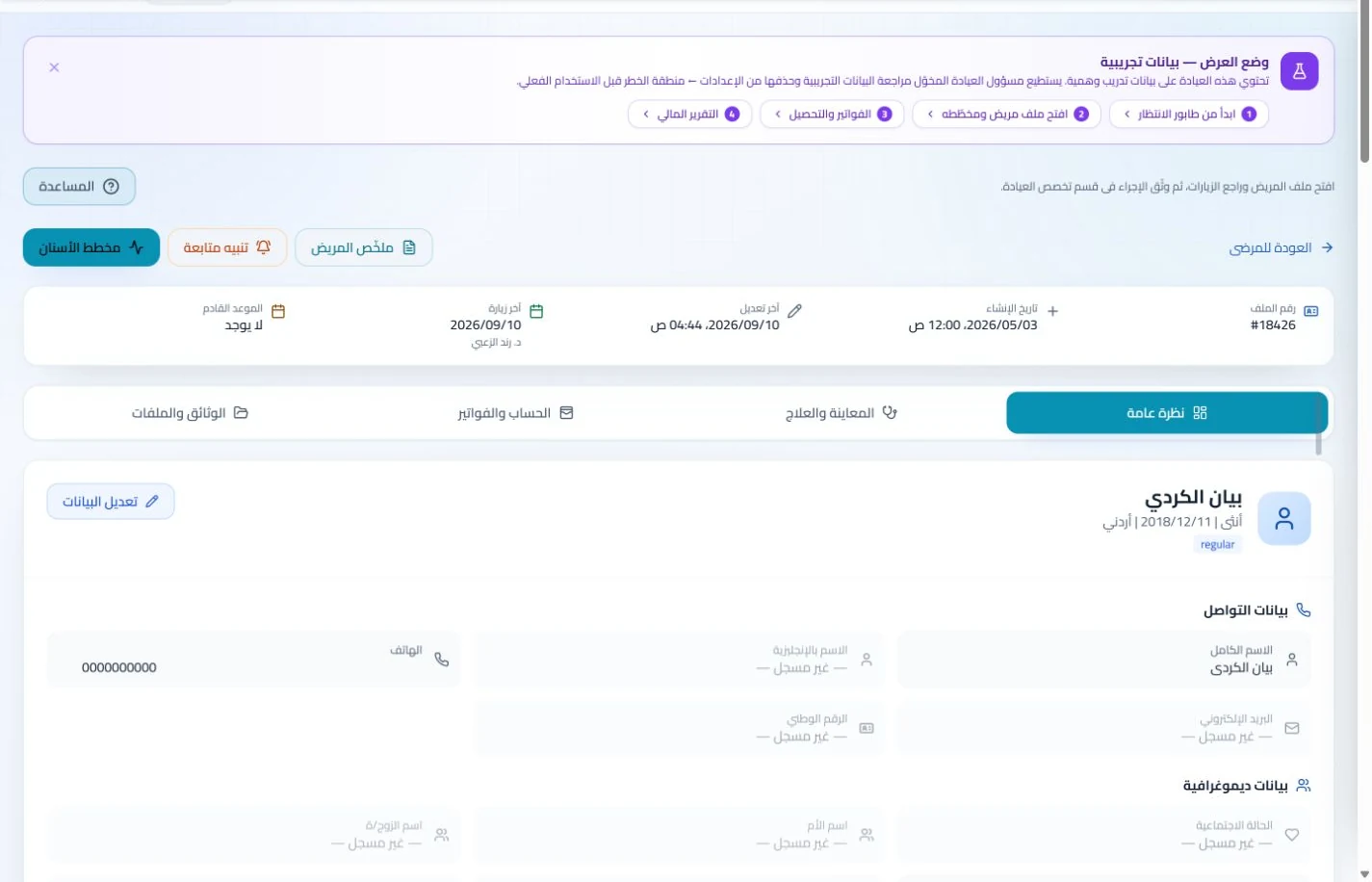
Patient records
Keep patient details, visits, attachments, prescriptions and plans in a retrievable record. Recording information during the visit reduces later searching and repeated documentation.
Book, change and cancel appointments and follow attendance, the waiting queue and working hours. Updating states during the day gives clinicians and reception a common scheduling reference.
Give a named team member responsibility for a required report or appointment task and review its status. Clear ownership reduces verbal handoffs where nobody knows who is following through.
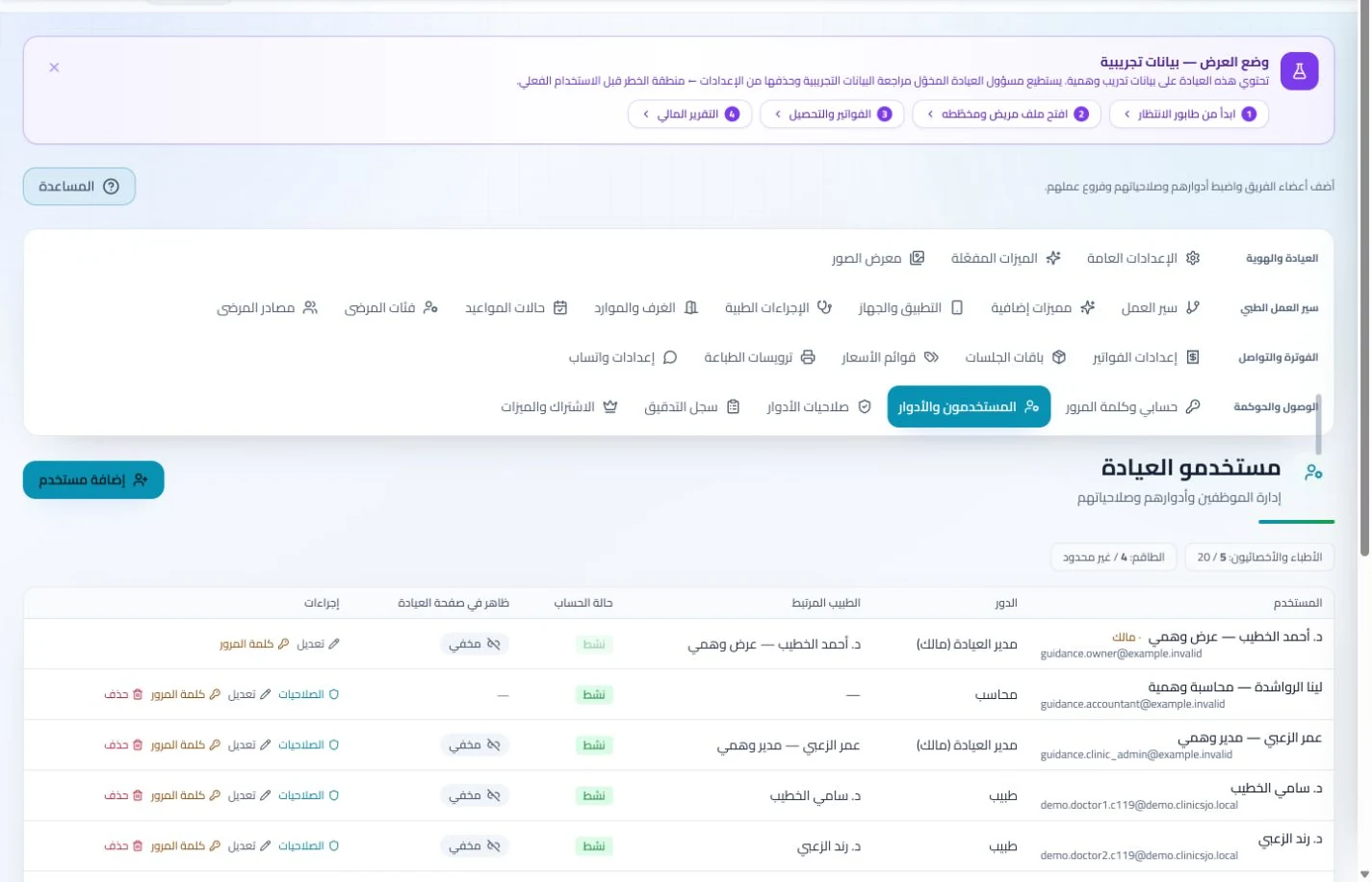
Branches and team
Configure services, prices, rooms and branches with user permissions and team tasks. Defined roles and follow-up ownership clarify handovers and reduce internal questions about the next administrative action.
Configure appointment reminders and enabled communication channels, with follow-up tasks and available message logs. Configured reminders reduce repetitive manual sending; delivery depends on service setup and activation.
Record clinic consultation and service charges and payments, then follow applicable insurer claims. Financial records give authorized staff a reference when families ask about an invoice or outstanding balance.
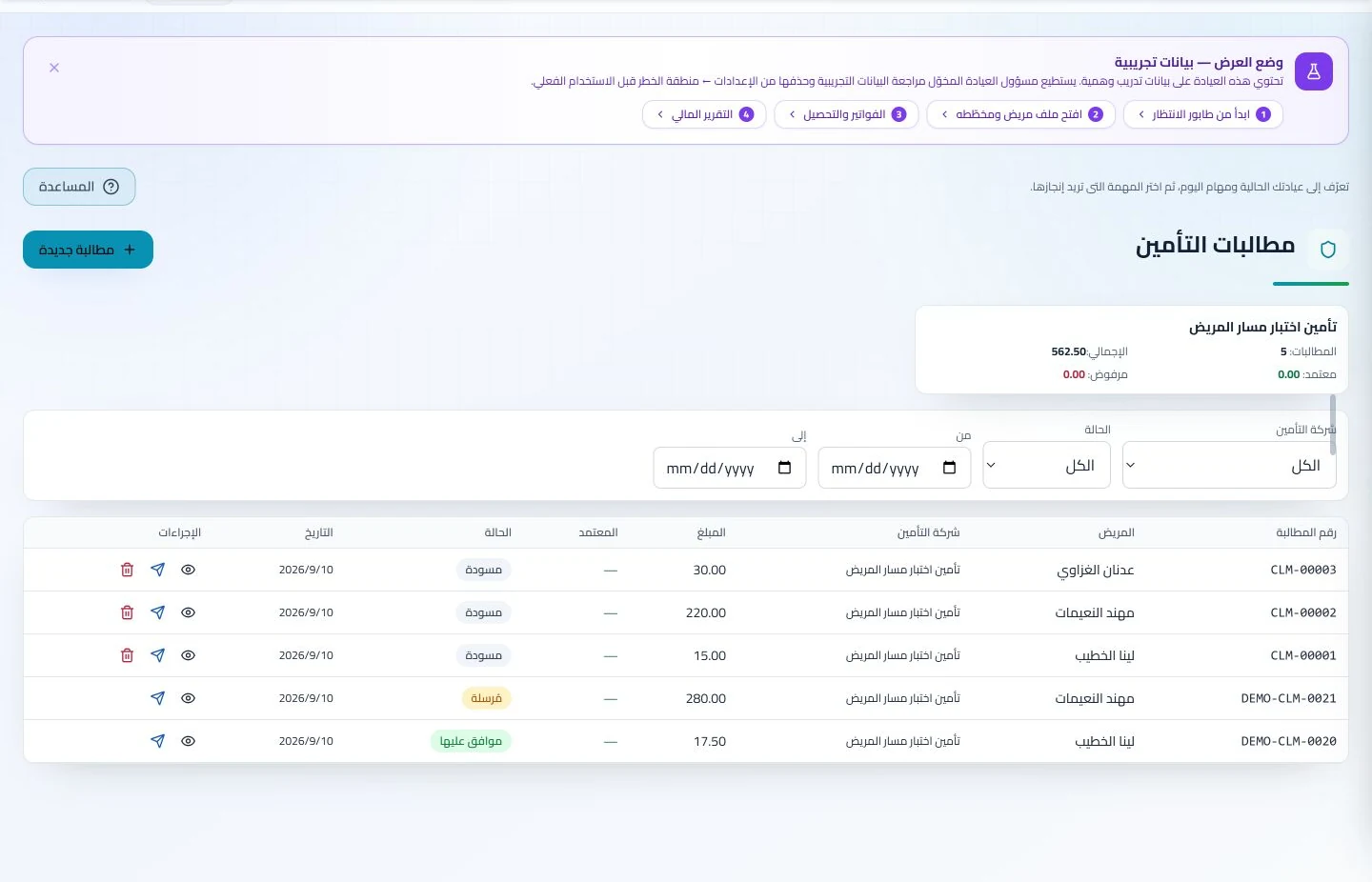
Insurance claims
Maintain insurer details, claim amounts and statuses, receivables and settlements. Reviewing claims by company and status helps responsible staff identify items needing follow-up or completion.
Manage invoices, receipts, payments, outstanding balances and installments when enabled. Recording payments when received distinguishes collected amounts from balances needing follow-up without repeated manual calculation.
How should an oncology consultation clinic in Jordan evaluate management software?
Prepare a training file with two reports and a task for a missing document, then record a consultation and review and inspect each team member’s access. Look for clear document ownership, follow-up and accounts. ClinicsJo uses patient records, tasks and appointments for this outpatient work; that does not establish an oncology protocol or specialist medication-dispensing system. Review permissions, archive migration and enabled features before comparing subscriptions against the same requirements.
Create your account, set up clinic details and services, and try the software free for 7 days. Then choose a clinic-management plan for your clinicians, team and required features.
A clinic-management subscription combines tools for patient records, appointments, billing and teamwork with a doctor and clinic profile on ClinicsJo. We prepare your profile for indexing and organize your specialty, services and location to support discovery in Google and AI-powered search. Tools and limits depend on your selected plan.
The plans page lists current prices, features and limits; some services require activation and setup.