Pediatric Surgery Clinic Management Software in Jordan
Coordinating a child’s visit needs the correct record, agreed contacts and clear reports. Appointments and notes connect consultation and post-procedure review.
How do I ensure a procedure report belongs to the correct child?
Verify the child’s record before uploading the report and documenting the visit. Use guardian contacts for booking while keeping documents and charges under the child.
An everyday clinic example
A guardian arranges a child’s post-procedure review
Reception retrieves the child’s record, verifies the contact and books review. Read the procedure report and add current examination notes. Charge the service to the child’s account and arrange the next visit while keeping reports in the same file.
Keep the procedure and reports in the child's file.
Coordinate appointments with the recorded guardian.
Review the child's services and payments separately.
Keep the child’s documents through surgical follow-up
Attach family-supplied reports and consultation notes to the child’s record and book review. Recorded documents remain accessible without asking the parent to assemble another copy of every earlier report.
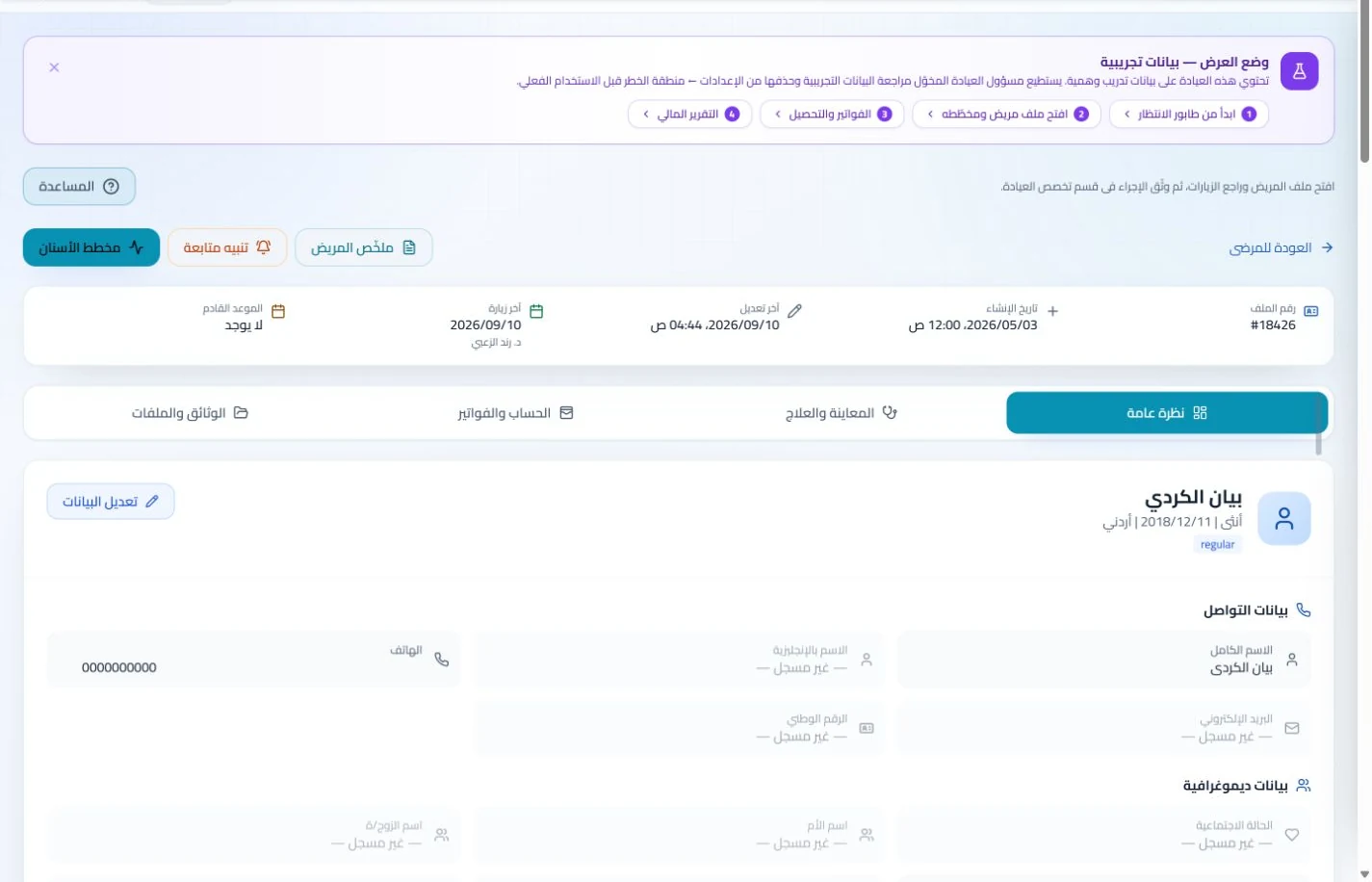
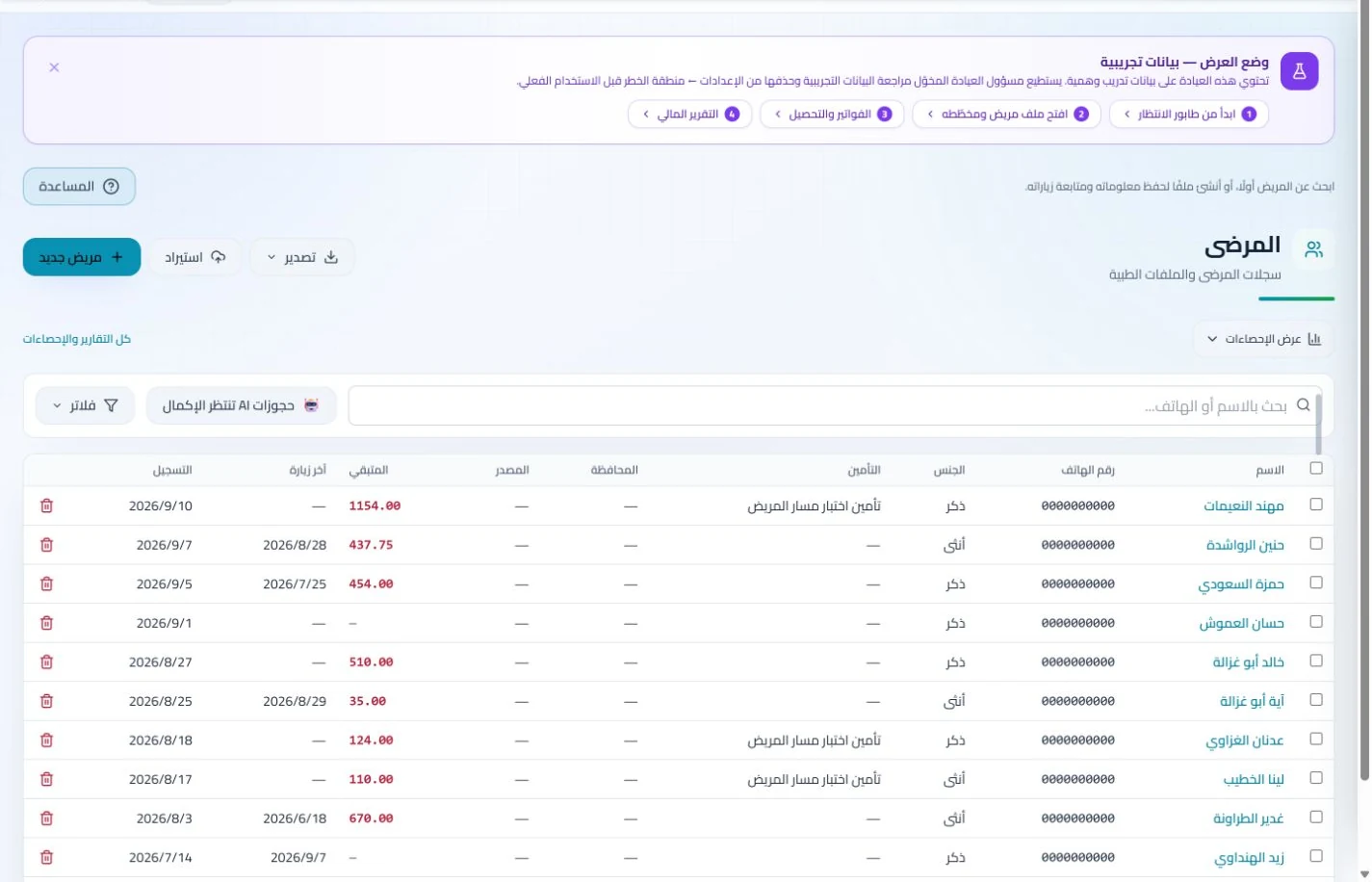
Patient records
Keep patient details, visits, attachments, prescriptions and plans in a retrievable record. Recording information during the visit reduces later searching and repeated documentation.
Book, change and cancel appointments and follow attendance, the waiting queue and working hours. Updating states during the day gives clinicians and reception a common scheduling reference.
Update postponed bookings and review attendance in the schedule, with available reminders configured. Reception can coordinate the family’s return from the recorded appointment rather than conflicting paper arrangements.
Appointments
Book, change and cancel appointments and follow attendance, the waiting queue and working hours. Updating states during the day gives clinicians and reception a common scheduling reference.
Configure appointment reminders and enabled communication channels, with follow-up tasks and available message logs. Configured reminders reduce repetitive manual sending; delivery depends on service setup and activation.
Record clinic service charges and payments and log stocked dressing materials. Staff have an account to explain to the family and a material balance to check before preparing the next day’s reviews.
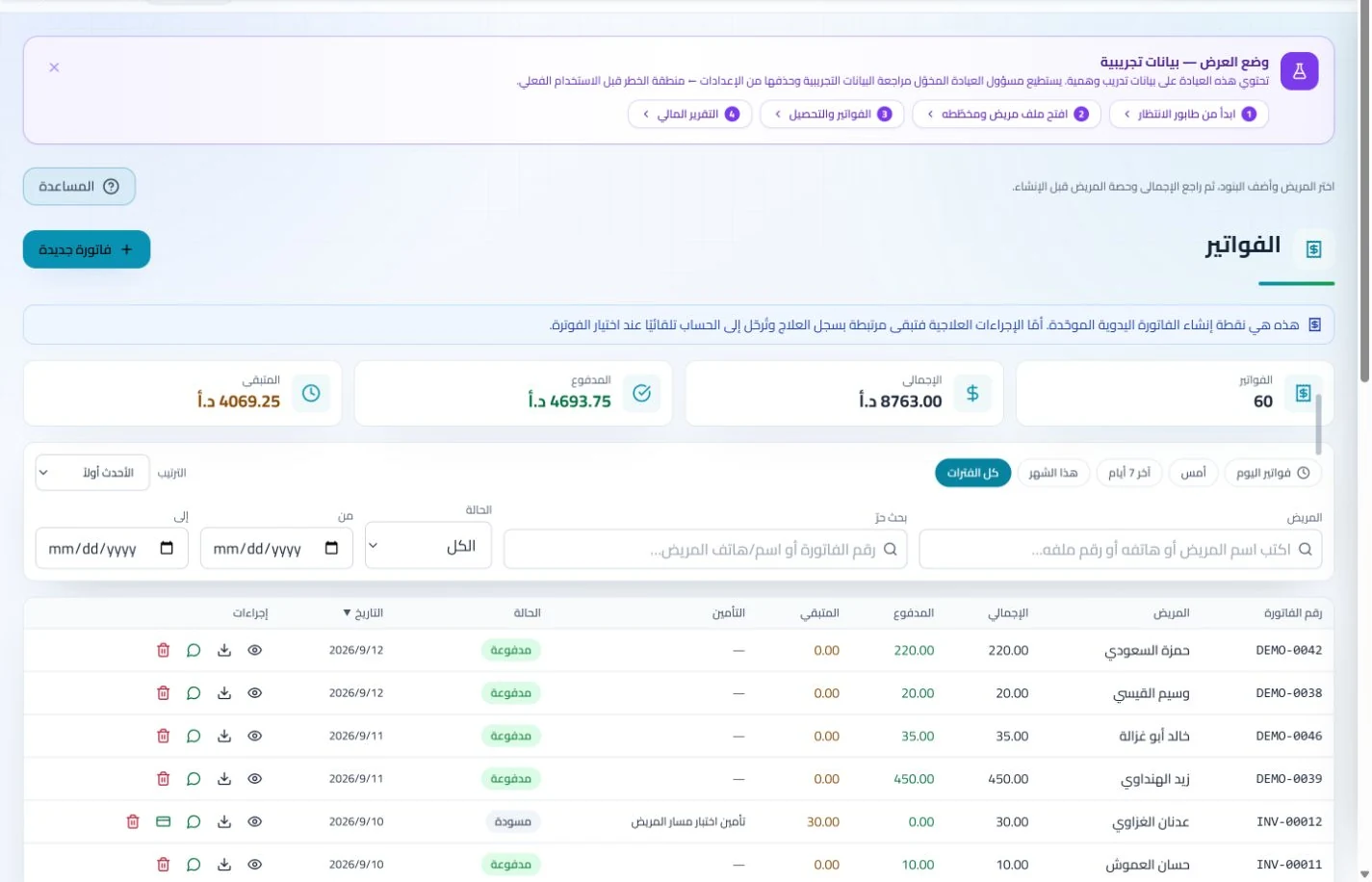
Invoices and collections
Manage invoices, receipts, payments, outstanding balances and installments when enabled. Recording payments when received distinguishes collected amounts from balances needing follow-up without repeated manual calculation.
Track items, quantities, storage, movements and stocktakes with low-stock and expiry alerts. Accurate balances require logged receipts and usage; review them to identify replenishment needs before supplies run out.
What makes software suitable for a pediatric surgery clinic in Jordan?
Start with a sample child who has a procedure report and a review booked through a guardian, then add an invoice and payment. Test identity and contact searches, correct-report retrieval and reception’s ability to explain the service without editing clinical notes. ClinicsJo organizes records, attachments, appointments and accounts, not a hospital operating system. During migration, inspect duplicate rules for siblings sharing a phone number, and review staff permissions and included features before subscribing.
Create your account, set up clinic details and services, and try the software free for 7 days. Then choose a clinic-management plan for your clinicians, team and required features.
A clinic-management subscription combines tools for patient records, appointments, billing and teamwork with a doctor and clinic profile on ClinicsJo. We prepare your profile for indexing and organize your specialty, services and location to support discovery in Google and AI-powered search. Tools and limits depend on your selected plan.
The plans page lists current prices, features and limits; some services require activation and setup.