Sociology & Social Work Clinic Management Software in Jordan
Social consultations need appointments, notes and access-controlled documents. Organized client records make practitioner-entered information retrievable.
How do I hand client follow-up to another staff member?
Document the interview and outstanding work and assign a task to the colleague. Review file-access permissions so they can use the information needed for their role.
An everyday clinic example
An interview leaves a document to follow up
Document the interview and attach the received document, then assign responsibility for the outstanding paper. Book the next appointment and add new notes on return so authorized colleagues can see completed work without repeating the whole interview.
Keep a separate record for each client.
Document the interview summary and required documents.
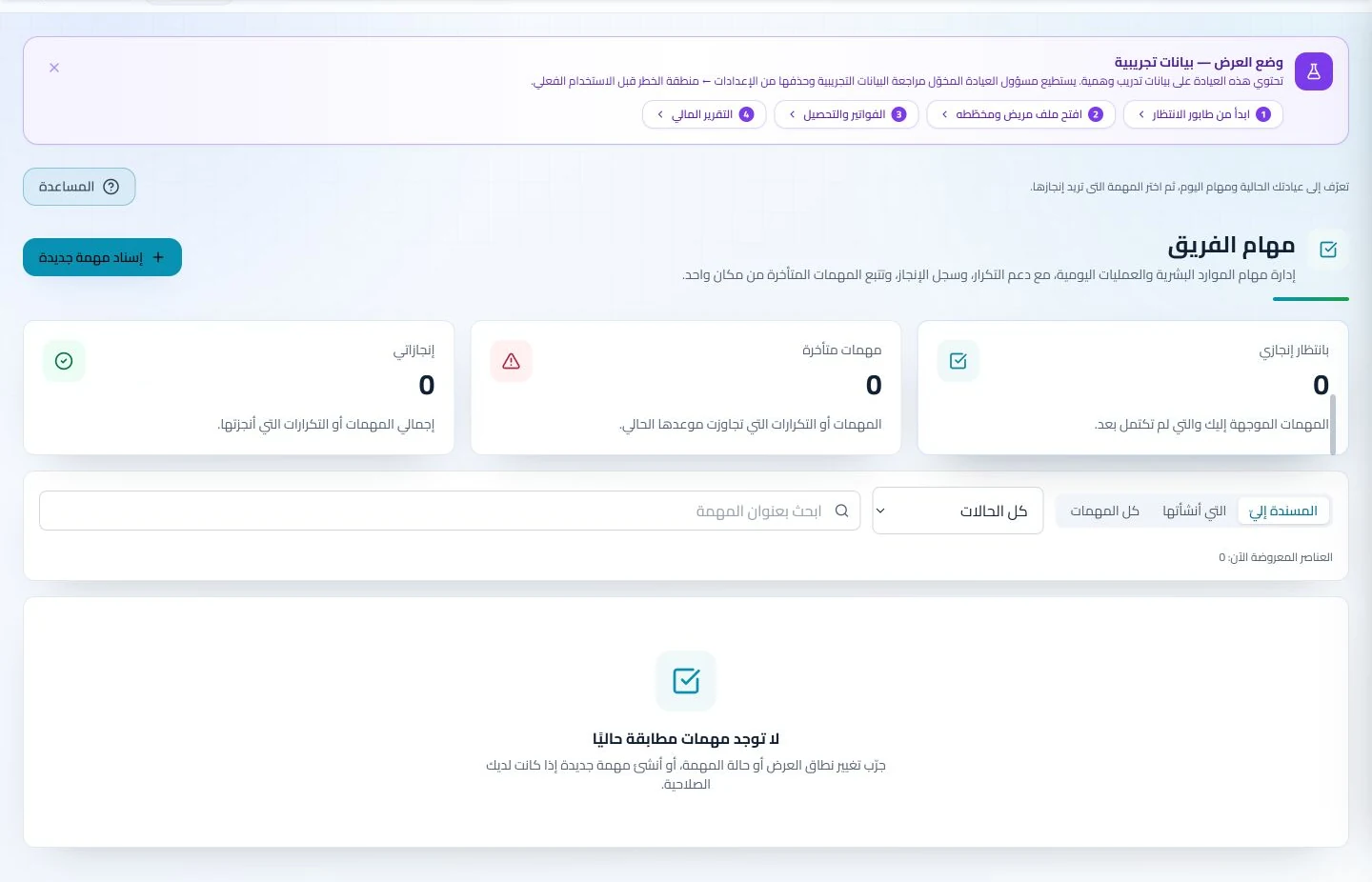
Assign the task to a team member and track completion.
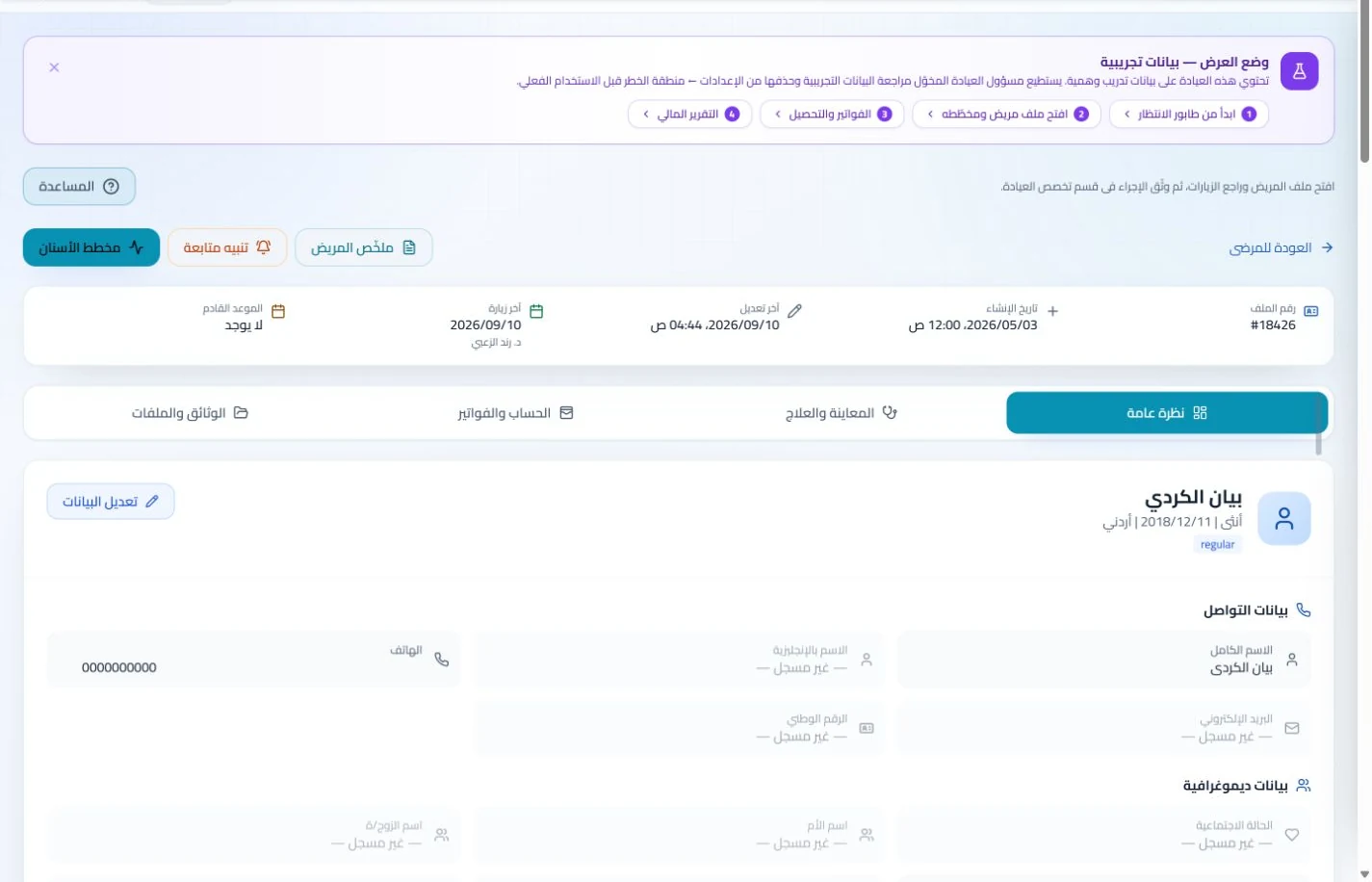
Organize beneficiary details, documents and meeting notes in the record with authorized staff permissions. Specialists can retrieve earlier team documentation without collecting papers from several colleagues before each meeting.
Patient records
Keep patient details, visits, attachments, prescriptions and plans in a retrievable record. Recording information during the visit reduces later searching and repeated documentation.
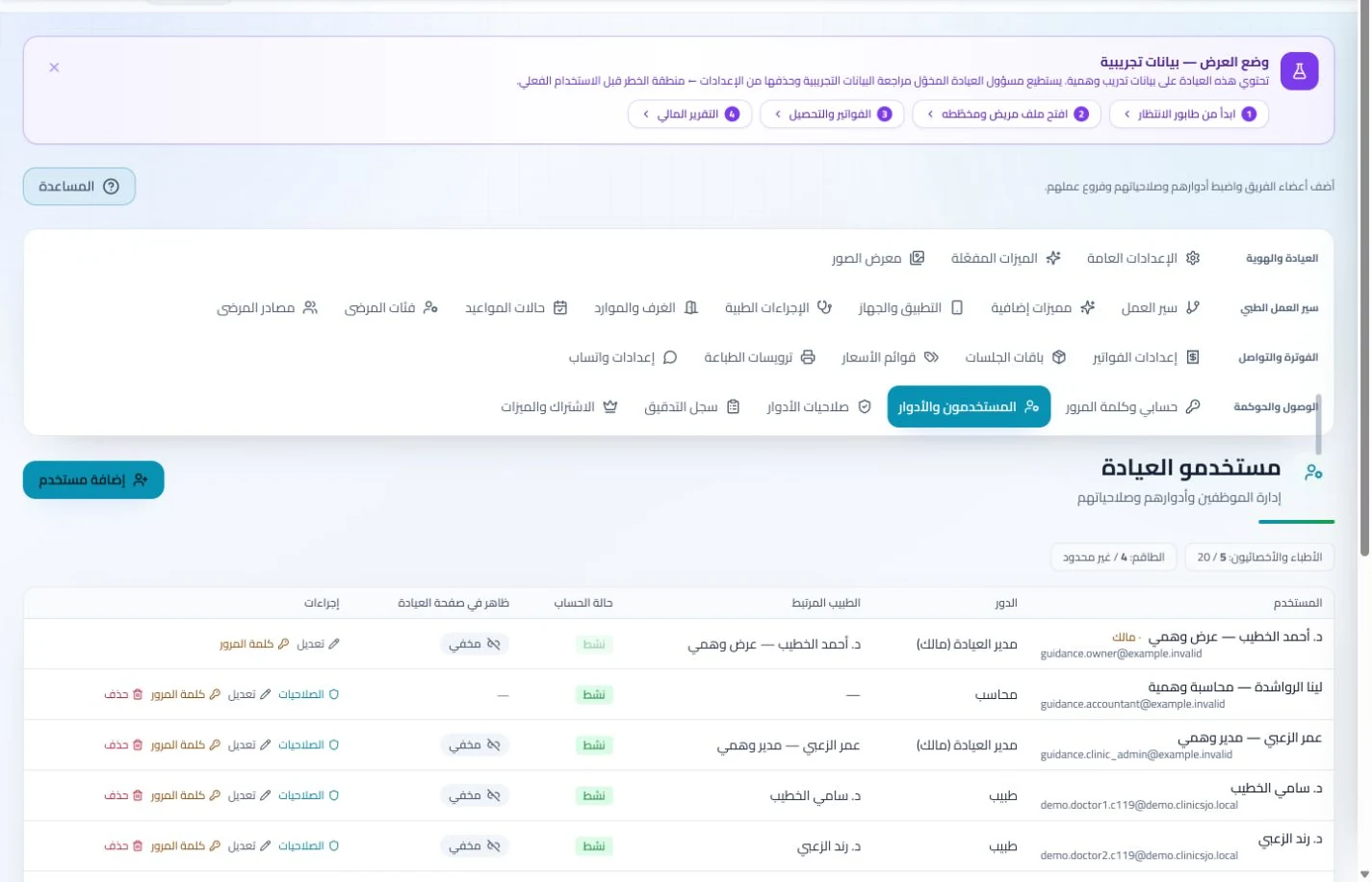
Configure services, prices, rooms and branches with user permissions and team tasks. Defined roles and follow-up ownership clarify handovers and reduce internal questions about the next administrative action.
Book the next meeting and create an administrative follow-up task with a named owner. Appointment and task records show progress without leaving coordination in conversations unavailable to the rest of the team.
Appointments
Book, change and cancel appointments and follow attendance, the waiting queue and working hours. Updating states during the day gives clinicians and reception a common scheduling reference.
Configure appointment reminders and enabled communication channels, with follow-up tasks and available message logs. Configured reminders reduce repetitive manual sending; delivery depends on service setup and activation.
Administer the centre alongside beneficiary support
For paid services, record invoices and payments in the account and administer staff attendance, leave and payroll. Dedicated records keep financial and employee details out of meeting notes where they are difficult to retrieve.
Invoices and collections
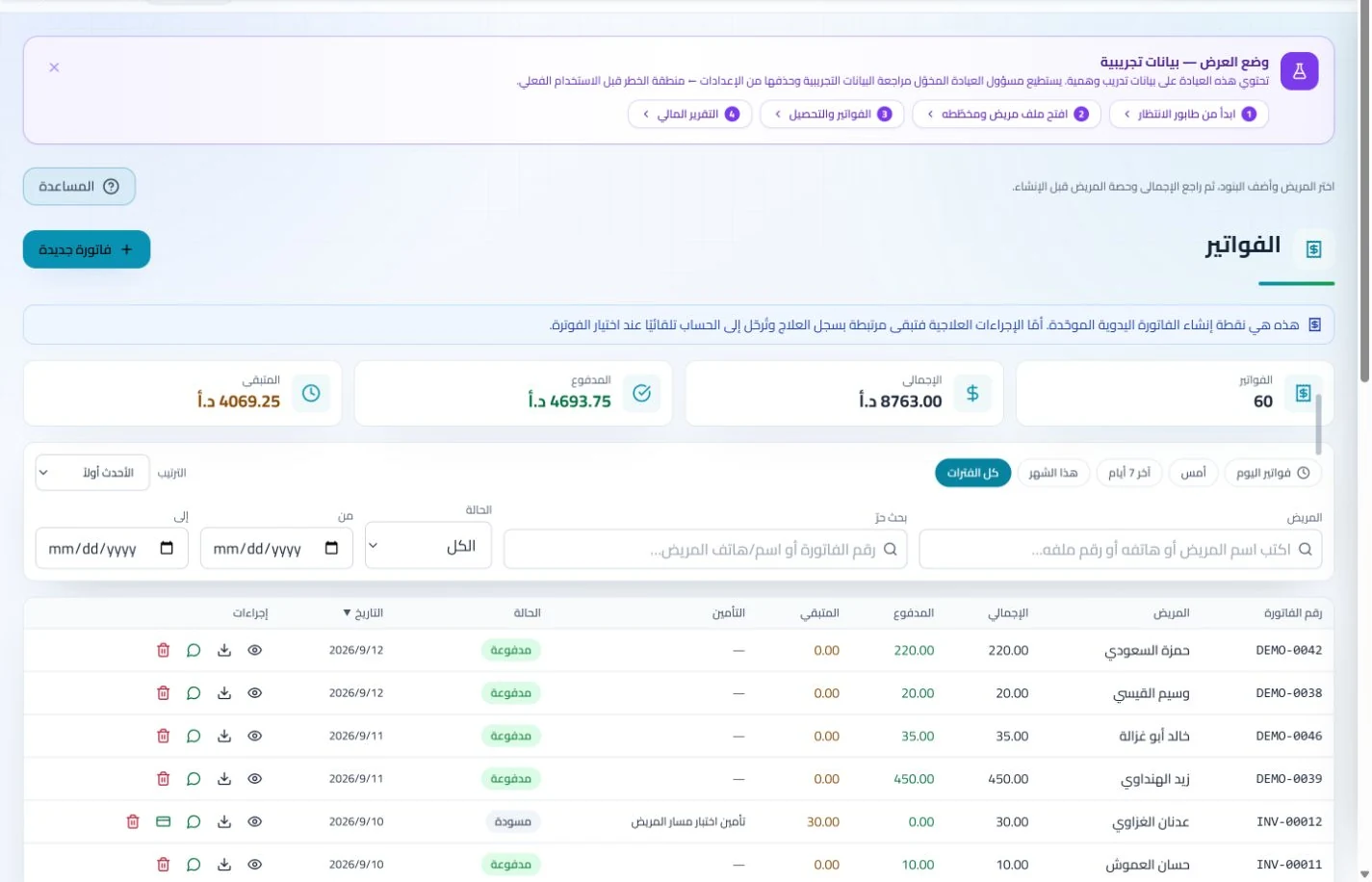
Manage invoices, receipts, payments, outstanding balances and installments when enabled. Recording payments when received distinguishes collected amounts from balances needing follow-up without repeated manual calculation.
Administer attendance, leave, payroll, advances and commissions according to clinic settings. Dedicated employee records make payroll preparation easier to review with fewer searches through notebooks and messages.
What should a social work center in Jordan test in management software?
Run a training interview that leaves a missing document and an assigned task, then hand follow-up to an authorized colleague and ask them to identify task status and the next meeting. Assess ownership and record access, plus the service account where relevant. ClinicsJo’s general tools can organize this work; do not assume a legal case-management system or integrated government referral platform. Review field suitability, export formats, staff numbers and permissions before comparing subscription costs.
Create your account, set up clinic details and services, and try the software free for 7 days. Then choose a clinic-management plan for your clinicians, team and required features.
A clinic-management subscription combines tools for patient records, appointments, billing and teamwork with a doctor and clinic profile on ClinicsJo. We prepare your profile for indexing and organize your specialty, services and location to support discovery in Google and AI-powered search. Tools and limits depend on your selected plan.
The plans page lists current prices, features and limits; some services require activation and setup.