Alternative & Complementary Medicine Clinic Management Software in Jordan
Practitioners can organize authorized services, appointments and visit notes in one record. Clear services, fees and documentation support daily administration.
How do I manage different complementary-clinic service prices?
Define each service and price in clinic settings and select the delivered service on the invoice. The client account shows charges and payments across visits.
An everyday clinic example
A client books a different service next time
Reception opens the existing file and selects the new service and price. Retrieve earlier notes and document the current visit. Invoice the delivered service and record payment to keep old and new charges distinguishable.
Define clinic services with their names and prices.
Keep professional documentation for each visit.
Review the client's account when the service changes.
Maintain client details, service notes and supplied documents in the record and book the return visit. Practitioners can retrieve earlier documentation before the next session instead of relying on scattered personal notes.
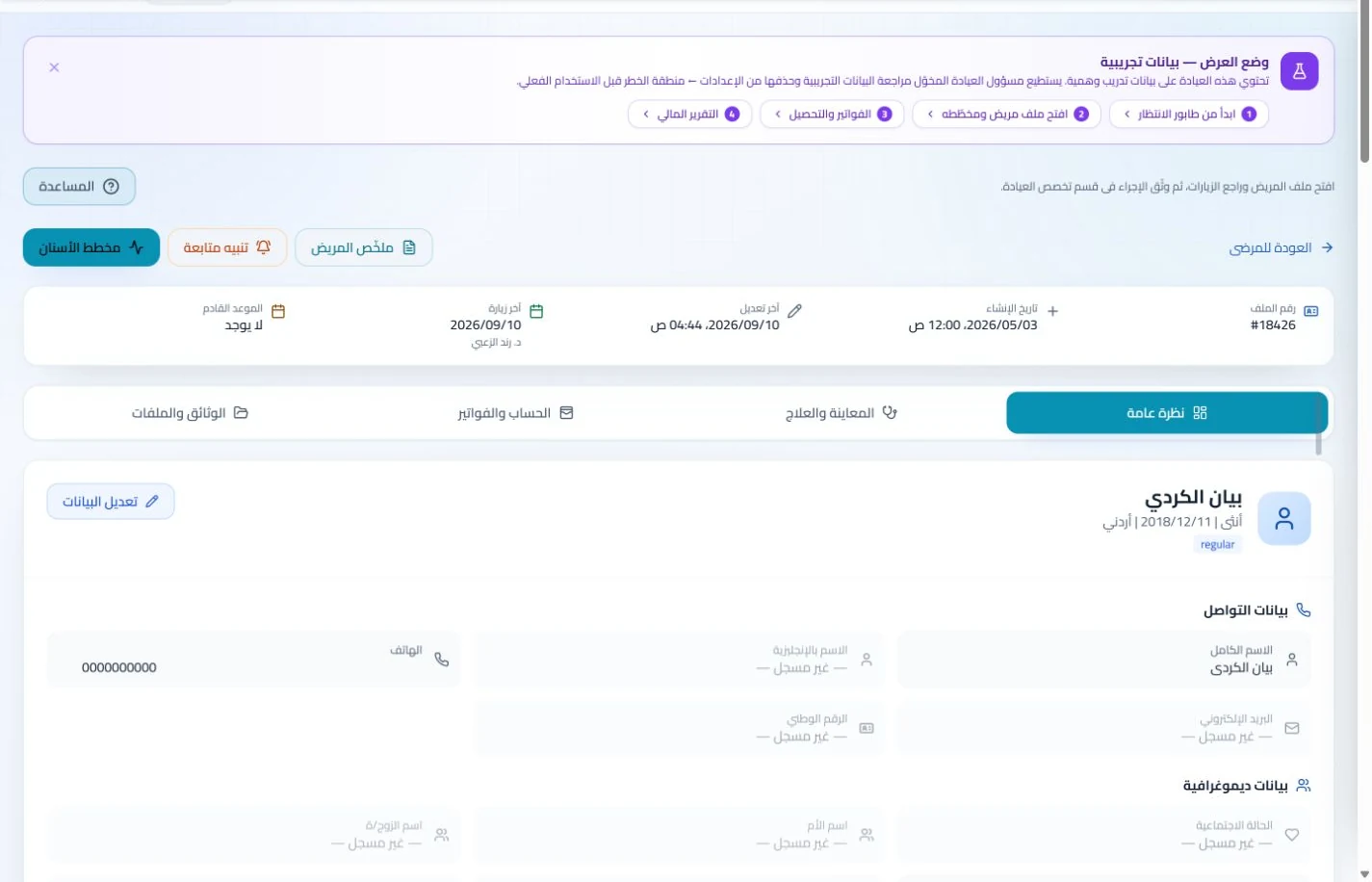
Patient records
Keep patient details, visits, attachments, prescriptions and plans in a retrievable record. Recording information during the visit reduces later searching and repeated documentation.
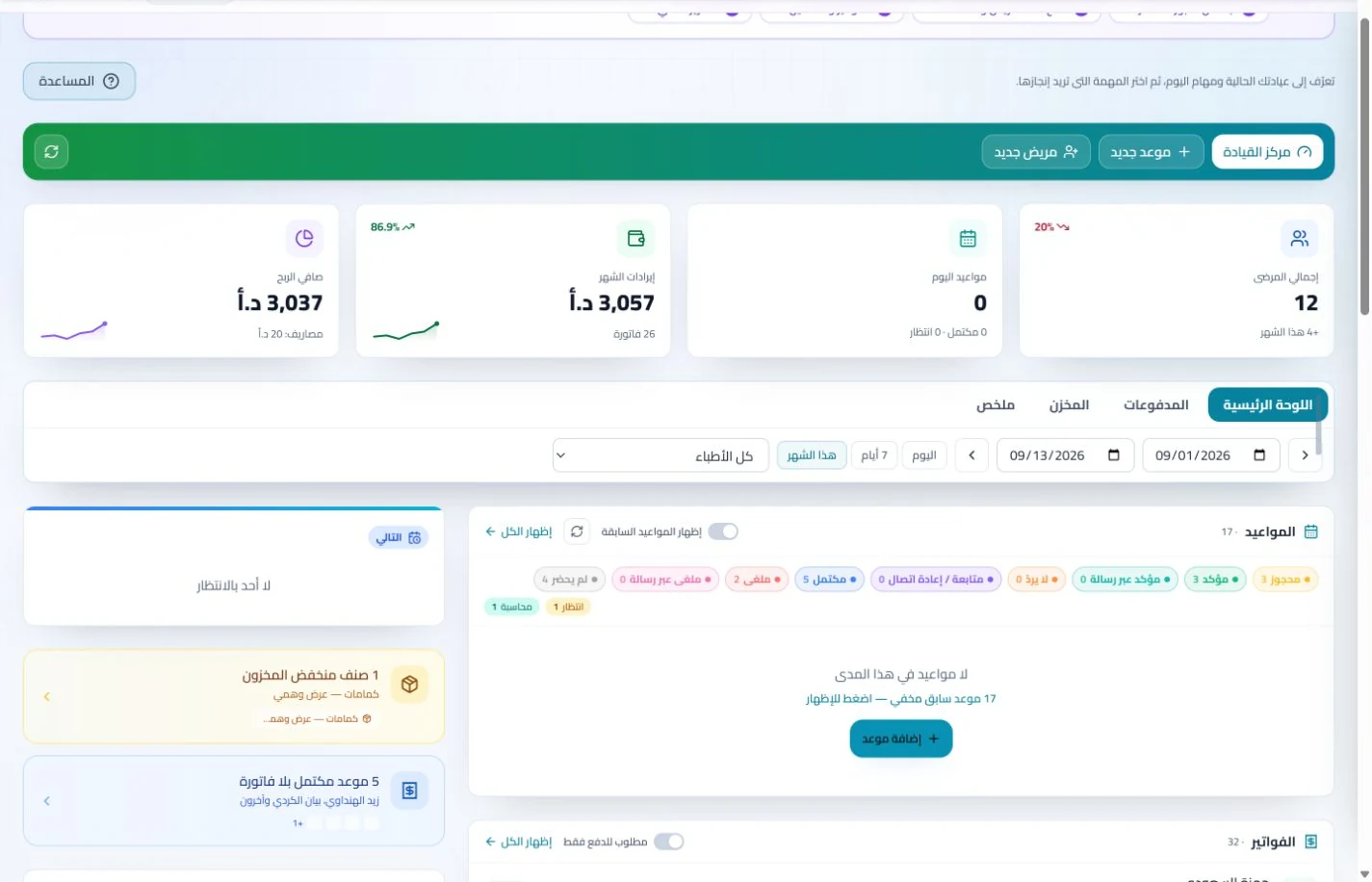
Book, change and cancel appointments and follow attendance, the waiting queue and working hours. Updating states during the day gives clinicians and reception a common scheduling reference.
Set up centre services and prices and publish relevant profile information. Record invoices and payments so reception has a reference when answering questions about a service or the amount paid.
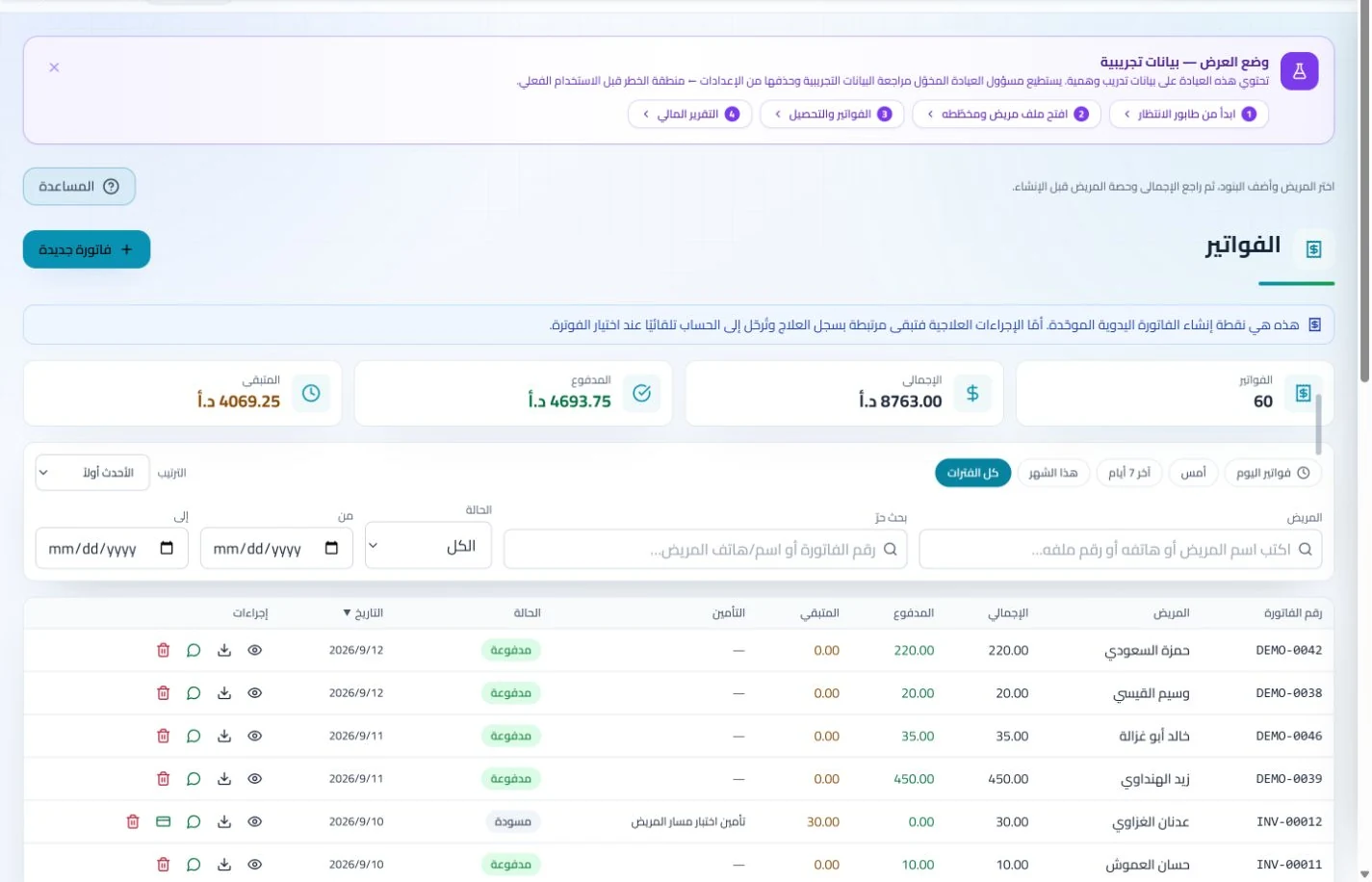
Invoices and collections
Manage invoices, receipts, payments, outstanding balances and installments when enabled. Recording payments when received distinguishes collected amounts from balances needing follow-up without repeated manual calculation.
A public practice profile presents contact details and published services, alongside available booking tools and help guides. Visitors can find practice information while staff access guidance as they learn the tools.
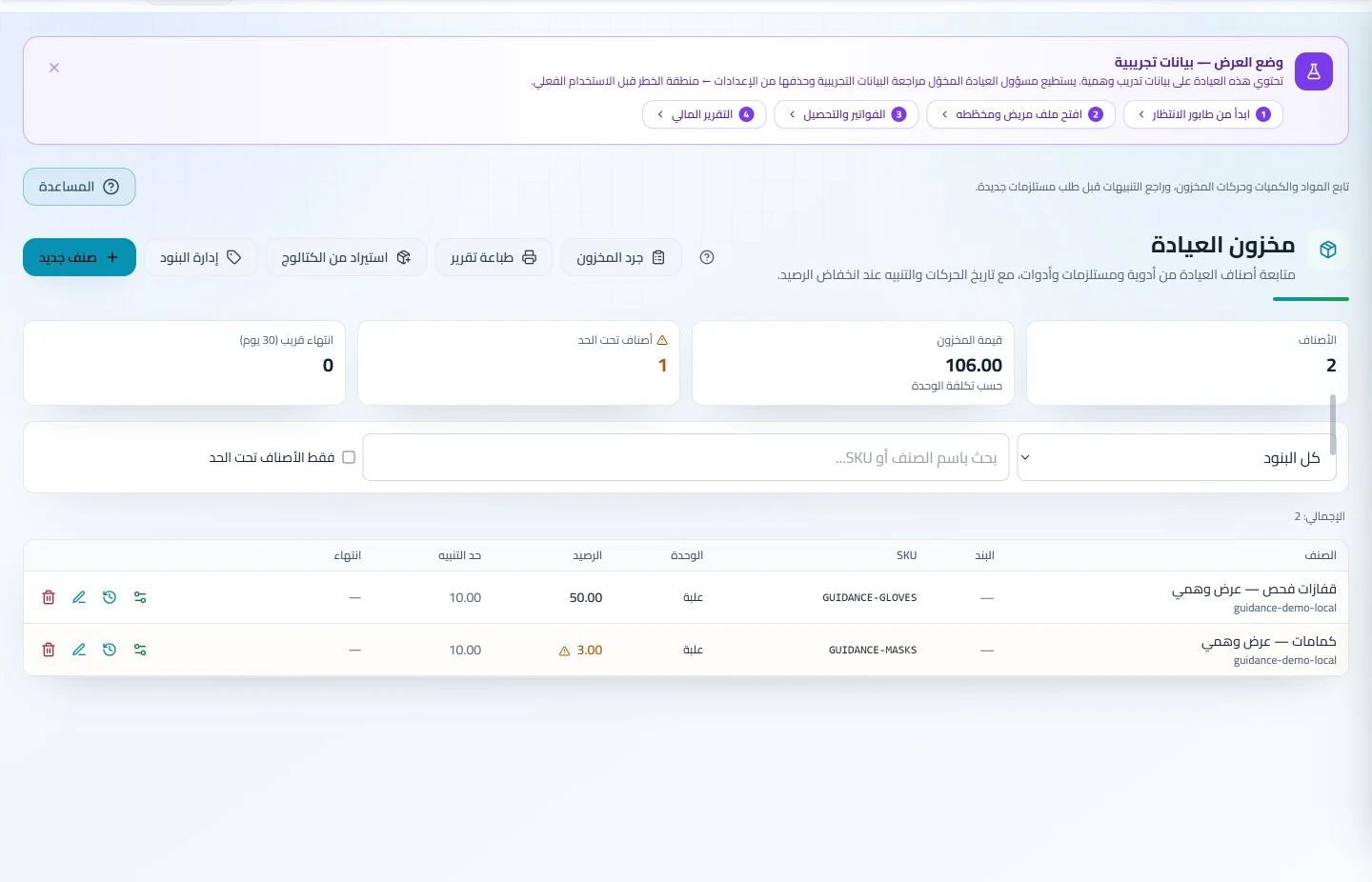
Record consumable balances and movements with thresholds for regularly needed items. Supplier links help responsible staff identify replenishment sources without searching older paper invoices.
Inventory and storage
Track items, quantities, storage, movements and stocktakes with low-stock and expiry alerts. Accurate balances require logged receipts and usage; review them to identify replenishment needs before supplies run out.
Maintain supplier details and material sources, plus lab orders, statuses and accounts where used. Records help staff find the relevant provider and earlier order without searching separate conversations and notebooks.
How should I compare software for a complementary medicine clinic in Jordan?
Start with two clearly named services with different durations and prices, then book them for a sample patient across two visits and record notes and payments. Explain each account line and retrieve earlier documentation. ClinicsJo organizes services, records and enabled inventory; listing a service does not establish medical effectiveness or practitioner accreditation. Compare administrative accuracy, permissions and pricing transparency, and decide which information will be published on the public profile before selecting a plan.
Create your account, set up clinic details and services, and try the software free for 7 days. Then choose a clinic-management plan for your clinicians, team and required features.
A clinic-management subscription combines tools for patient records, appointments, billing and teamwork with a doctor and clinic profile on ClinicsJo. We prepare your profile for indexing and organize your specialty, services and location to support discovery in Google and AI-powered search. Tools and limits depend on your selected plan.
The plans page lists current prices, features and limits; some services require activation and setup.