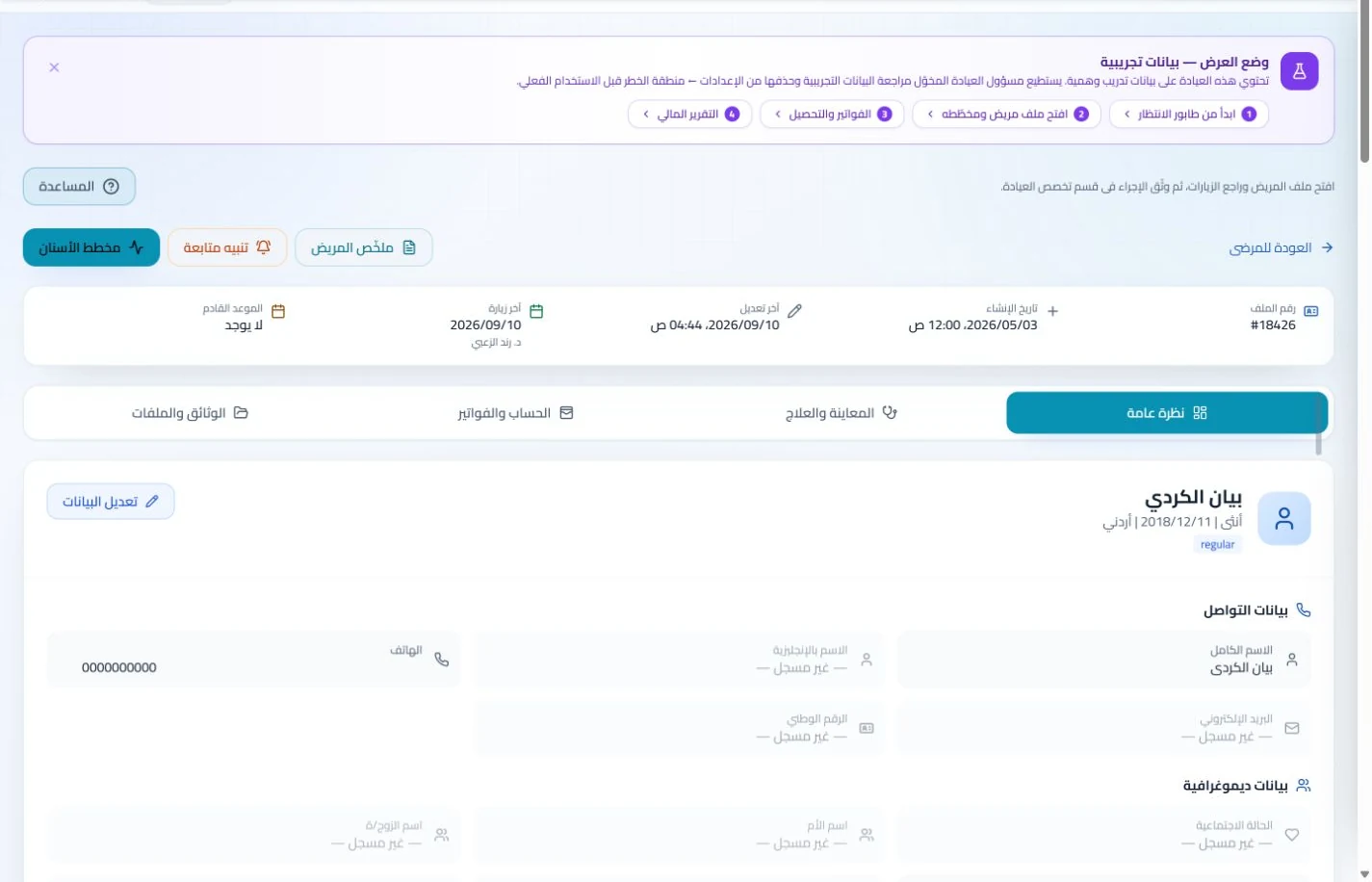
Document the procedure and notes in the visit and attach relevant documents. Add later assessments as new visits so each stage can be retrieved by date.
An everyday clinic example
A pain-clinic review after a documented intervention
Read the earlier procedure notes and report before recording your current assessment. Staff select the review or session service and book the appointment you decide on. Payments stay separate from your documented observations.
Retrieve procedure details before the follow-up visit.
Document your assessment after each pain-clinic visit.
Distinguish assessment fees from procedure services.
Document the visit and supporting reports in the patient record, then book follow-up. Retrieve earlier session notes at the return visit instead of searching separate paper notes.
Patient records
Keep patient details, visits, attachments, prescriptions and plans in a retrievable record. Recording information during the visit reduces later searching and repeated documentation.
Book, change and cancel appointments and follow attendance, the waiting queue and working hours. Updating states during the day gives clinicians and reception a common scheduling reference.
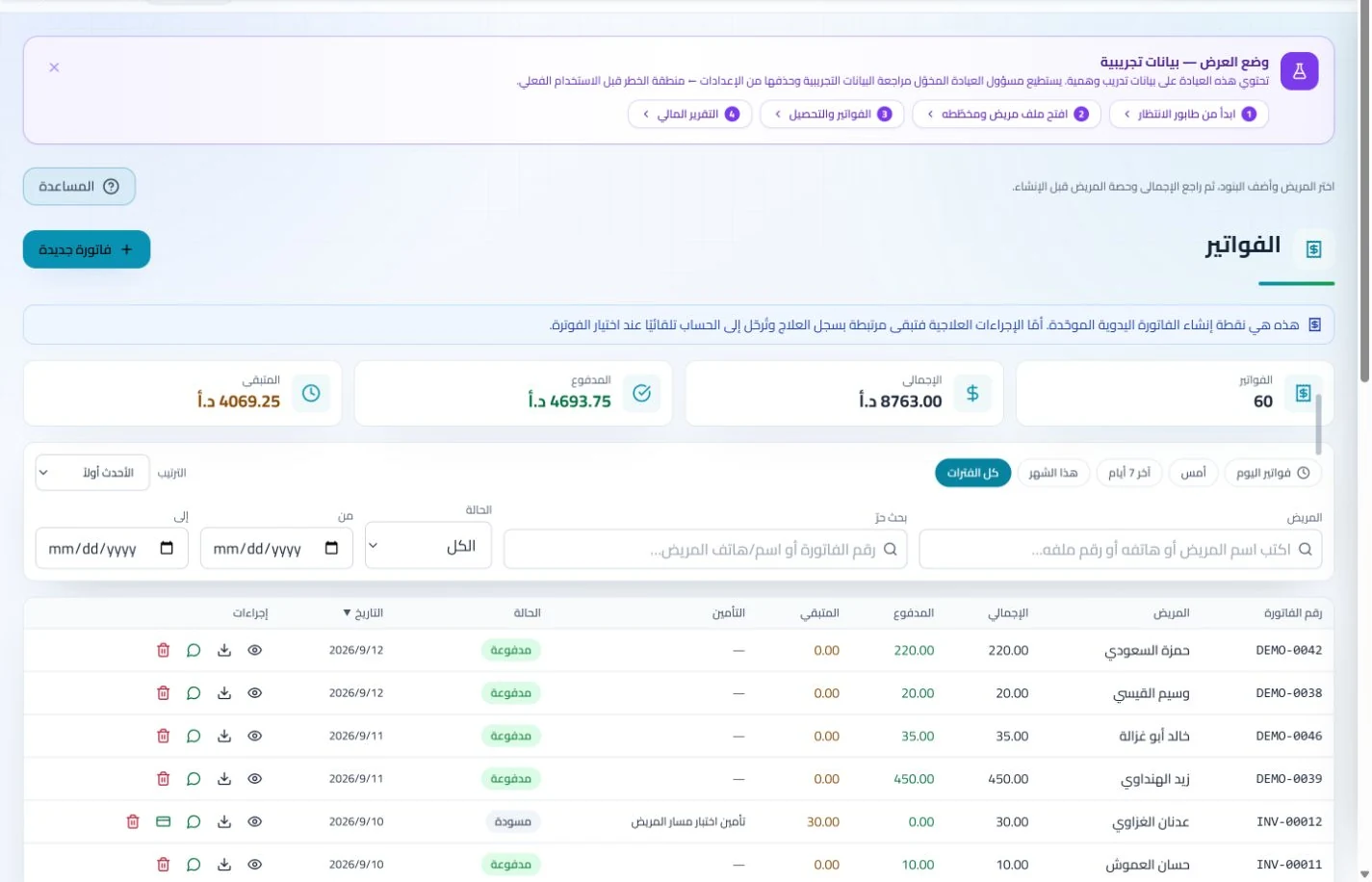
Invoice services actually delivered and record patient payments, following an insurer claim where relevant. This provides a clearer account when someone asks about a previous session or review charge.
Invoices and collections
Manage invoices, receipts, payments, outstanding balances and installments when enabled. Recording payments when received distinguishes collected amounts from balances needing follow-up without repeated manual calculation.
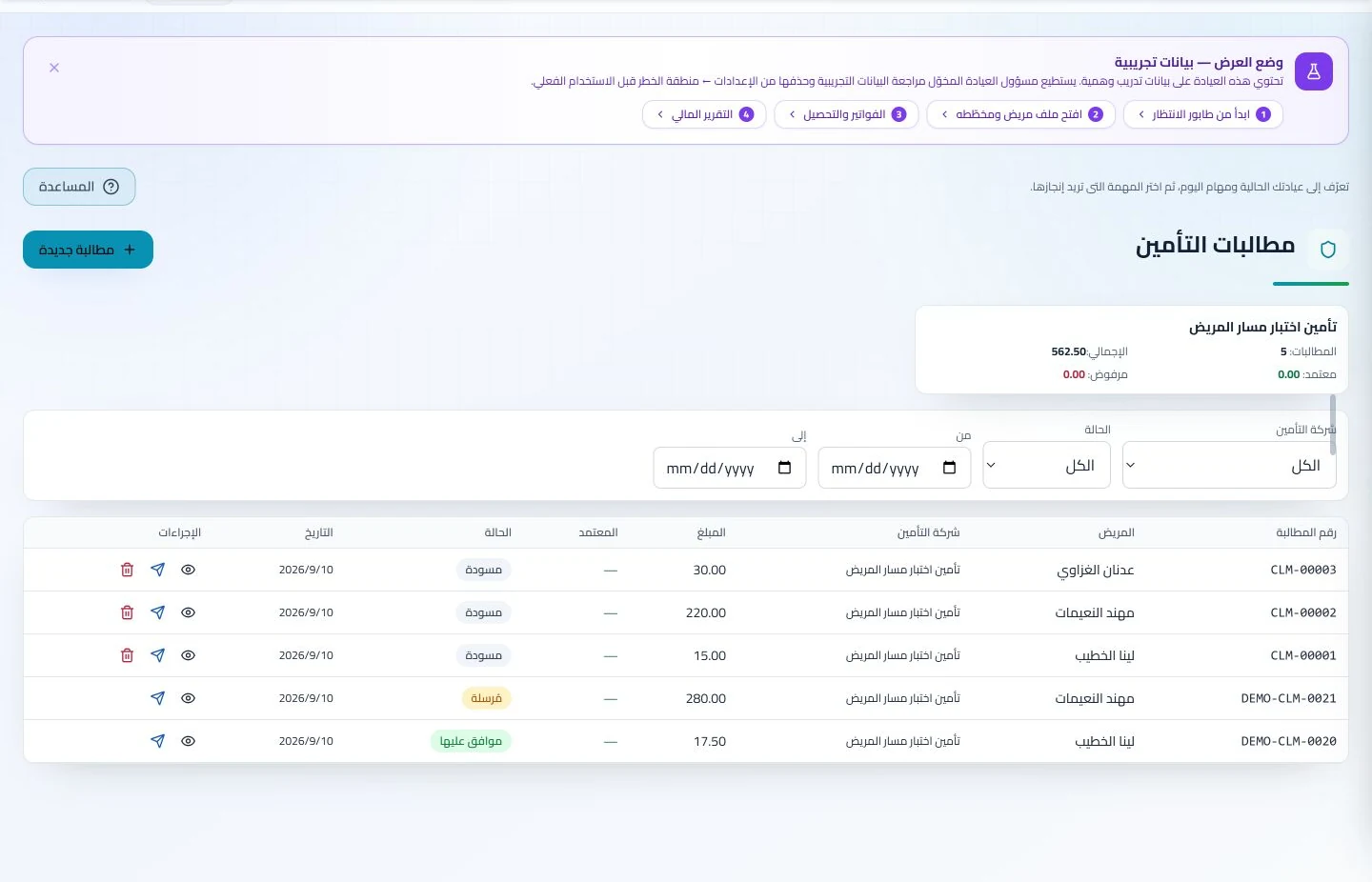
Maintain insurer details, claim amounts and statuses, receivables and settlements. Reviewing claims by company and status helps responsible staff identify items needing follow-up or completion.
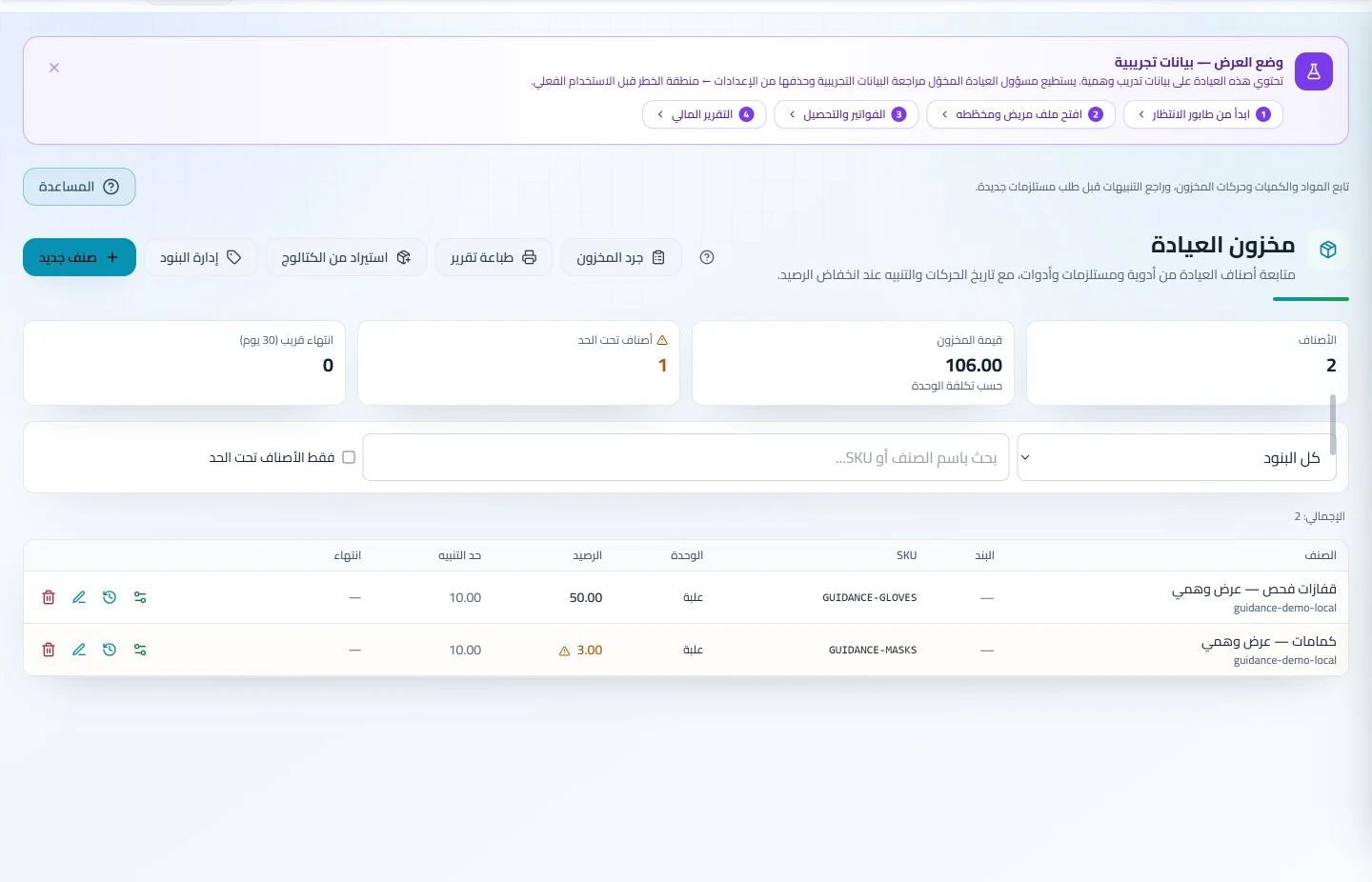
Track logged consumable movements and thresholds and assign preparation checks to the team. Staff can identify replenishment and follow-up needs before discovering shortages during a busy clinic day.
Inventory and storage
Track items, quantities, storage, movements and stocktakes with low-stock and expiry alerts. Accurate balances require logged receipts and usage; review them to identify replenishment needs before supplies run out.
Configure services, prices, rooms and branches with user permissions and team tasks. Defined roles and follow-up ownership clarify handovers and reduce internal questions about the next administrative action.
How should I compare software for a pain management clinic in Jordan?
Request a consultation, procedure and later review with clear services and charges, then retrieve procedure notes at follow-up. Add a consumable movement if inventory is part of your requirements. Compare connections between records, appointments and accounts rather than template counts. ClinicsJo organizes staff-entered documentation; it does not automatically infer procedure outcomes or clinical plans. Review plan details, inventory activation and permissions, and try the scenario as both clinician and collections staff.
Create your account, set up clinic details and services, and try the software free for 7 days. Then choose a clinic-management plan for your clinicians, team and required features.
A clinic-management subscription combines tools for patient records, appointments, billing and teamwork with a doctor and clinic profile on ClinicsJo. We prepare your profile for indexing and organize your specialty, services and location to support discovery in Google and AI-powered search. Tools and limits depend on your selected plan.
The plans page lists current prices, features and limits; some services require activation and setup.