Anesthesia & Intensive Care Clinic Management Software in Jordan
Outpatient anesthesia consultations and pre-procedure assessments can use appointments and records. Visit documentation gathers the reports clinicians use for assessment.
How do I retain an anesthesia consultation report?
Attach your report to the patient file with dated visit notes. Authorized users can retrieve it during outpatient consultation follow-up.
An everyday clinic example
A pre-procedure consultation with documents received in advance
Attach received reports before the patient attends. Review them, document your consultation and upload the report you prepared. Reception records the assessment fee and books any additional review you request.
Document the outpatient pre-procedure consultation
For consultations managed outside the hospital, save supplied reports and assessment notes in the patient record. Retrieve earlier documentation for a review without reconstructing the original consultation paperwork.
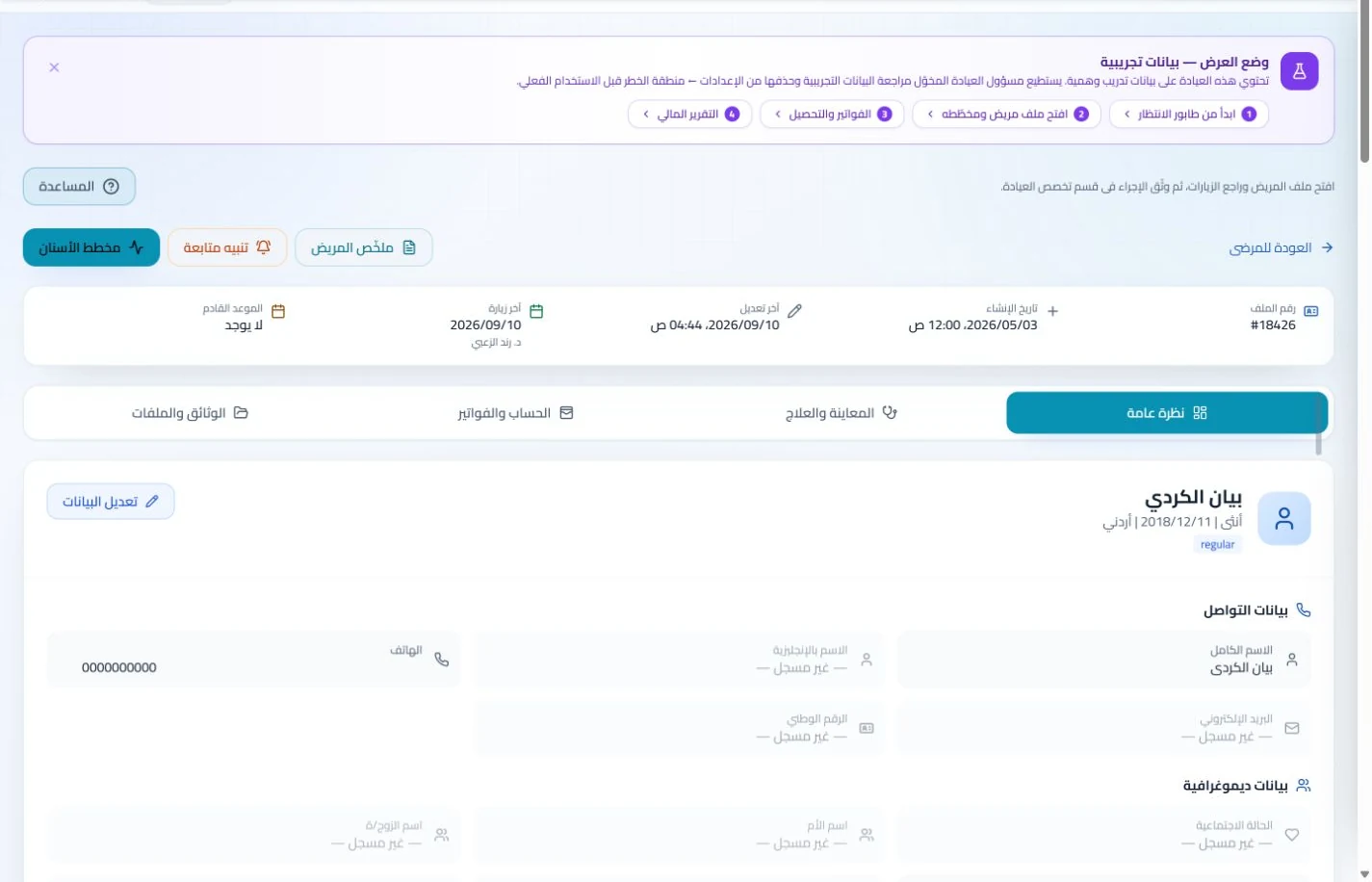
Patient records
Keep patient details, visits, attachments, prescriptions and plans in a retrievable record. Recording information during the visit reduces later searching and repeated documentation.
Book, change and cancel appointments and follow attendance, the waiting queue and working hours. Updating states during the day gives clinicians and reception a common scheduling reference.
Define working hours and available services and assign file-preparation tasks to authorized staff. A practice schedule helps the team distinguish clinic appointments from work arrangements at other facilities.
Appointments
Book, change and cancel appointments and follow attendance, the waiting queue and working hours. Updating states during the day gives clinicians and reception a common scheduling reference.
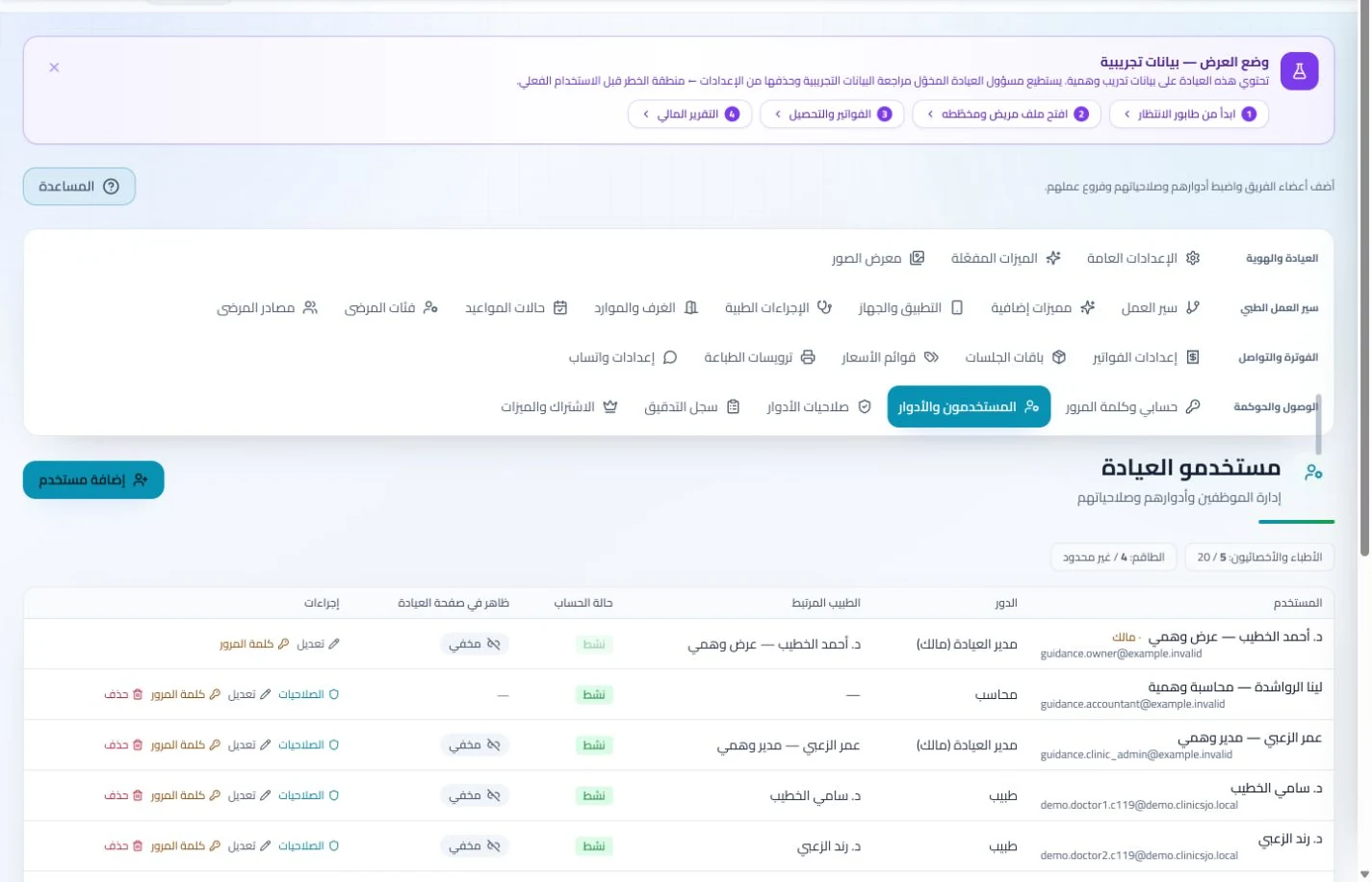
Configure services, prices, rooms and branches with user permissions and team tasks. Defined roles and follow-up ownership clarify handovers and reduce internal questions about the next administrative action.
Record consultation charges, payments and practice expenses, then review reports. A clear transaction record supports collection and receivable follow-up without assembling figures from messages at period end.
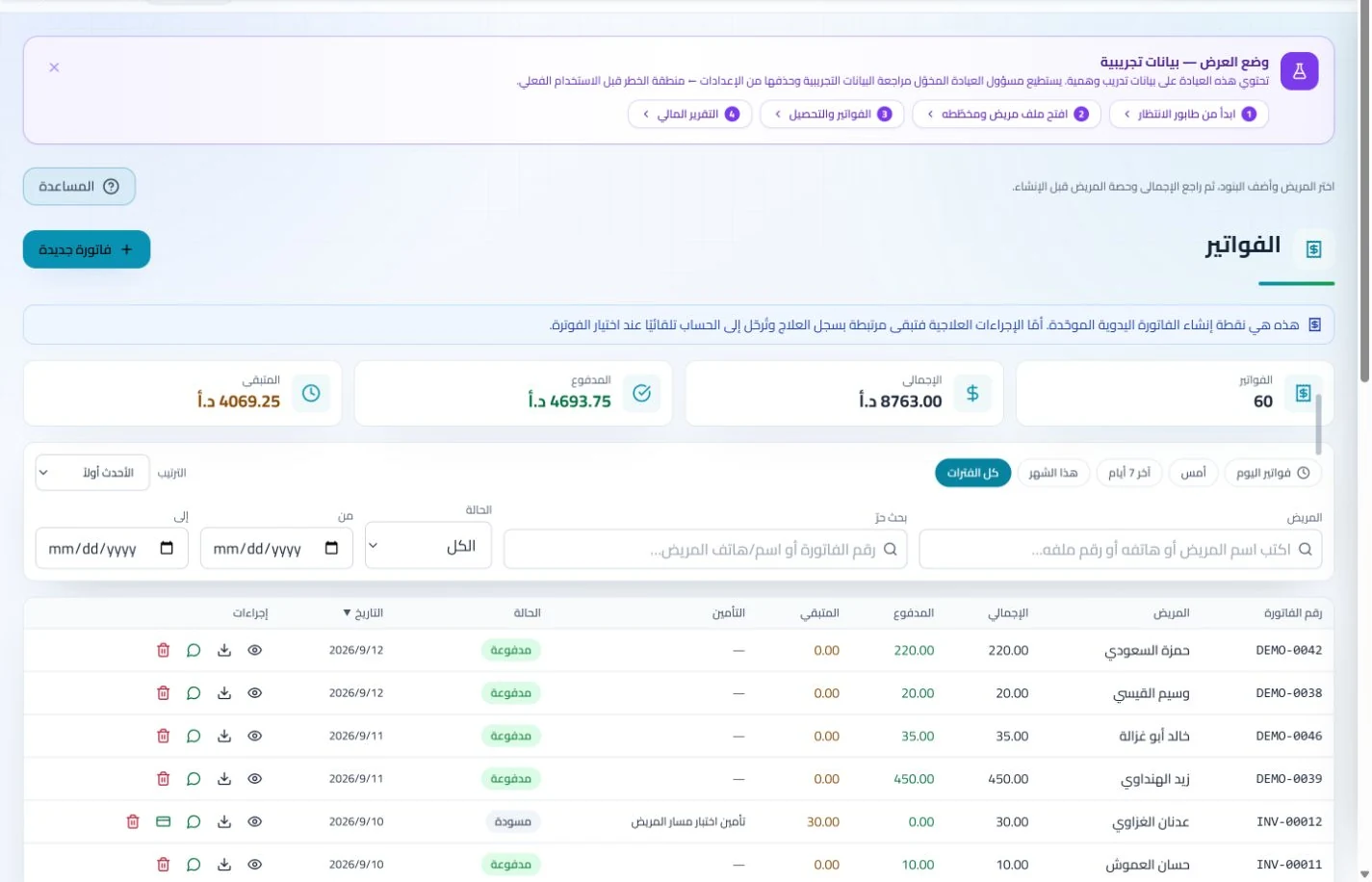
Invoices and collections
Manage invoices, receipts, payments, outstanding balances and installments when enabled. Recording payments when received distinguishes collected amounts from balances needing follow-up without repeated manual calculation.
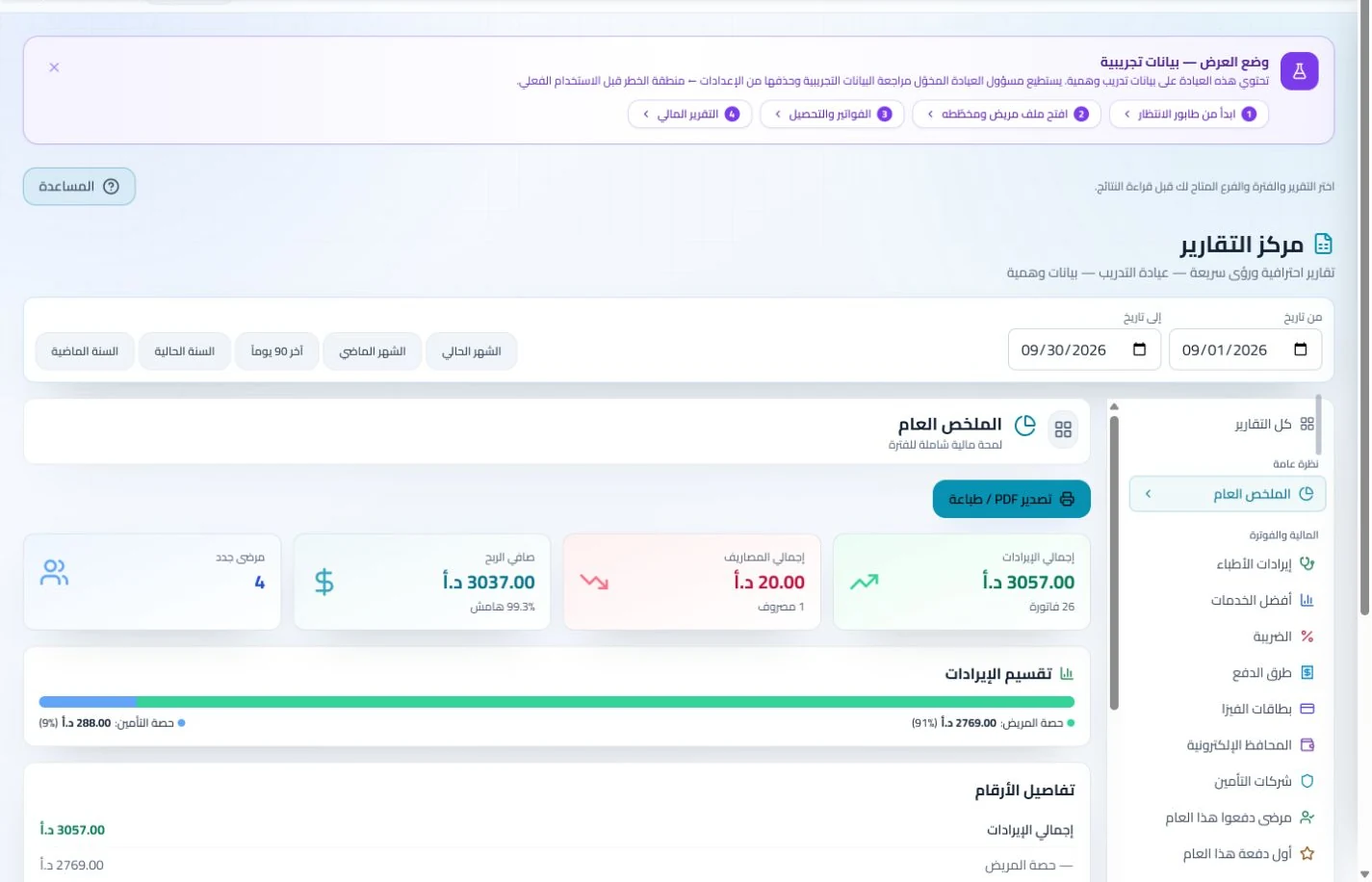
Organize income, expenses and cash accounts with financial reports and permission-based period locks. Recorded transactions give management a basis for account reviews without gathering figures from separate sources.
Can clinic management software fit anesthesia and intensive care work in Jordan?
The answer depends on the scope you need to organize. Try an outpatient assessment with an appointment and advance documents, then save the clinician report and invoice the service. This tests ClinicsJo for consultation administration, records and accounts, not as a replacement for bedside monitoring or intensive-care systems. Establish whether you need a clinic workflow or hospital-unit operation, and review team permissions, attachments and reports before comparing costs or adopting a subscription.
Create your account, set up clinic details and services, and try the software free for 7 days. Then choose a clinic-management plan for your clinicians, team and required features.
A clinic-management subscription combines tools for patient records, appointments, billing and teamwork with a doctor and clinic profile on ClinicsJo. We prepare your profile for indexing and organize your specialty, services and location to support discovery in Google and AI-powered search. Tools and limits depend on your selected plan.
The plans page lists current prices, features and limits; some services require activation and setup.