A skin assessment, a procedure session and a response review have different scheduling needs. Service types and appointment durations help organize each visit.
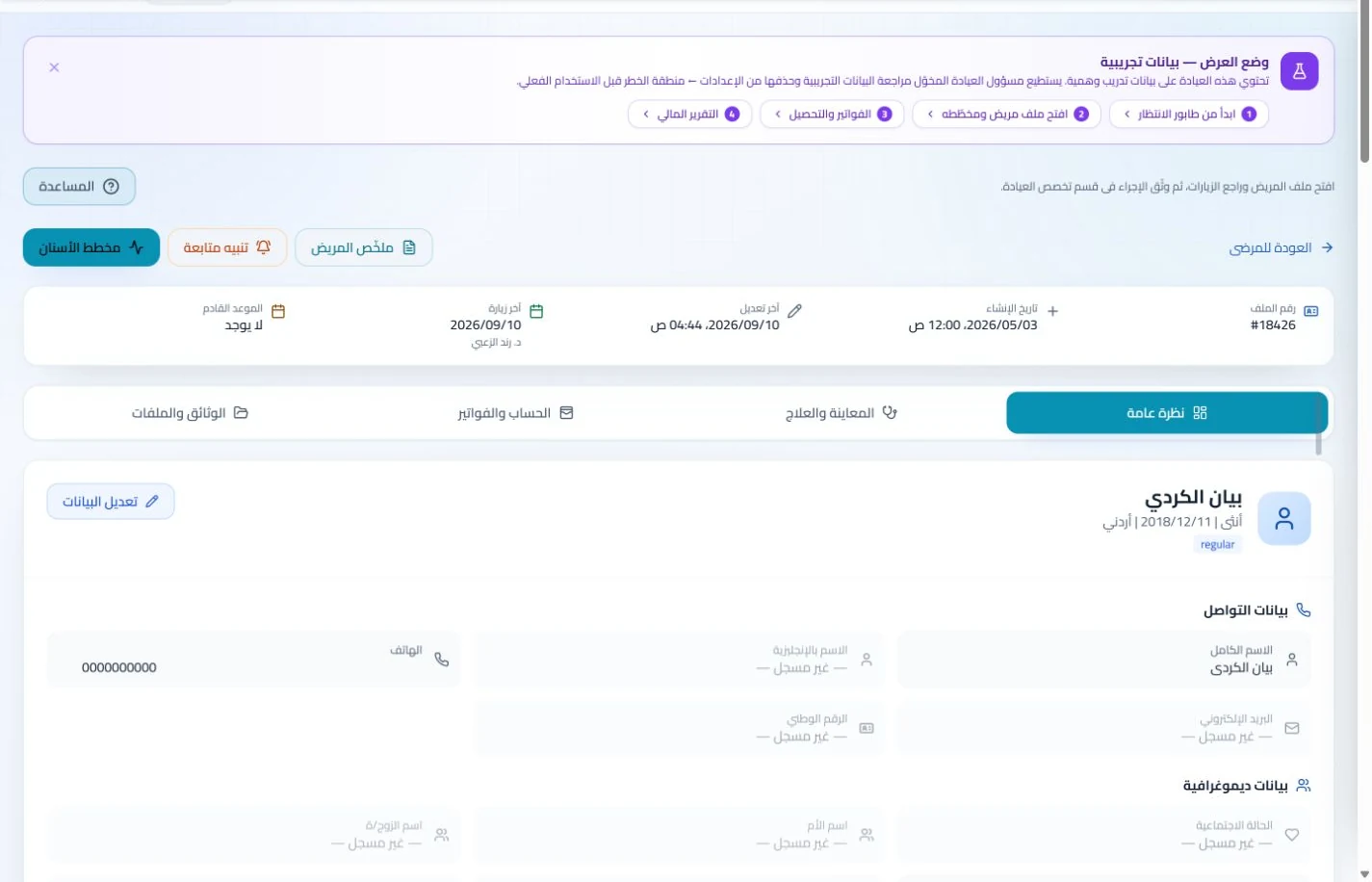
Attach images to the patient record and document the date and visit notes. Retrieve earlier attachments at review and assign staff access according to their responsibilities.
An everyday clinic example
Reviewing photographs between skin-treatment visits
Open earlier attachments and their dates before the appointment. Add today’s images and notes, then select the next service and appointment. Reception follows scheduling and billing while the documentation stays in the patient record.
Save follow-up photos and their notes in the patient record.
Define separate services for consultations and clinic treatment sessions.
Attach case photographs and session notes to the patient record, then arrange follow-up. Earlier images and documentation remain accessible alongside the visit history rather than in separate folders.
Patient records
Keep patient details, visits, attachments, prescriptions and plans in a retrievable record. Recording information during the visit reduces later searching and repeated documentation.
Book, change and cancel appointments and follow attendance, the waiting queue and working hours. Updating states during the day gives clinicians and reception a common scheduling reference.
Set up your services and prices, then invoice the service provided. Review income, expenses and outstanding payments to understand consultation and session accounts without an extra paper ledger.
Invoices and collections
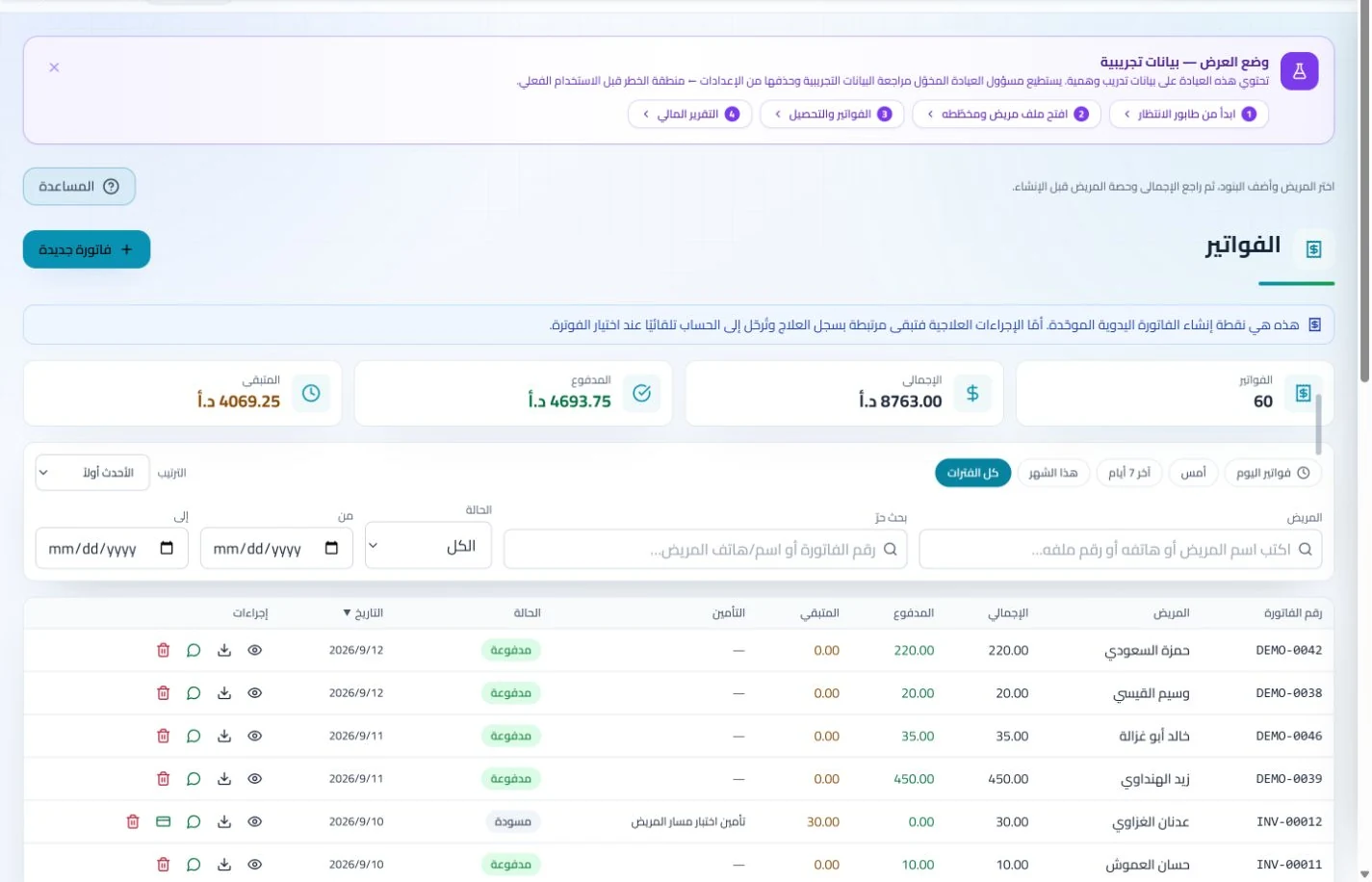
Manage invoices, receipts, payments, outstanding balances and installments when enabled. Recording payments when received distinguishes collected amounts from balances needing follow-up without repeated manual calculation.
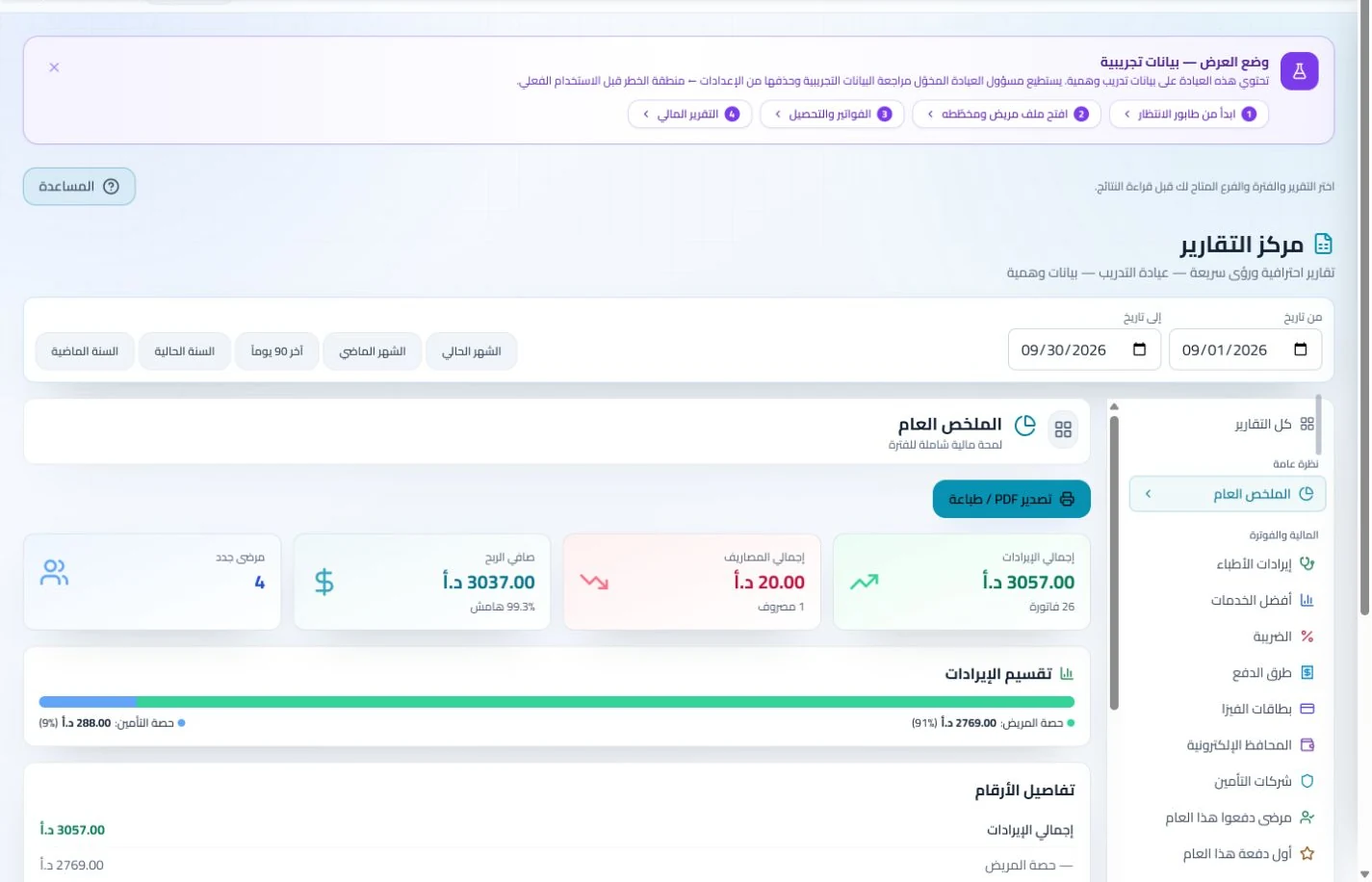
Organize income, expenses and cash accounts with financial reports and permission-based period locks. Recorded transactions give management a basis for account reviews without gathering figures from separate sources.
Review recorded consumable balances and assign preparation and follow-up tasks. A named responsibility helps the team identify outstanding work before welcoming the next session patient.
Inventory and storage
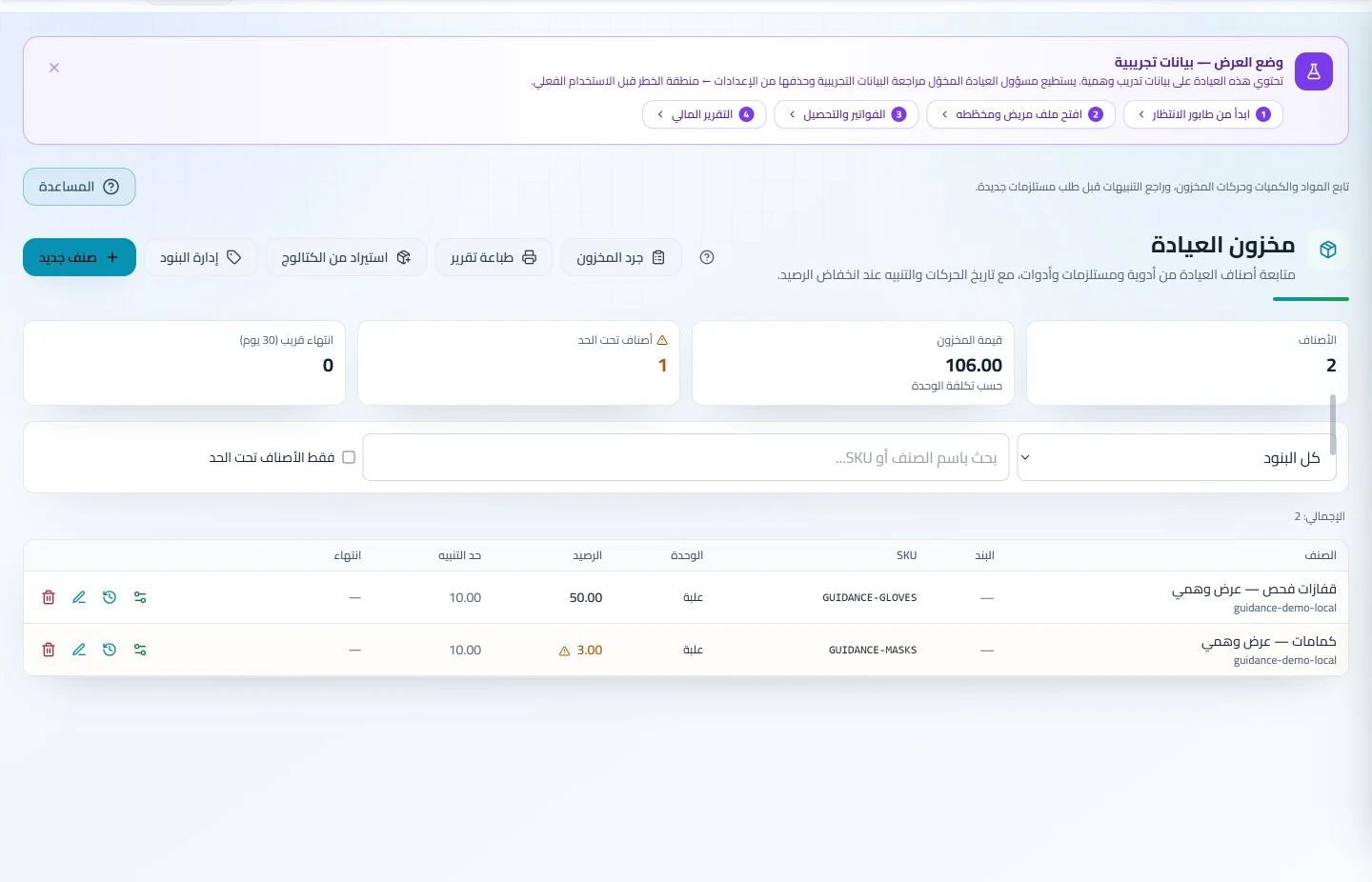
Track items, quantities, storage, movements and stocktakes with low-stock and expiry alerts. Accurate balances require logged receipts and usage; review them to identify replenishment needs before supplies run out.
Configure services, prices, rooms and branches with user permissions and team tasks. Defined roles and follow-up ownership clarify handovers and reduce internal questions about the next administrative action.
What matters when choosing dermatology clinic software in Jordan?
Test a consultation followed by two sessions, attach dated sample photographs and reschedule one appointment. Suitable software should let the clinician retrieve earlier documentation while accounting staff distinguish consultation and session charges. In ClinicsJo this uses the patient record, attachments and scheduling, rather than a separate dermatology chart or automated image analysis. Review attachment permissions and storage limits, and try the workflow on the devices your team actually uses.
Create your account, set up clinic details and services, and try the software free for 7 days. Then choose a clinic-management plan for your clinicians, team and required features.
A clinic-management subscription combines tools for patient records, appointments, billing and teamwork with a doctor and clinic profile on ClinicsJo. We prepare your profile for indexing and organize your specialty, services and location to support discovery in Google and AI-powered search. Tools and limits depend on your selected plan.
The plans page lists current prices, features and limits; some services require activation and setup.