Save received results as clearly dated attachments and document the visit. Open the attachments and consultation history at the next appointment.
An everyday clinic example
An appointment to discuss allergy test reports
Attach the received reports before consultation and open them beside the first visit’s notes. Document your decisions and arrange another review. Staff follow billing or insurance while the reports remain available for later consultations.
Keep allergy test reports in the patient file.
Record a summary of your discussion of results with the patient.
Track examination and consultation fees under their respective services.
Keep test reports and prescriptions with the visit
Attach supplied test reports and maintain prescriptions and notes in the patient record. Earlier documents can be retrieved at review without requesting the same report again simply because it was misplaced.
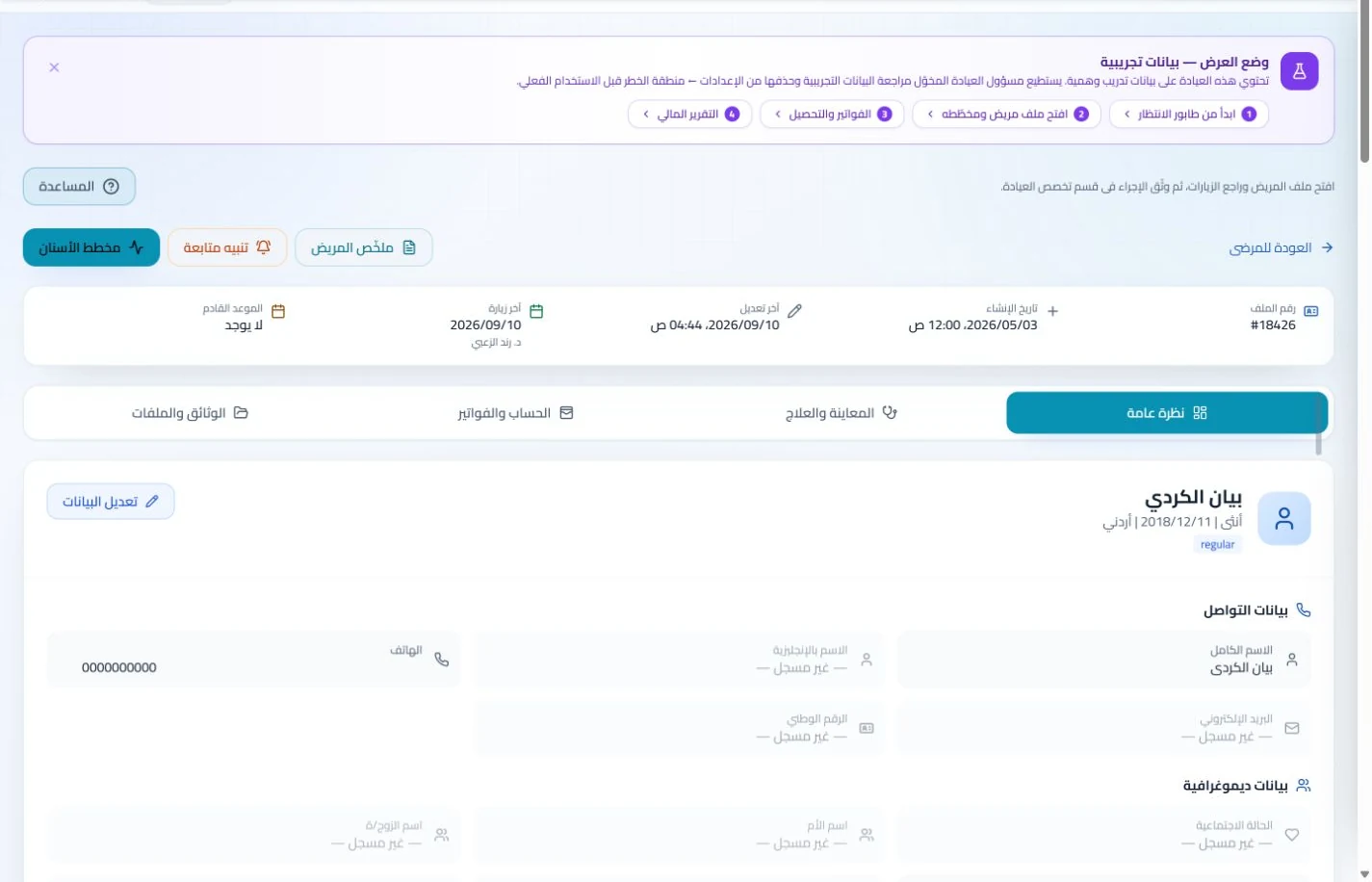
Patient records
Keep patient details, visits, attachments, prescriptions and plans in a retrievable record. Recording information during the visit reduces later searching and repeated documentation.
Book, change and cancel appointments and follow attendance, the waiting queue and working hours. Updating states during the day gives clinicians and reception a common scheduling reference.
Schedule the visits and sessions your clinic provides and review attendance. Enabled reminder settings help staff follow recorded appointments instead of calling to verify details stored in several places.
Appointments
Book, change and cancel appointments and follow attendance, the waiting queue and working hours. Updating states during the day gives clinicians and reception a common scheduling reference.
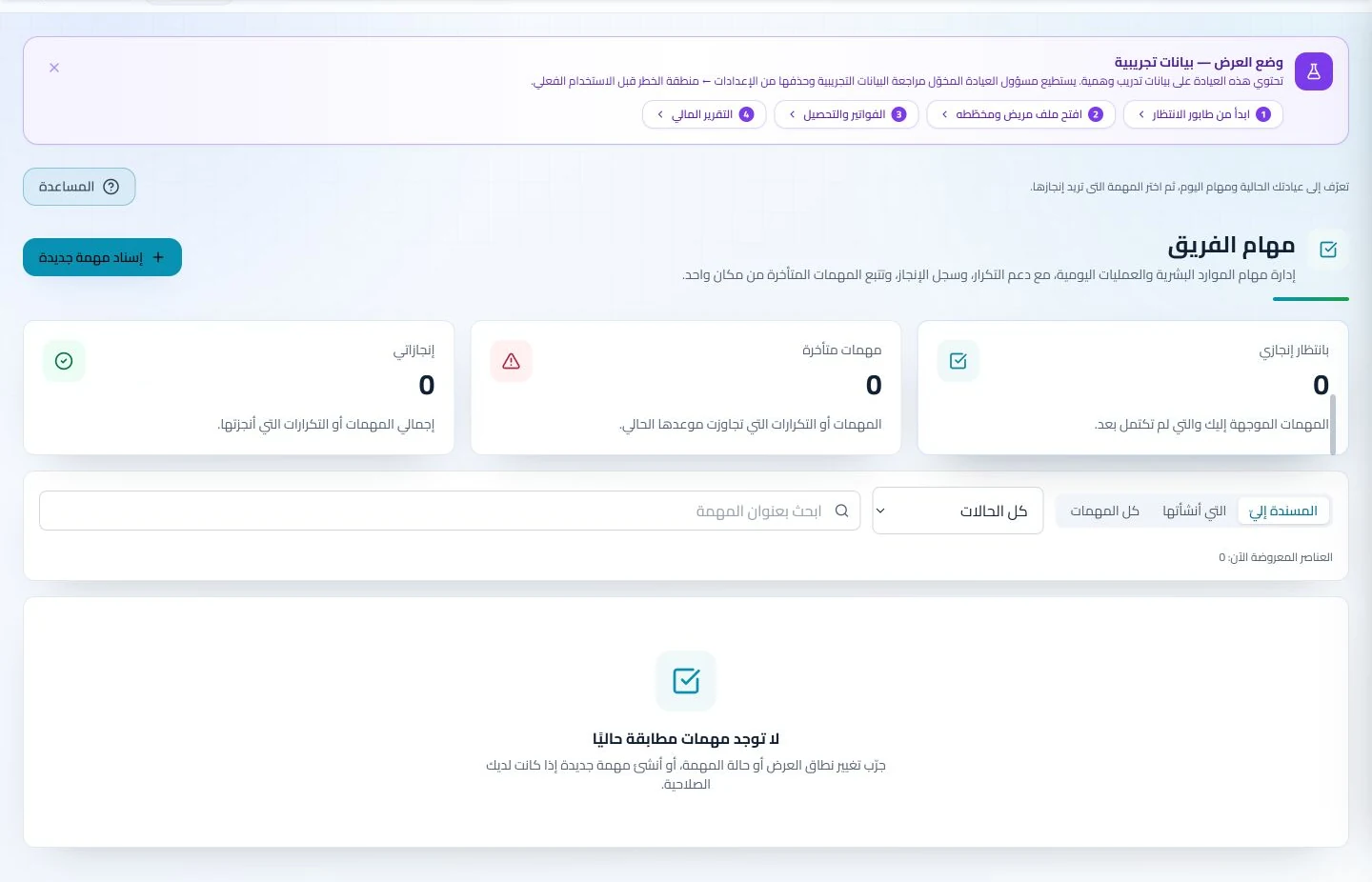
Configure appointment reminders and enabled communication channels, with follow-up tasks and available message logs. Configured reminders reduce repetitive manual sending; delivery depends on service setup and activation.
Log movements of tracked clinic materials and record services and payments in the account. Stock balances and receivables provide a clearer administrative picture than session counts alone.
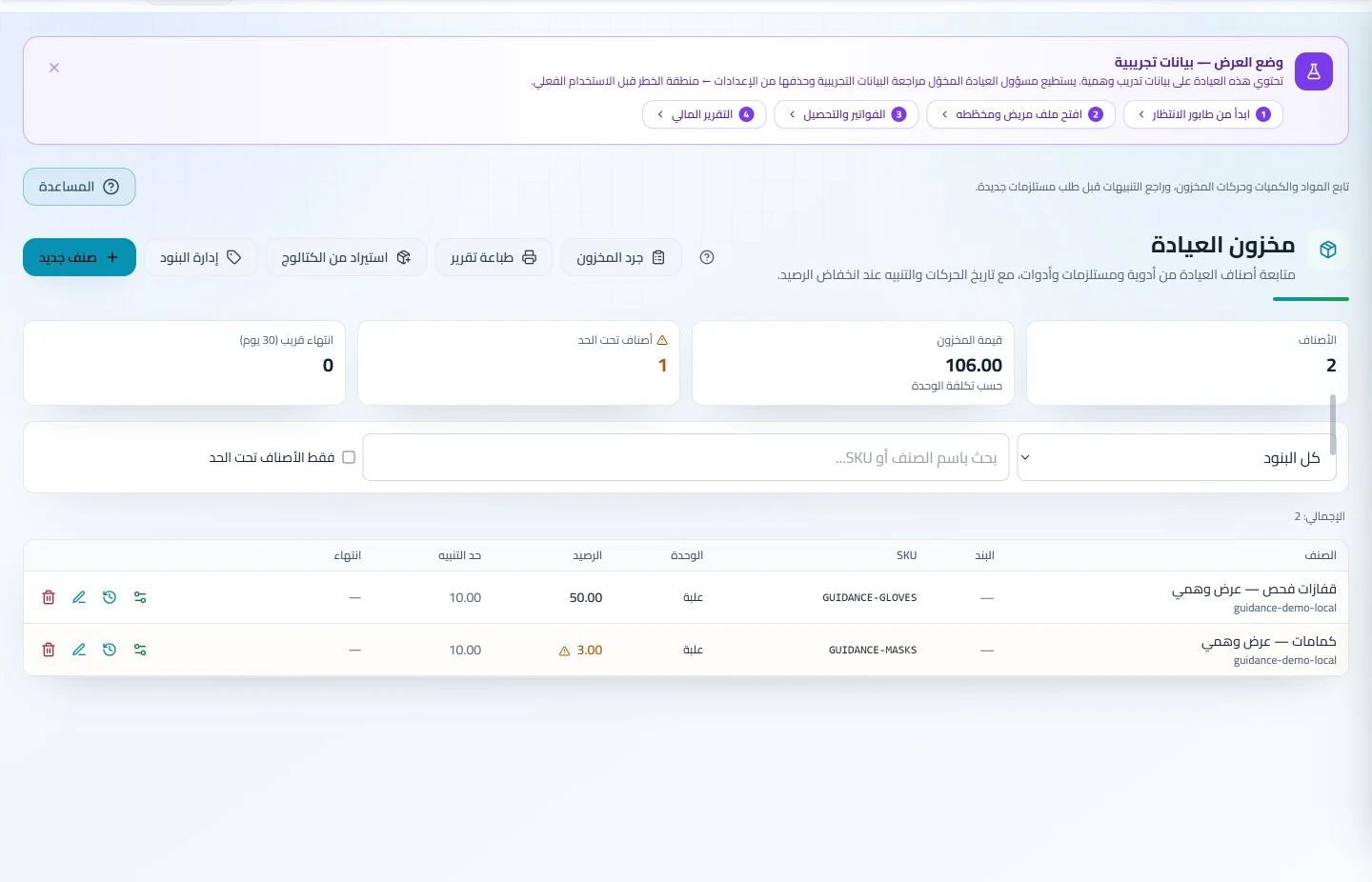
Inventory and storage
Track items, quantities, storage, movements and stocktakes with low-stock and expiry alerts. Accurate balances require logged receipts and usage; review them to identify replenishment needs before supplies run out.
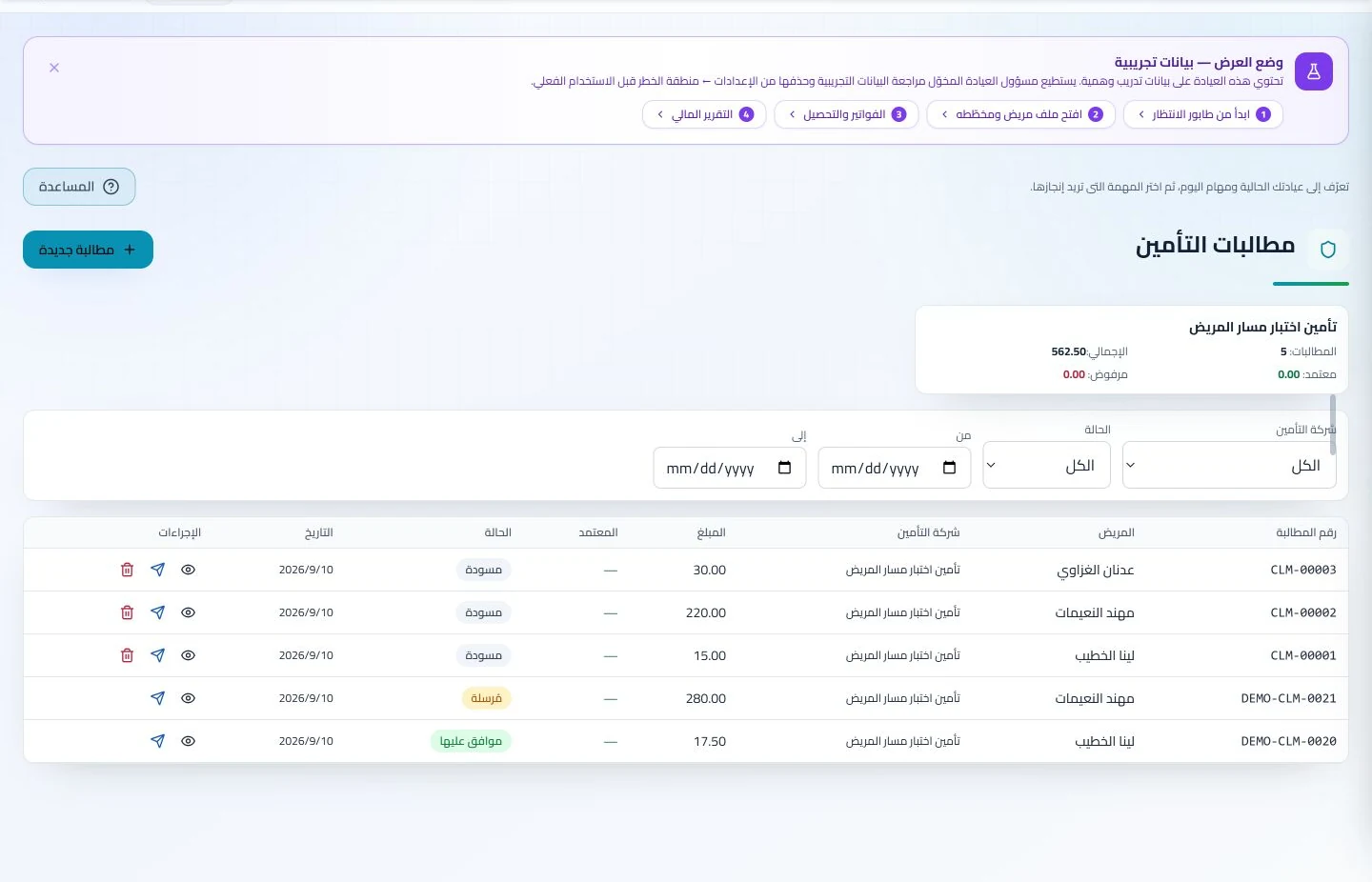
Manage invoices, receipts, payments, outstanding balances and installments when enabled. Recording payments when received distinguishes collected amounts from balances needing follow-up without repeated manual calculation.
What should an allergy and immunology clinic in Jordan verify in software?
Start with two sample examination reports and an appointment to discuss them, then add a service, invoice and inventory item if needed. Retrieve the correct report and show the amount collected for the visit while testing staff handovers. ClinicsJo keeps reports and notes and follows recorded transactions; this does not imply automatic testing-device integration or result interpretation. Compare attachment capacity and enabled modules, and review messaging details before using appointment notifications.
Create your account, set up clinic details and services, and try the software free for 7 days. Then choose a clinic-management plan for your clinicians, team and required features.
A clinic-management subscription combines tools for patient records, appointments, billing and teamwork with a doctor and clinic profile on ClinicsJo. We prepare your profile for indexing and organize your specialty, services and location to support discovery in Google and AI-powered search. Tools and limits depend on your selected plan.
The plans page lists current prices, features and limits; some services require activation and setup.