How do I review a rheumatology record after a long absence?
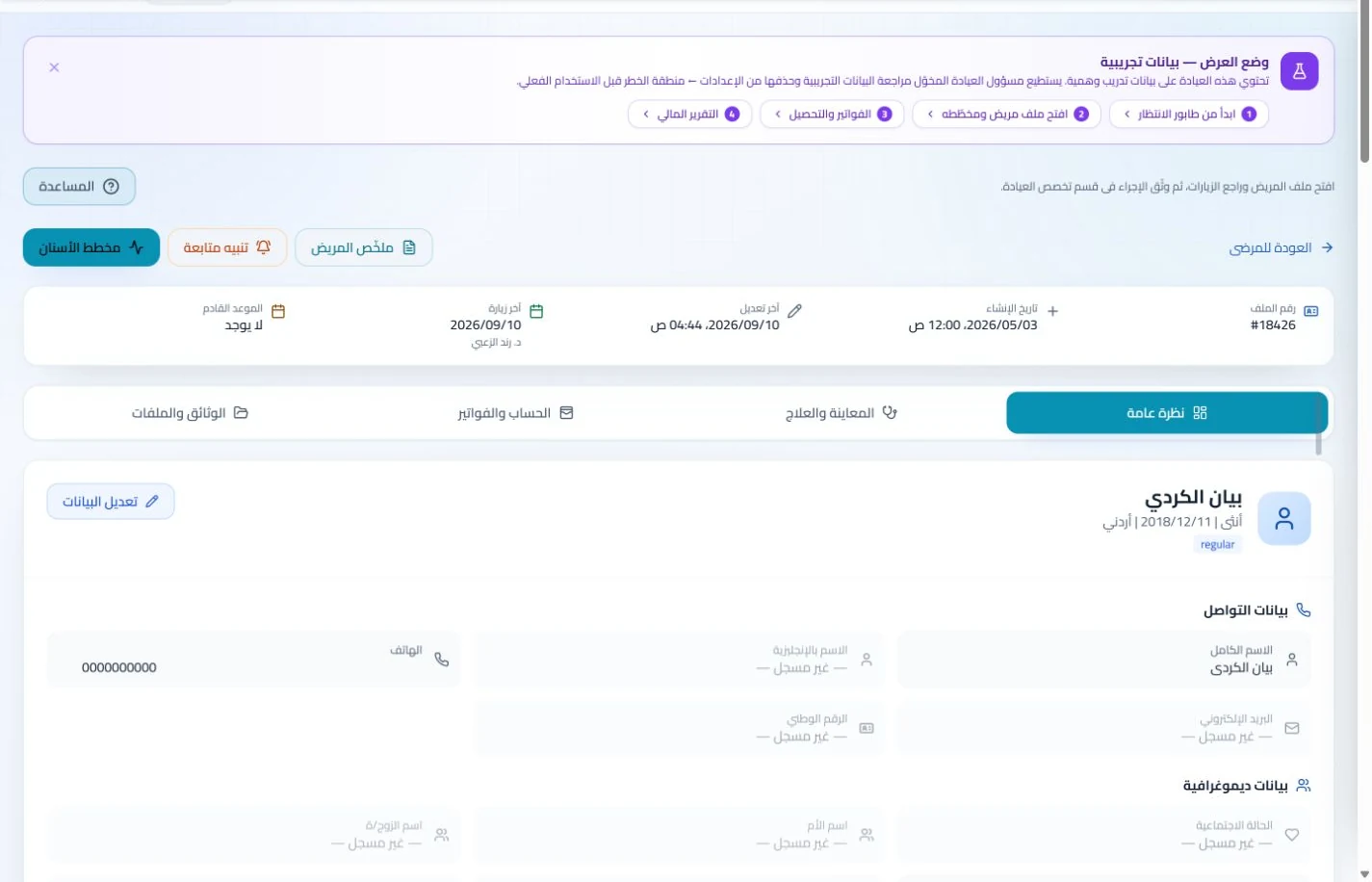
Open the existing patient file and retrieve earlier visits and attachments. Add the new consultation to the same record to preserve follow-up continuity.
An everyday clinic example
Retrieving notes from an older rheumatology visit
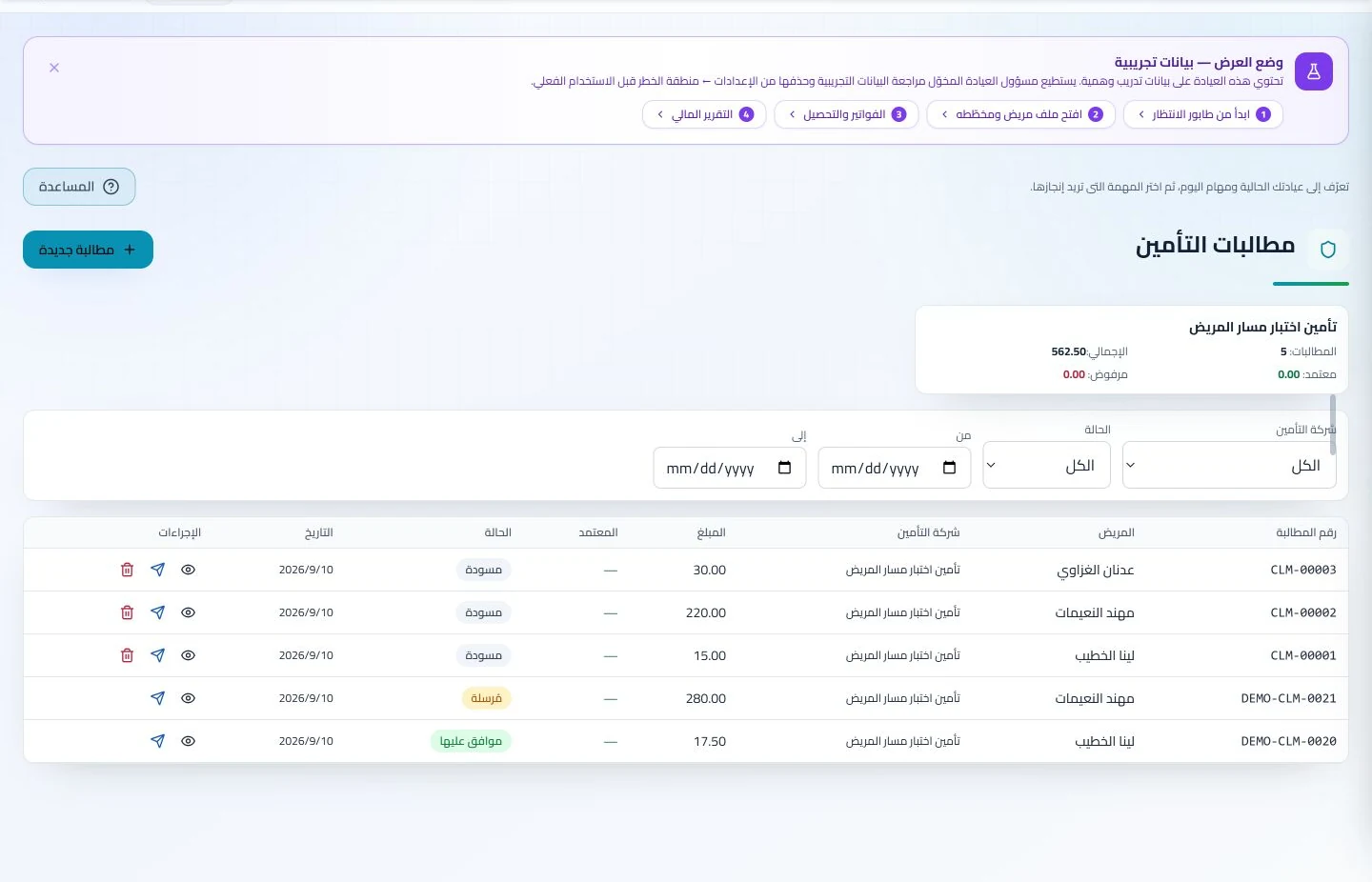
Find the earlier consultation and its attachments before adding today’s summary. Reception schedules the next appointment, while authorized staff follow any insured claim. Clinical history and account status stay available to the appropriate team members.
Retain notes from follow-up visits over time.
Open examination reports from before the current visit.
Maintain a record across longer follow-up intervals
Add test reports and documents to visit notes and keep prescriptions in the record. When reviews are spaced apart, previous documentation remains available without relying on recollection.
Patient records
Keep patient details, visits, attachments, prescriptions and plans in a retrievable record. Recording information during the visit reduces later searching and repeated documentation.
Book, change and cancel appointments and follow attendance, the waiting queue and working hours. Updating states during the day gives clinicians and reception a common scheduling reference.
Update the recorded booking when a patient postpones a visit and follow its schedule status. Available configured reminders support a current appointment list rather than outdated call lists.
Appointments
Book, change and cancel appointments and follow attendance, the waiting queue and working hours. Updating states during the day gives clinicians and reception a common scheduling reference.
Configure appointment reminders and enabled communication channels, with follow-up tasks and available message logs. Configured reminders reduce repetitive manual sending; delivery depends on service setup and activation.
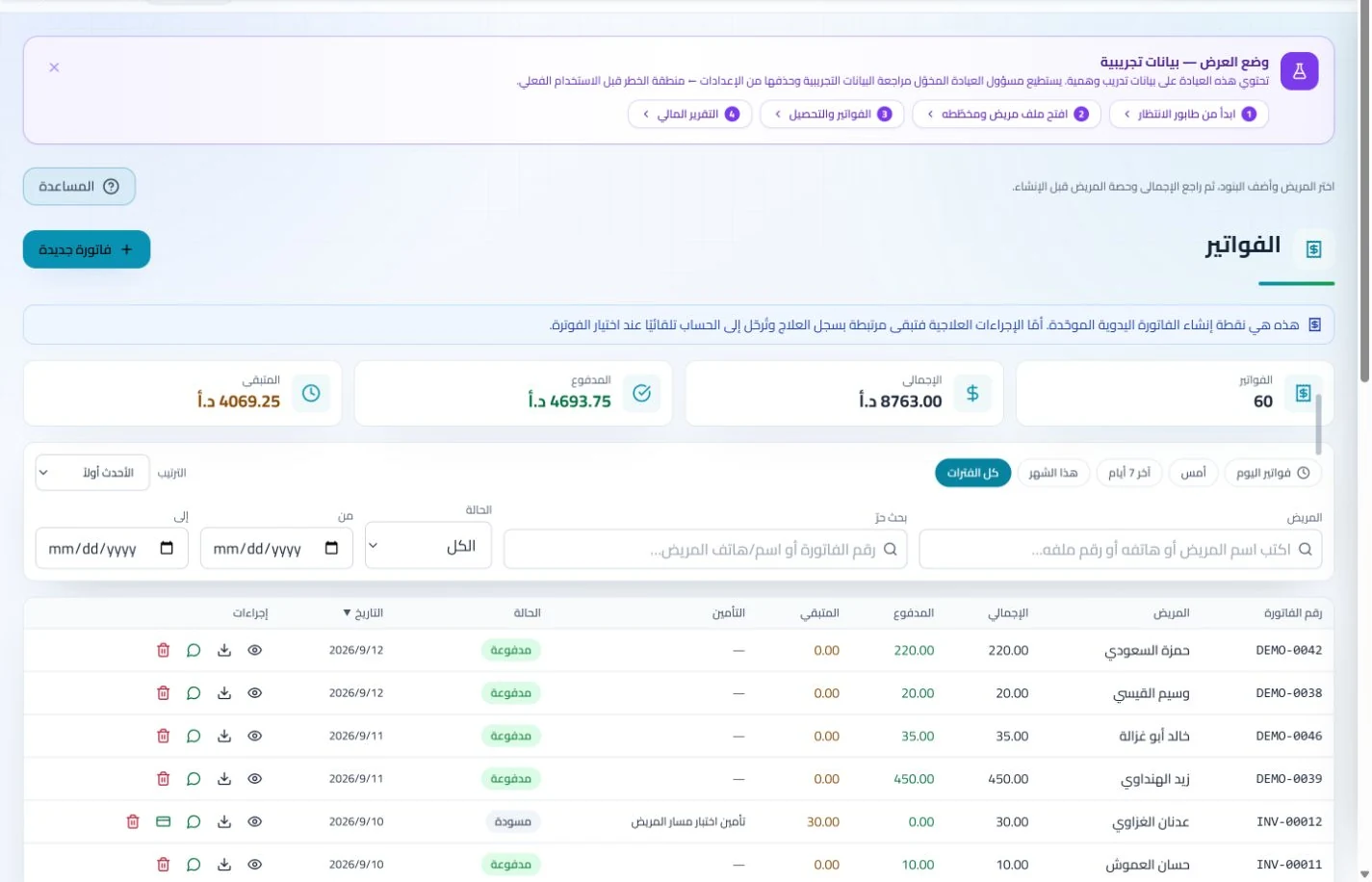
Record each visit payment against its invoice and review balances and expenses in financial records. Earlier payment questions become easier to answer, with less manual reconstruction at month end.
Invoices and collections
Manage invoices, receipts, payments, outstanding balances and installments when enabled. Recording payments when received distinguishes collected amounts from balances needing follow-up without repeated manual calculation.
Organize income, expenses and cash accounts with financial reports and permission-based period locks. Recorded transactions give management a basis for account reviews without gathering figures from separate sources.
How should I compare rheumatology clinic software in Jordan?
Test a sample patient returning after a gap, with earlier visits, reports and a rescheduled review. Ask the clinician to retrieve the old documentation and reception to identify the correct appointment and balance. Compare steps and elapsed time using identical data across vendors. ClinicsJo supports patient records, scheduling and payments; do not assume automated disease-activity scoring or a separate specialty chart. Choose required tools and agree on file naming and account-maintenance responsibilities during migration.
Create your account, set up clinic details and services, and try the software free for 7 days. Then choose a clinic-management plan for your clinicians, team and required features.
A clinic-management subscription combines tools for patient records, appointments, billing and teamwork with a doctor and clinic profile on ClinicsJo. We prepare your profile for indexing and organize your specialty, services and location to support discovery in Google and AI-powered search. Tools and limits depend on your selected plan.
The plans page lists current prices, features and limits; some services require activation and setup.