How do I follow the account of a frequent internal-medicine patient?
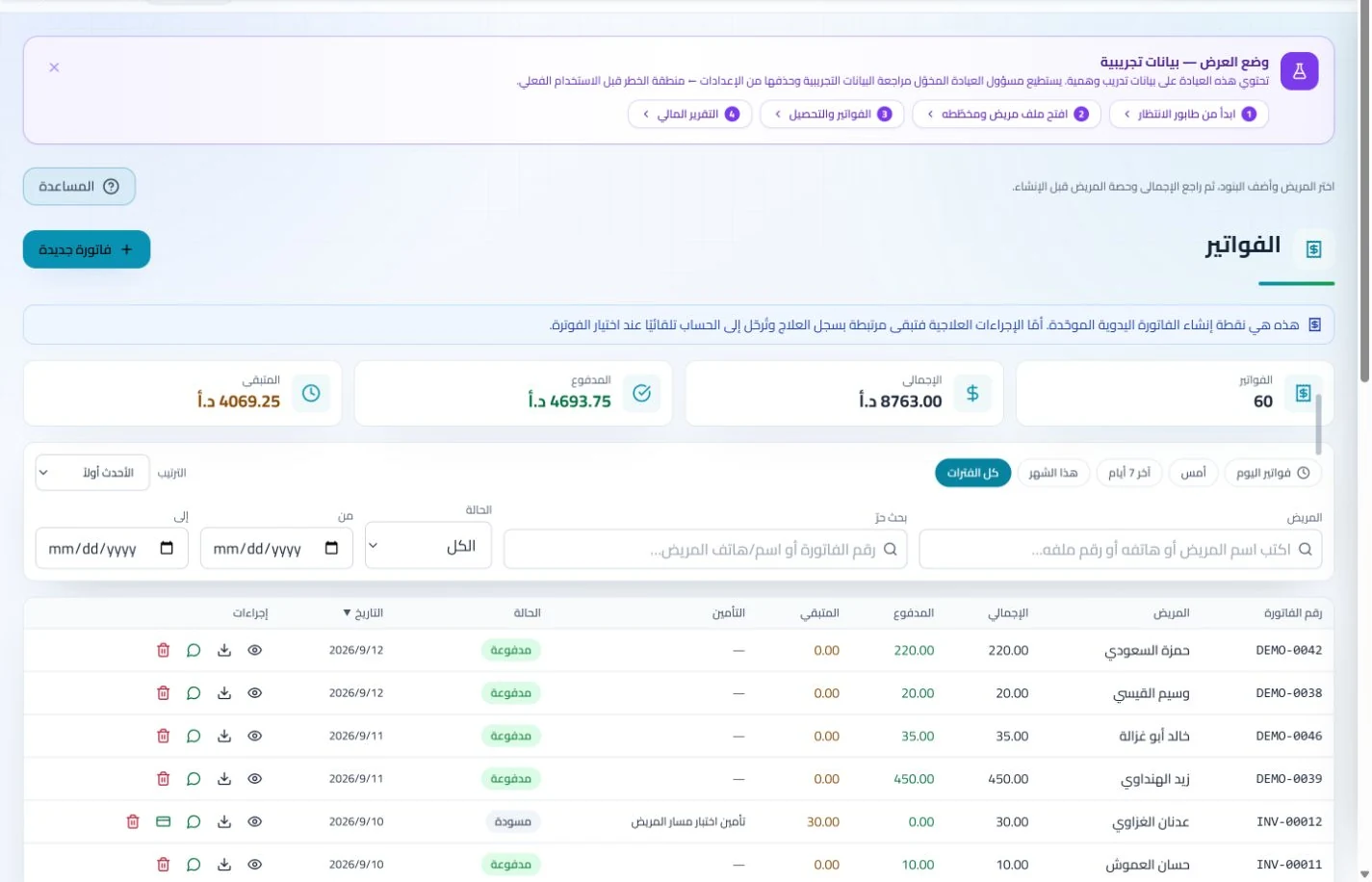
Review invoices, payments and balances in the patient account. Clinical visit details remain in the record and insured claims can be followed separately by status.
An everyday clinic example
An internal-medicine review with several reports
Read the received tests, document your summary and save the prescription you prepared. Staff arrange follow-up and complete billing or claim follow-up. At period end review revenue and collections in the financial report.
Review earlier test results before the regular follow-up visit.
Keep prescriptions and follow-up notes in the patient file.
Track insurance claims separately from patient payment collection.
Add test reports and referral documents to the patient record with visit notes and prescriptions. Previously supplied paperwork remains available, reducing requests caused simply by misplaced documents.
Patient records
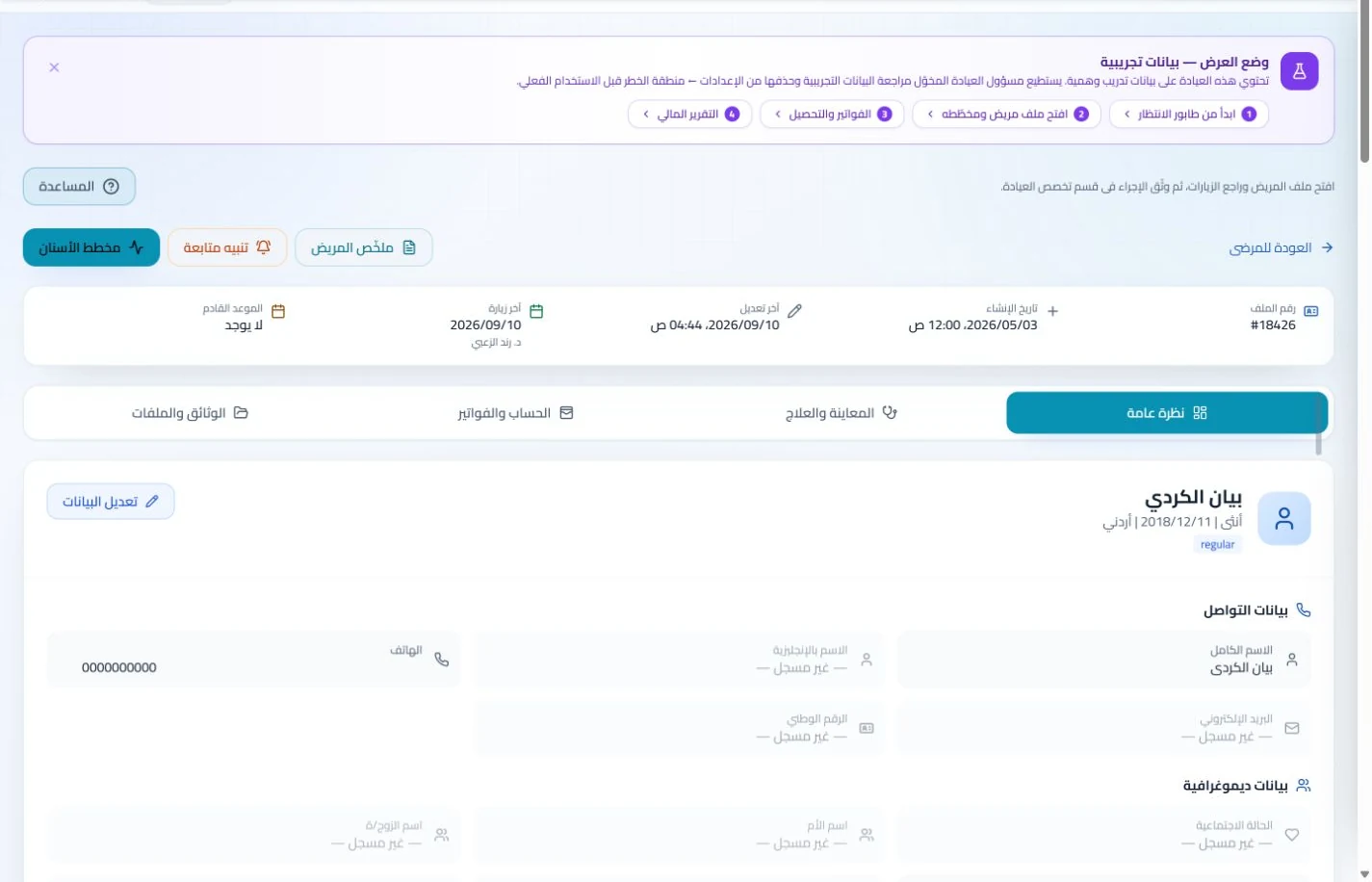
Keep patient details, visits, attachments, prescriptions and plans in a retrievable record. Recording information during the visit reduces later searching and repeated documentation.
Book, change and cancel appointments and follow attendance, the waiting queue and working hours. Updating states during the day gives clinicians and reception a common scheduling reference.
Check the patient’s invoices and payments before requesting another payment, and follow insurer claims where applicable. Distinct balances and claim statuses help explain why an amount remains outstanding.
Insurance claims
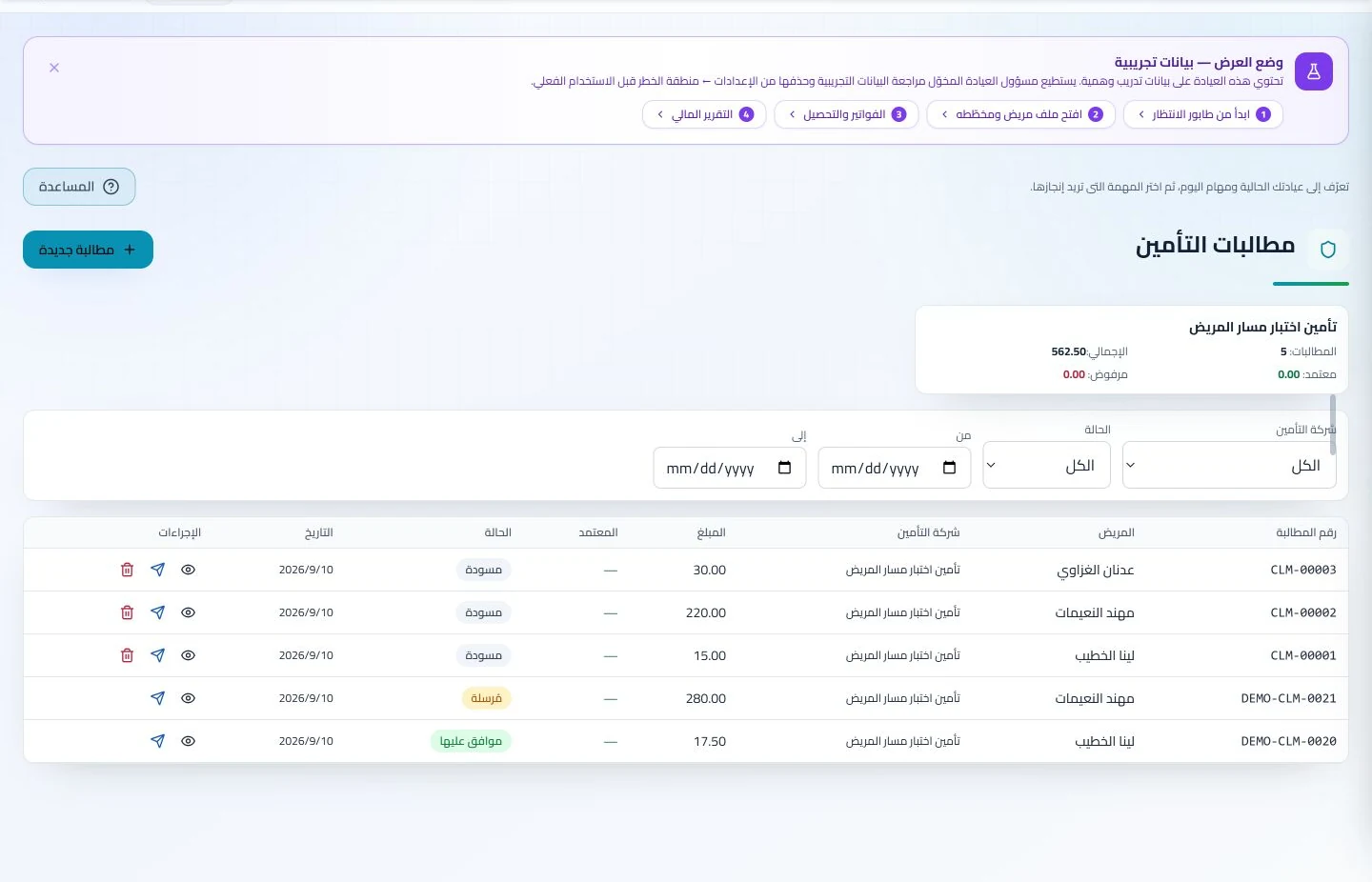
Maintain insurer details, claim amounts and statuses, receivables and settlements. Reviewing claims by company and status helps responsible staff identify items needing follow-up or completion.
Manage invoices, receipts, payments, outstanding balances and installments when enabled. Recording payments when received distinguishes collected amounts from balances needing follow-up without repeated manual calculation.
Assign file preparation and appointment tasks, then review collections and expenses. End-of-day administration can use transactions recorded during clinic hours rather than reconstructing the day from loose paperwork.
Branches and team
Configure services, prices, rooms and branches with user permissions and team tasks. Defined roles and follow-up ownership clarify handovers and reduce internal questions about the next administrative action.
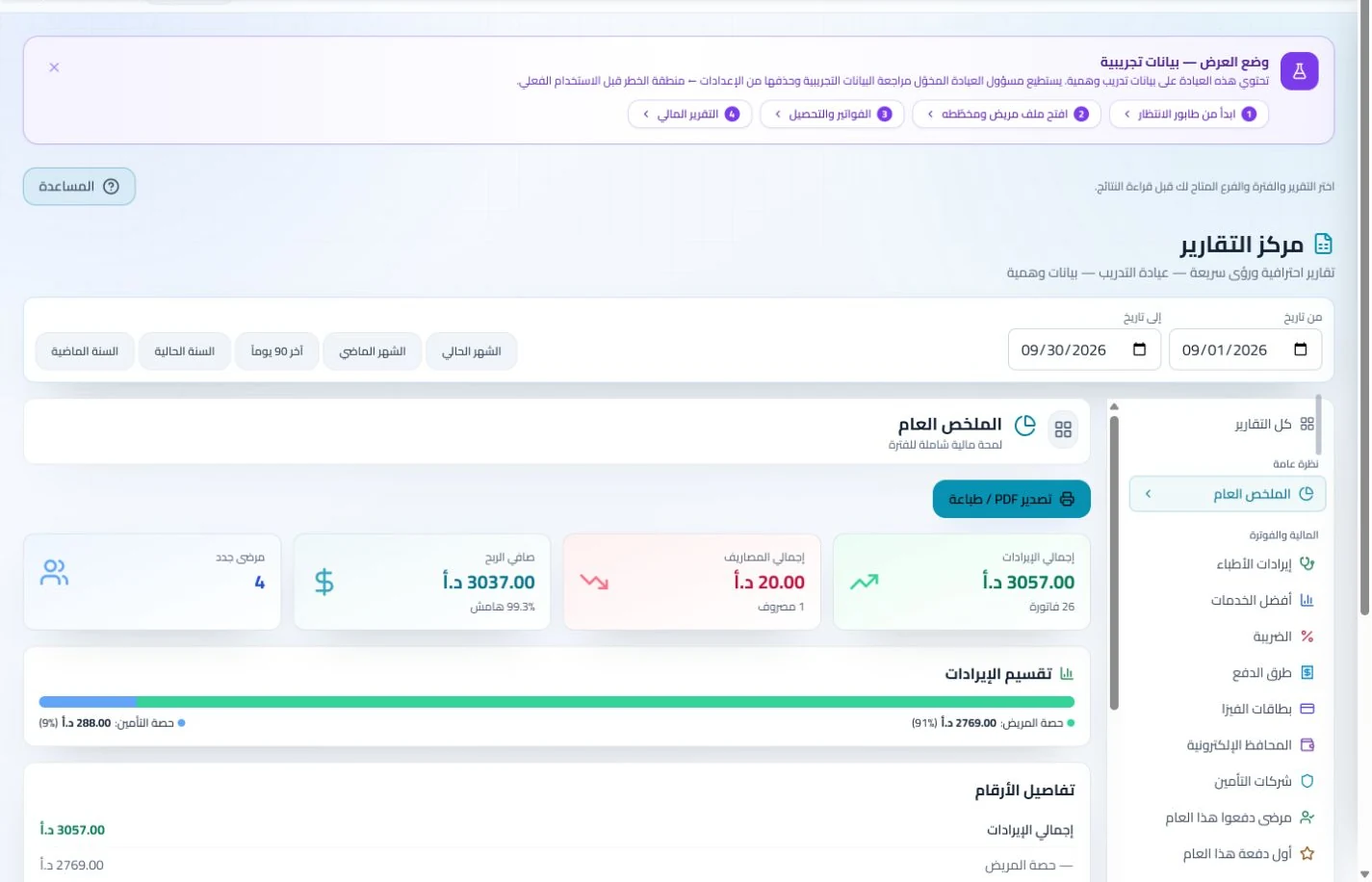
Organize income, expenses and cash accounts with financial reports and permission-based period locks. Recorded transactions give management a basis for account reviews without gathering figures from separate sources.
What practical comparison suits internal medicine clinic software in Jordan?
Prepare a sample patient with three visits, different services and reports, and two payments on different dates. Request an account statement, then retrieve an earlier report. Suitable software should help staff explain the balance without confusing consultation and collection dates. ClinicsJo reflects recorded clinical and financial transactions; revenue alone does not establish net clinic profit. Check included reports, permissions and the record-migration plan before comparing final prices.
Create your account, set up clinic details and services, and try the software free for 7 days. Then choose a clinic-management plan for your clinicians, team and required features.
A clinic-management subscription combines tools for patient records, appointments, billing and teamwork with a doctor and clinic profile on ClinicsJo. We prepare your profile for indexing and organize your specialty, services and location to support discovery in Google and AI-powered search. Tools and limits depend on your selected plan.
The plans page lists current prices, features and limits; some services require activation and setup.