Cardiology follow-up needs previous visit context and dated ECG or echocardiography reports. Keep uploaded reports and visit notes in the patient file while staff coordinate appointments and claims.
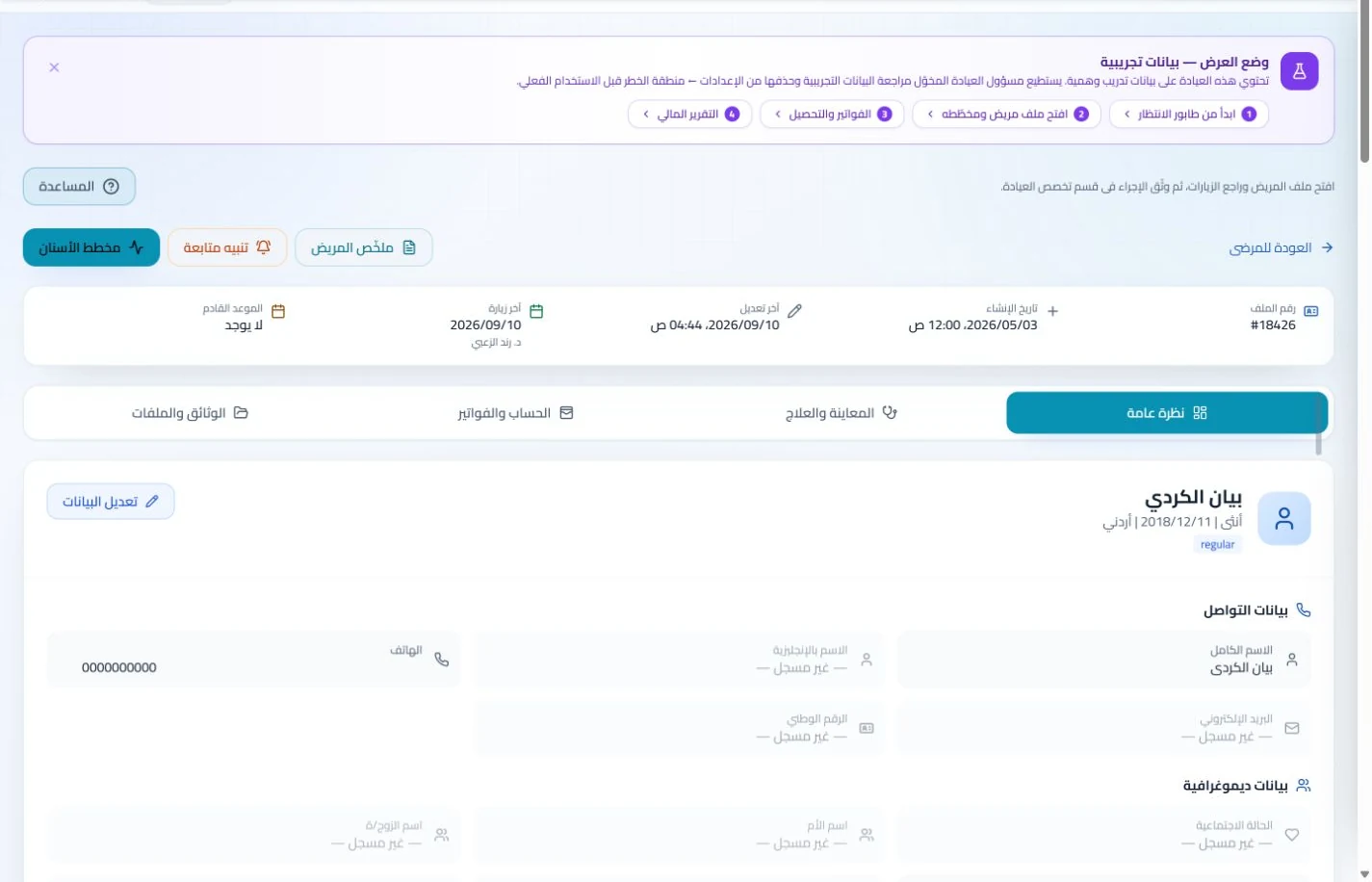
Find the patient and open attachments and visit history. Clear report dates and accompanying notes distinguish earlier examinations from newer ones.
An everyday clinic example
A cardiac review with newly received reports
Staff attach the received examination report to the existing record. Read earlier and newer reports, document your assessment and select the service. Billing or insurance follow-up can continue without creating another patient file.
Keep the ECG and echocardiography reports you upload to the file.
Review notes from regular follow-up visits before the consultation.
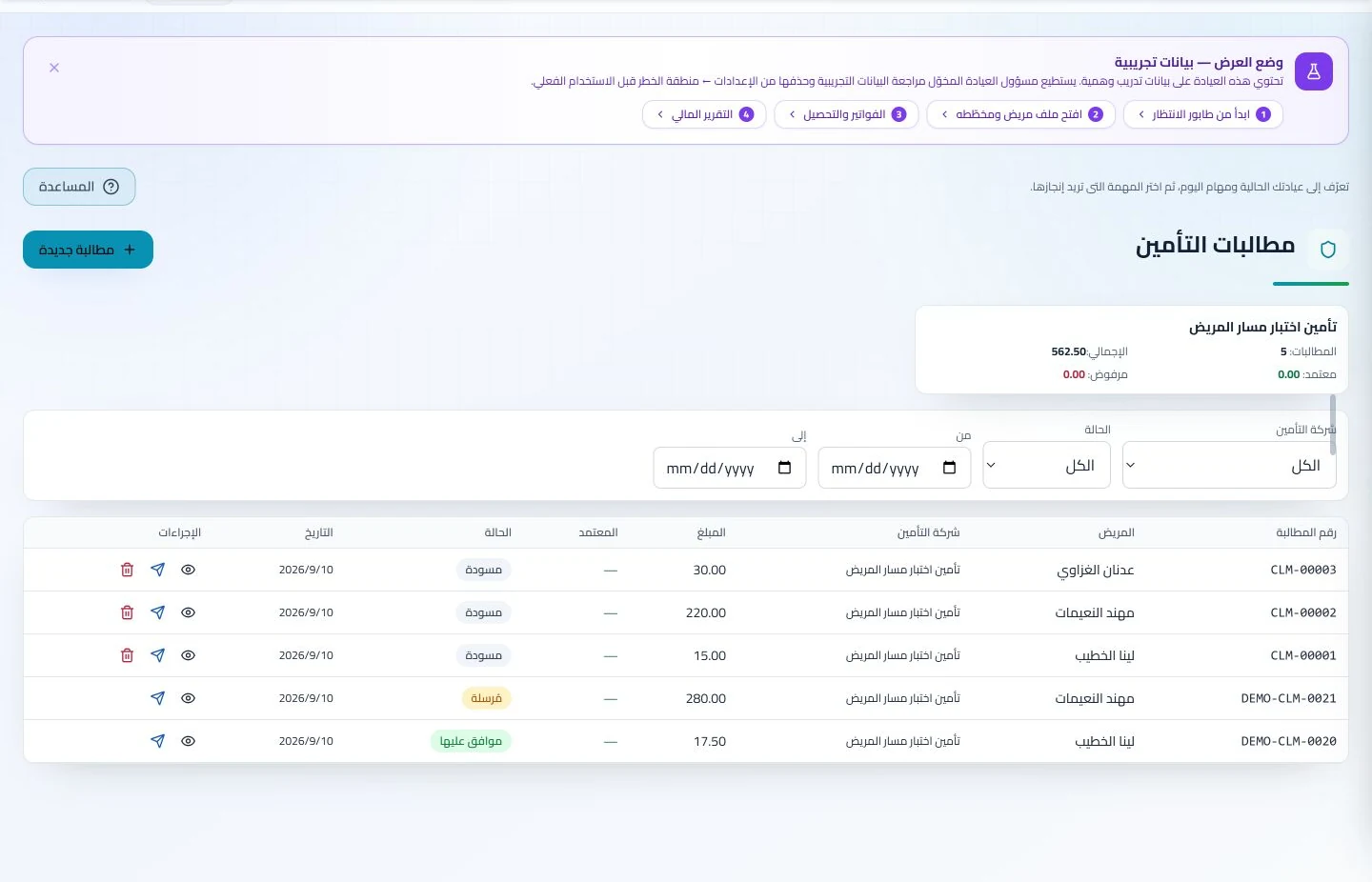
Track insured cardiology services in the claims list.
Store uploaded ECG and echo reports with visit notes. Before follow-up, retrieve those documents without waiting for the patient to resend them or reception to locate a paper copy.
Patient records
Keep patient details, visits, attachments, prescriptions and plans in a retrievable record. Recording information during the visit reduces later searching and repeated documentation.
Book, change and cancel appointments and follow attendance, the waiting queue and working hours. Updating states during the day gives clinicians and reception a common scheduling reference.
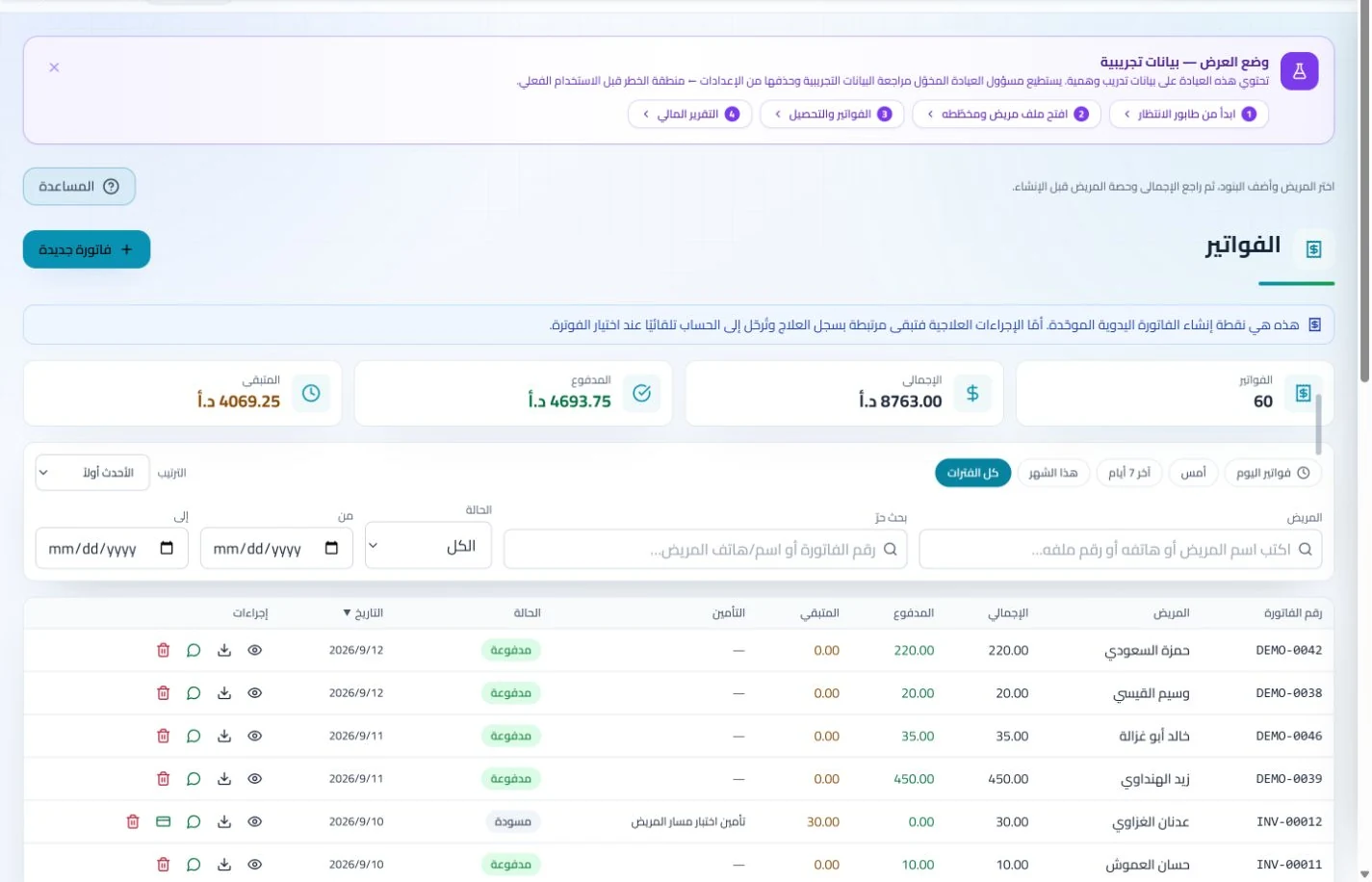
Organize billed services and monitor claim amounts and status. Patient payments remain visible in the account while staff follow insurer receivables and settlements in the claims section.
Insurance claims
Maintain insurer details, claim amounts and statuses, receivables and settlements. Reviewing claims by company and status helps responsible staff identify items needing follow-up or completion.
Manage invoices, receipts, payments, outstanding balances and installments when enabled. Recording payments when received distinguishes collected amounts from balances needing follow-up without repeated manual calculation.
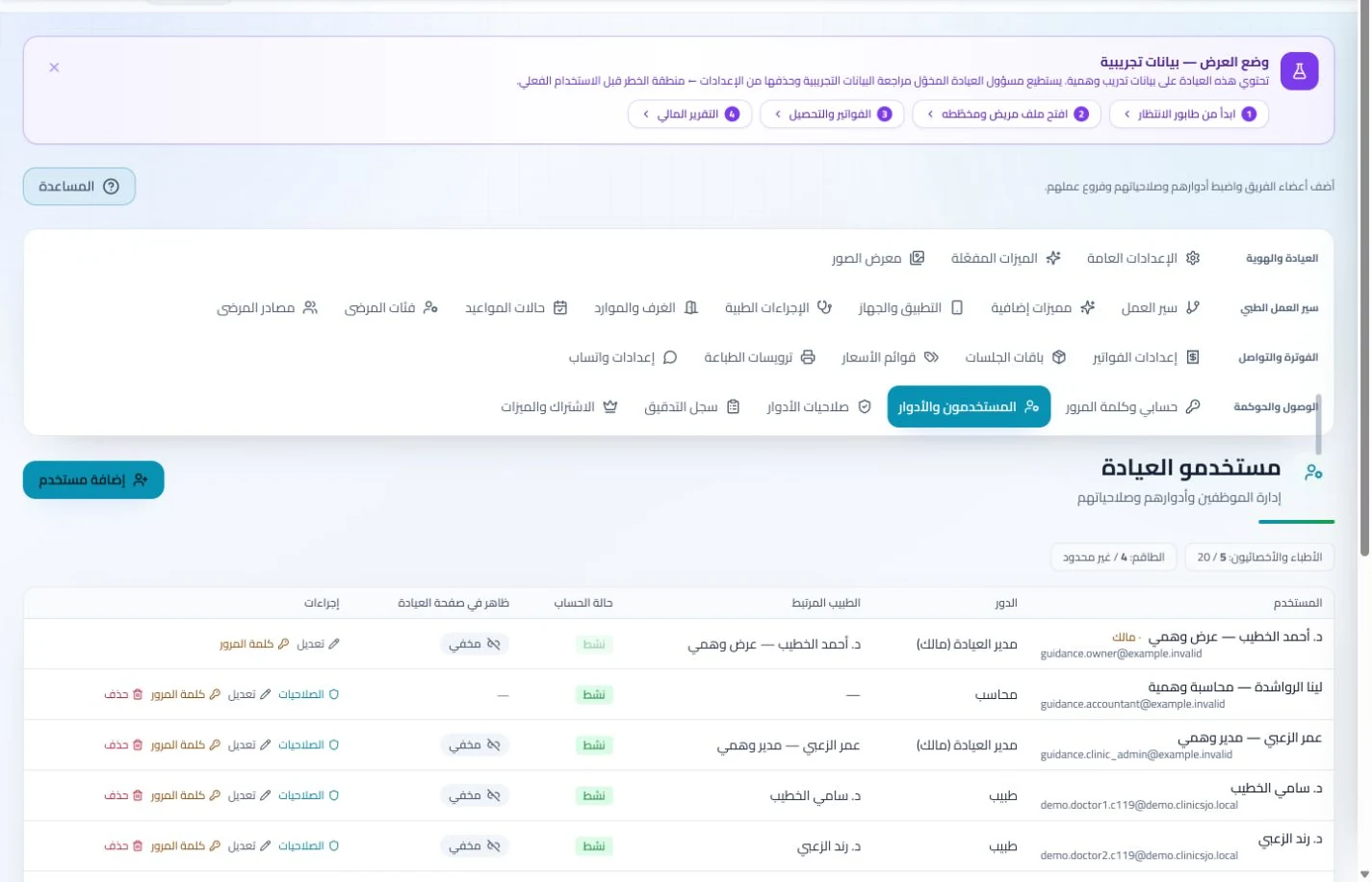
Assign access permissions and patient-file preparation tasks. Staff attendance and leave records help organize administrative cover when an assistant is absent, reducing reliance on verbal instructions.
Branches and team
Configure services, prices, rooms and branches with user permissions and team tasks. Defined roles and follow-up ownership clarify handovers and reduce internal questions about the next administrative action.
Administer attendance, leave, payroll, advances and commissions according to clinic settings. Dedicated employee records make payroll preparation easier to review with fewer searches through notebooks and messages.
What makes management software suitable for a cardiology clinic in Jordan?
Look for continuity of documentation and dependable administration. During the trial, place two differently dated reports in a sample record, enter a review and invoice, and ask authorized staff to prepare claim information. Assess report retrieval and role access. ClinicsJo uses the patient record for this workflow, not a dedicated cardiology chart or automated ECG interpretation. If equipment connections or measurement transfer are required, obtain separate evidence before selecting a subscription.
Create your account, set up clinic details and services, and try the software free for 7 days. Then choose a clinic-management plan for your clinicians, team and required features.
A clinic-management subscription combines tools for patient records, appointments, billing and teamwork with a doctor and clinic profile on ClinicsJo. We prepare your profile for indexing and organize your specialty, services and location to support discovery in Google and AI-powered search. Tools and limits depend on your selected plan.
The plans page lists current prices, features and limits; some services require activation and setup.