Endocrinology & Diabetes Clinic Management Software in Jordan
Endocrinology and diabetes visits bring new test results over time. Reports organized by visit help clinicians review history and staff coordinate the next appointment.
Upload received results as attachments and add dates and visit notes. Retrieve the saved information before deciding on follow-up.
An everyday clinic example
A periodic diabetes review with new results
Attach the received result with its date. Document your notes and prepared prescription, then have staff arrange the next review and visit charge. Retrieve results and visits for later enquiries.
Organize uploaded test results with the patient's visits.
Keep previous prescriptions in the record.
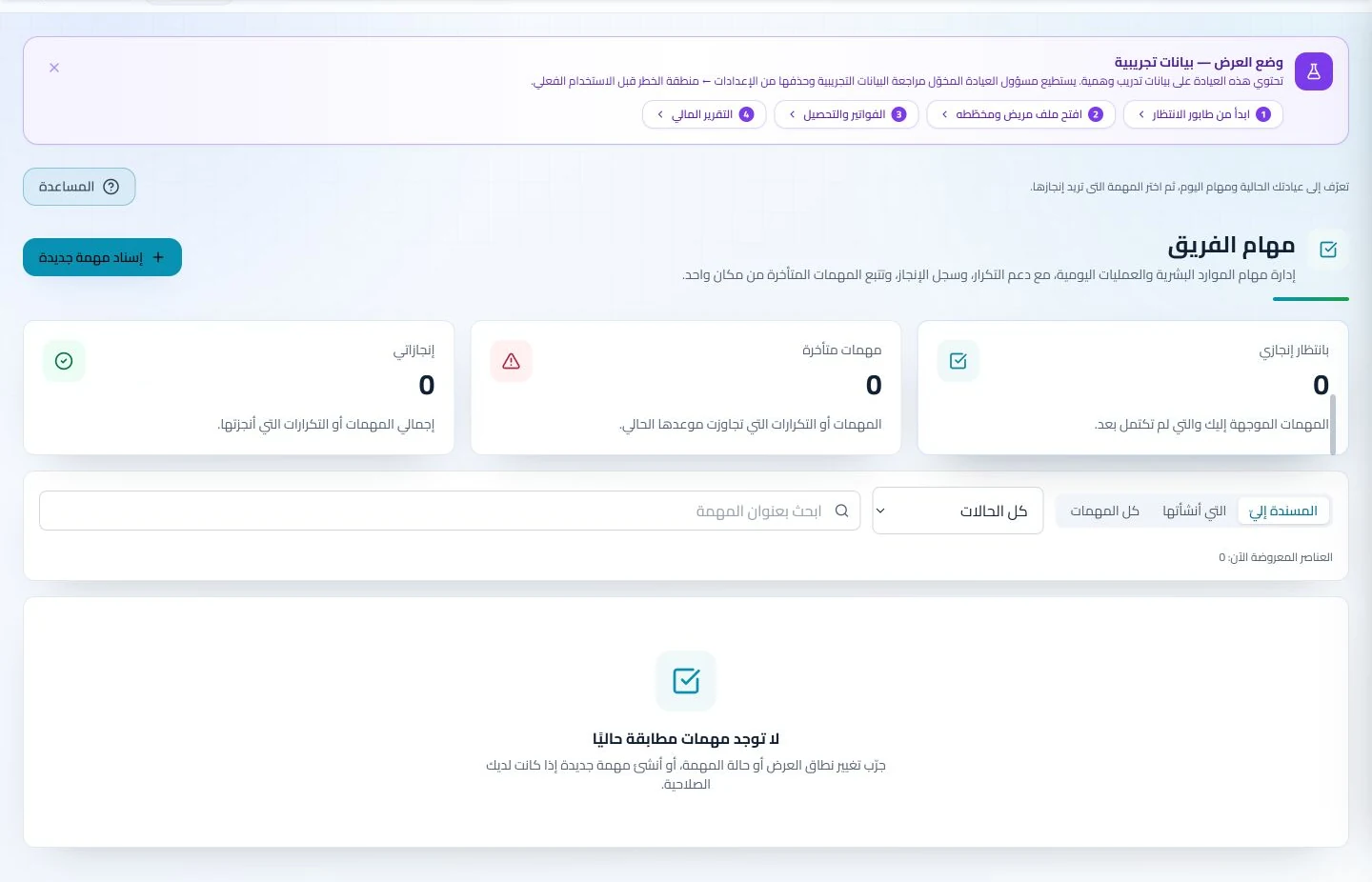
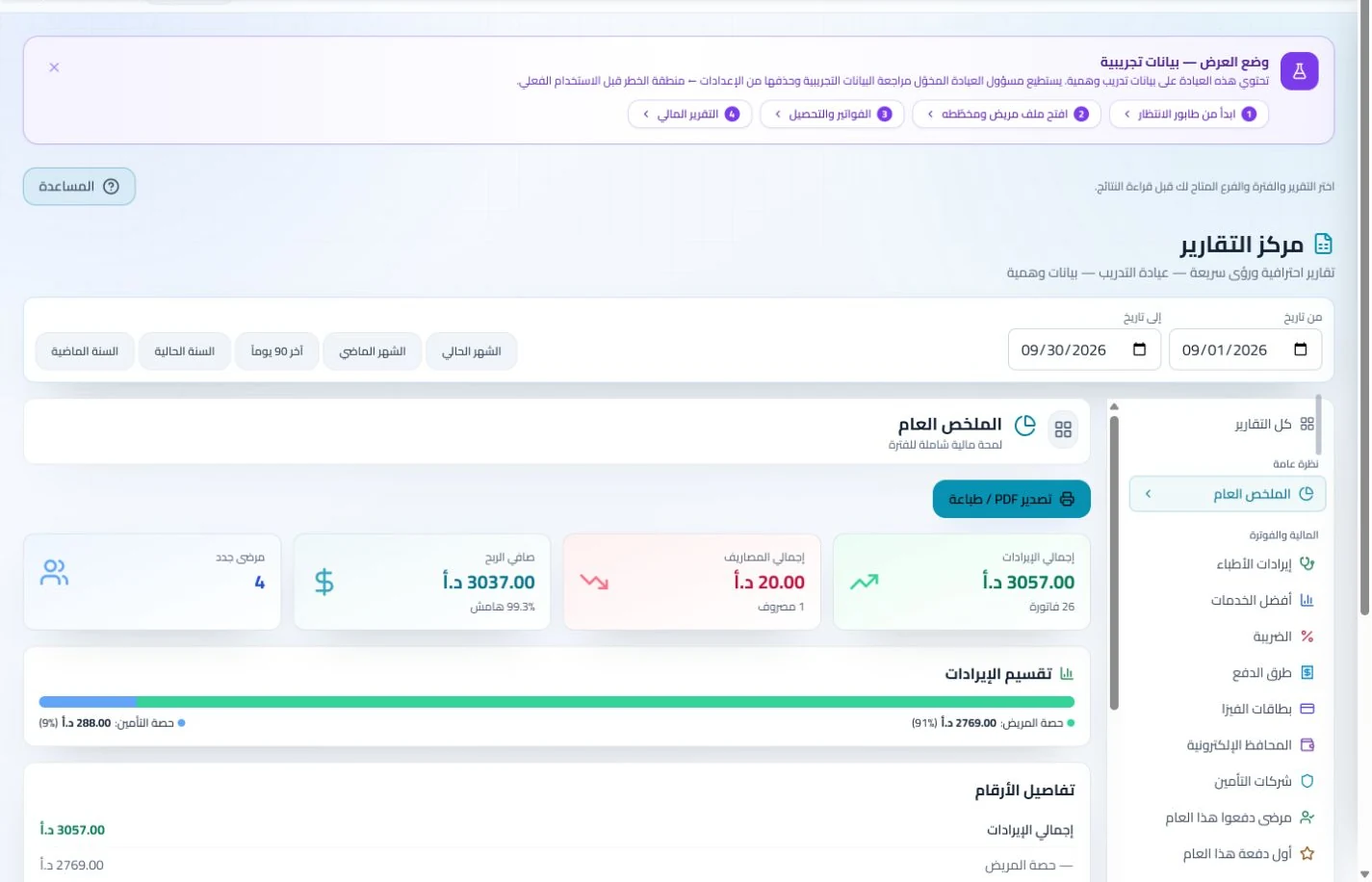
Track regular reviews and collections during the month.
Add supplied laboratory reports to the record with prescriptions and notes. At the next review, retrieve earlier documents directly rather than requesting another copy at every appointment.
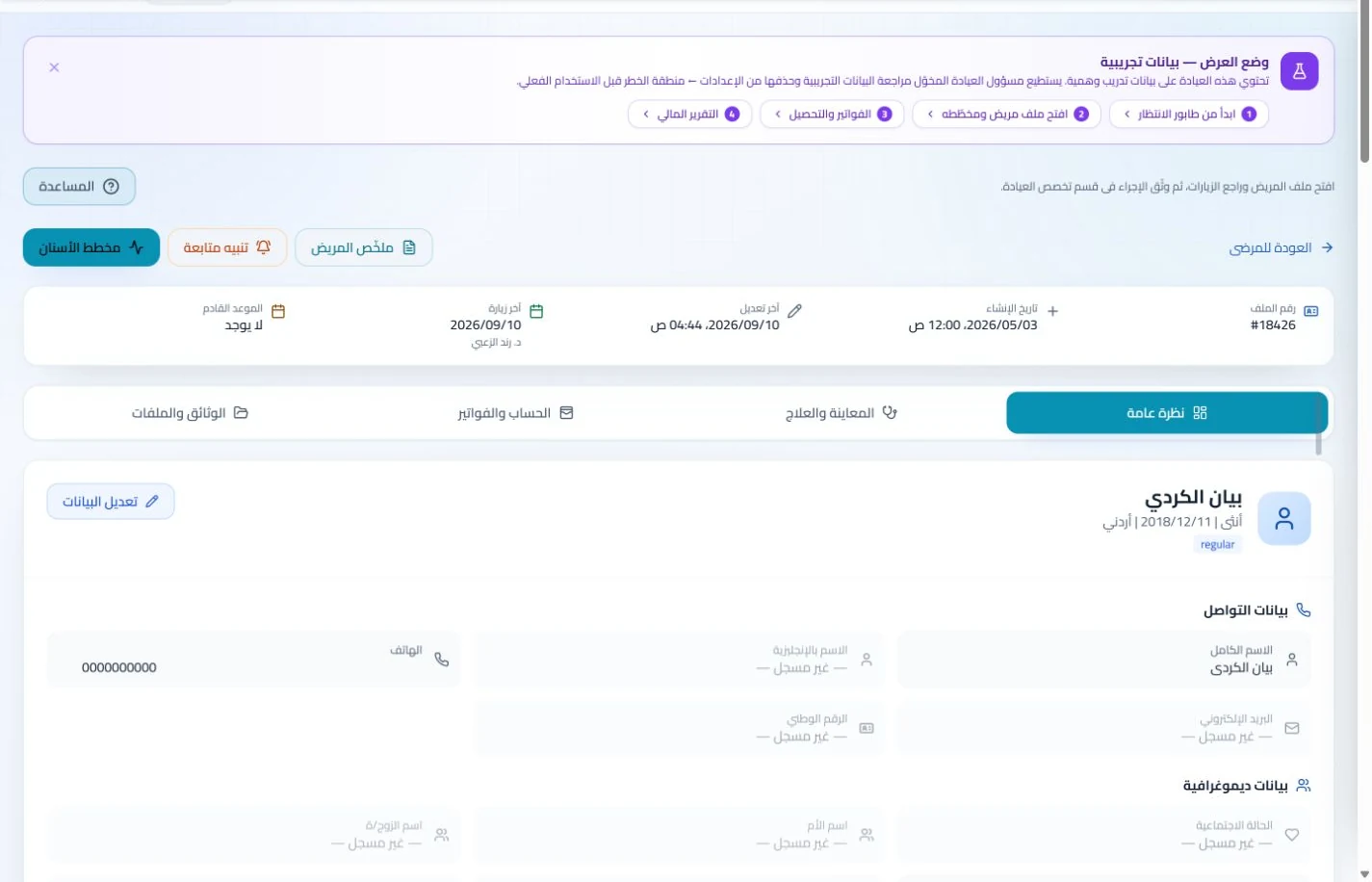
Patient records
Keep patient details, visits, attachments, prescriptions and plans in a retrievable record. Recording information during the visit reduces later searching and repeated documentation.
Book, change and cancel appointments and follow attendance, the waiting queue and working hours. Updating states during the day gives clinicians and reception a common scheduling reference.
Book the next review after consultation and track attendance and changes in the schedule. Enabled reminders support reception follow-up and reduce the need for a parallel appointment diary.
Appointments
Book, change and cancel appointments and follow attendance, the waiting queue and working hours. Updating states during the day gives clinicians and reception a common scheduling reference.
Configure appointment reminders and enabled communication channels, with follow-up tasks and available message logs. Configured reminders reduce repetitive manual sending; delivery depends on service setup and activation.
Review invoices, payments and open insurer claims across repeated visits. Keeping each account clear helps avoid confusing an older outstanding claim with a newly issued consultation invoice.
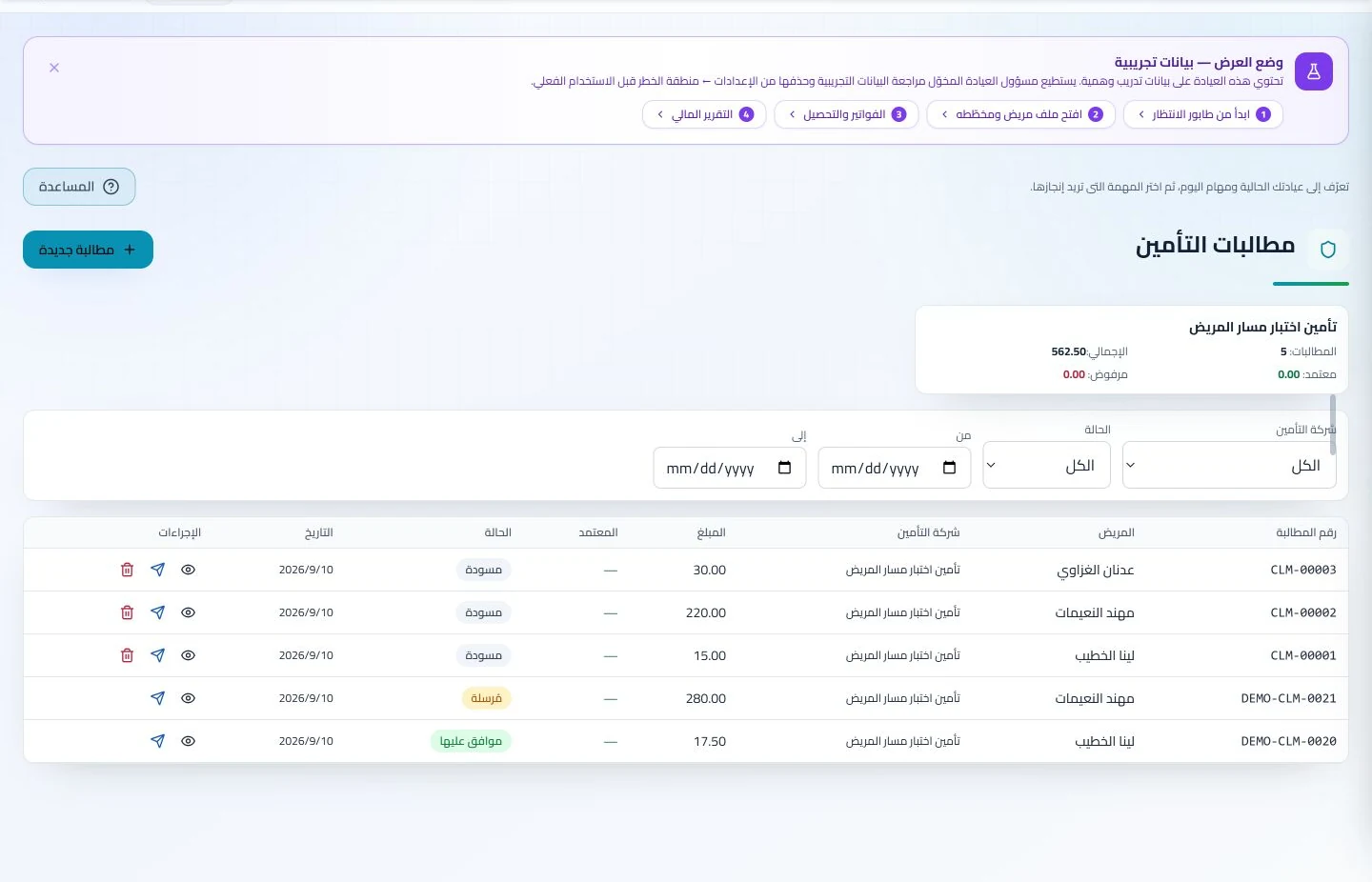
Insurance claims
Maintain insurer details, claim amounts and statuses, receivables and settlements. Reviewing claims by company and status helps responsible staff identify items needing follow-up or completion.
Manage invoices, receipts, payments, outstanding balances and installments when enabled. Recording payments when received distinguishes collected amounts from balances needing follow-up without repeated manual calculation.
How should an endocrinology and diabetes clinic in Jordan evaluate software?
Run two periodic reviews for a sample patient, each with a dated report, then add a prescription and the next appointment. Evaluate access to earlier documents and tracking of consultation charges across accounting periods. ClinicsJo provides records, uploaded reports, scheduling and prescriptions within enabled tools; saving diabetes results does not imply glucose-device connectivity or automated interpretation. Compare clinician and reception usability, and review reminder setup and costs alongside the plan allowances for your team.
Create your account, set up clinic details and services, and try the software free for 7 days. Then choose a clinic-management plan for your clinicians, team and required features.
A clinic-management subscription combines tools for patient records, appointments, billing and teamwork with a doctor and clinic profile on ClinicsJo. We prepare your profile for indexing and organize your specialty, services and location to support discovery in Google and AI-powered search. Tools and limits depend on your selected plan.
The plans page lists current prices, features and limits; some services require activation and setup.