Dietitian & Nutrition Clinic Management Software in Jordan
Nutrition practices use recurring sessions and agreed goals. Notes, attachments and scheduling keep the documented follow-up plan available at each visit.
Can I retain successive versions of a nutrition plan?
Attach the plans you prepared with clear dates and session notes. This lets you retrieve an earlier version during follow-up.
An everyday clinic example
A nutrition follow-up with a revised plan
Open your attached plan and earlier notes, then save the revision you prepared for this visit. Staff book follow-up and record attendance and payment. Retrieve the file and account when the client asks about the latest plan or session charges.
Keep the nutrition plan available between sessions
Save the nutrition plan, attachments and session notes in the client record. Before the next meeting, review documented agreements instead of asking the client to resend the plan.
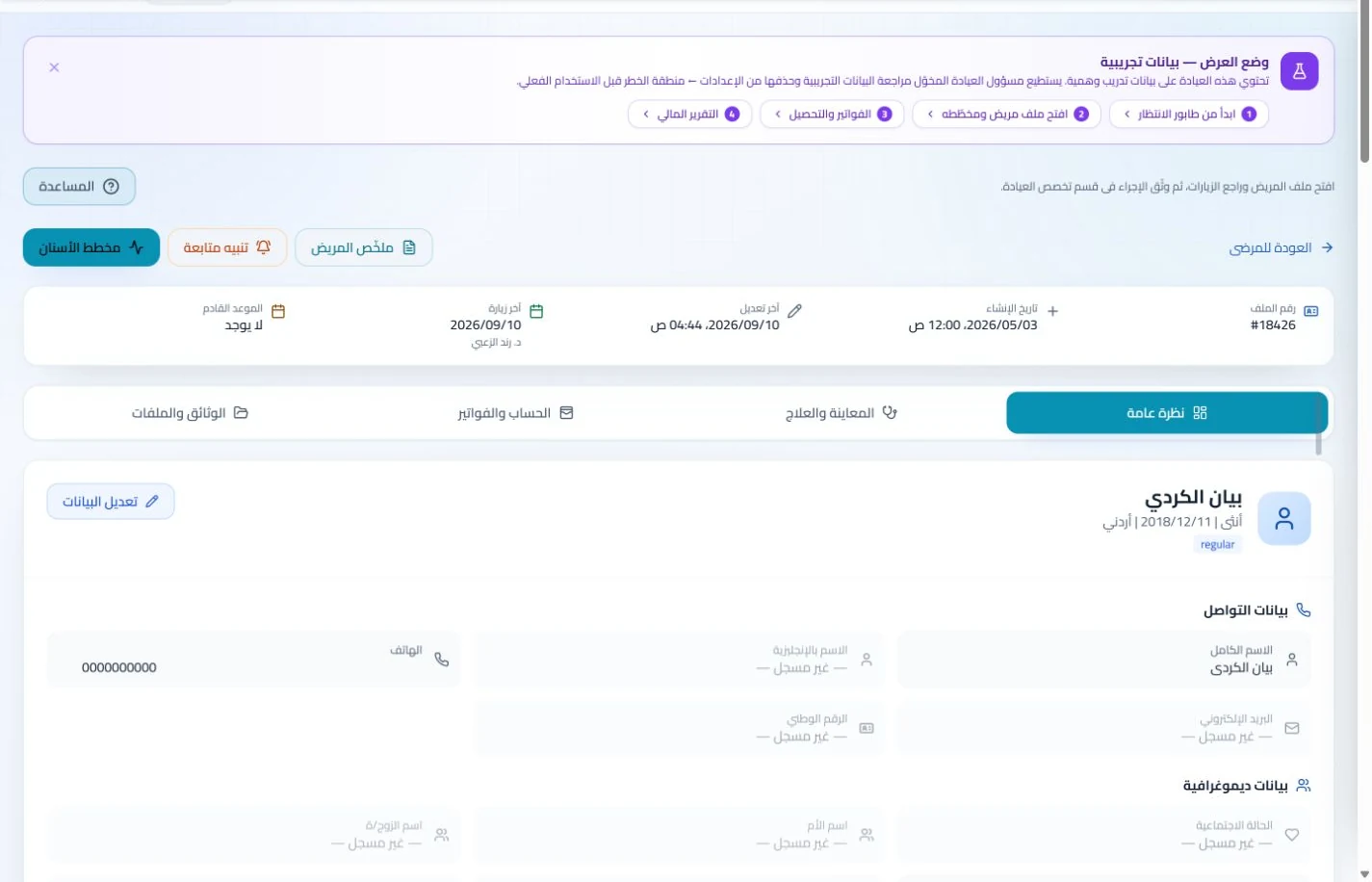
Patient records
Keep patient details, visits, attachments, prescriptions and plans in a retrievable record. Recording information during the visit reduces later searching and repeated documentation.
Book, change and cancel appointments and follow attendance, the waiting queue and working hours. Updating states during the day gives clinicians and reception a common scheduling reference.
Arrange the next appointment at session end and track attendance or changes. Suitable enabled reminders can reduce repetitive coordination work for each client’s return visit.
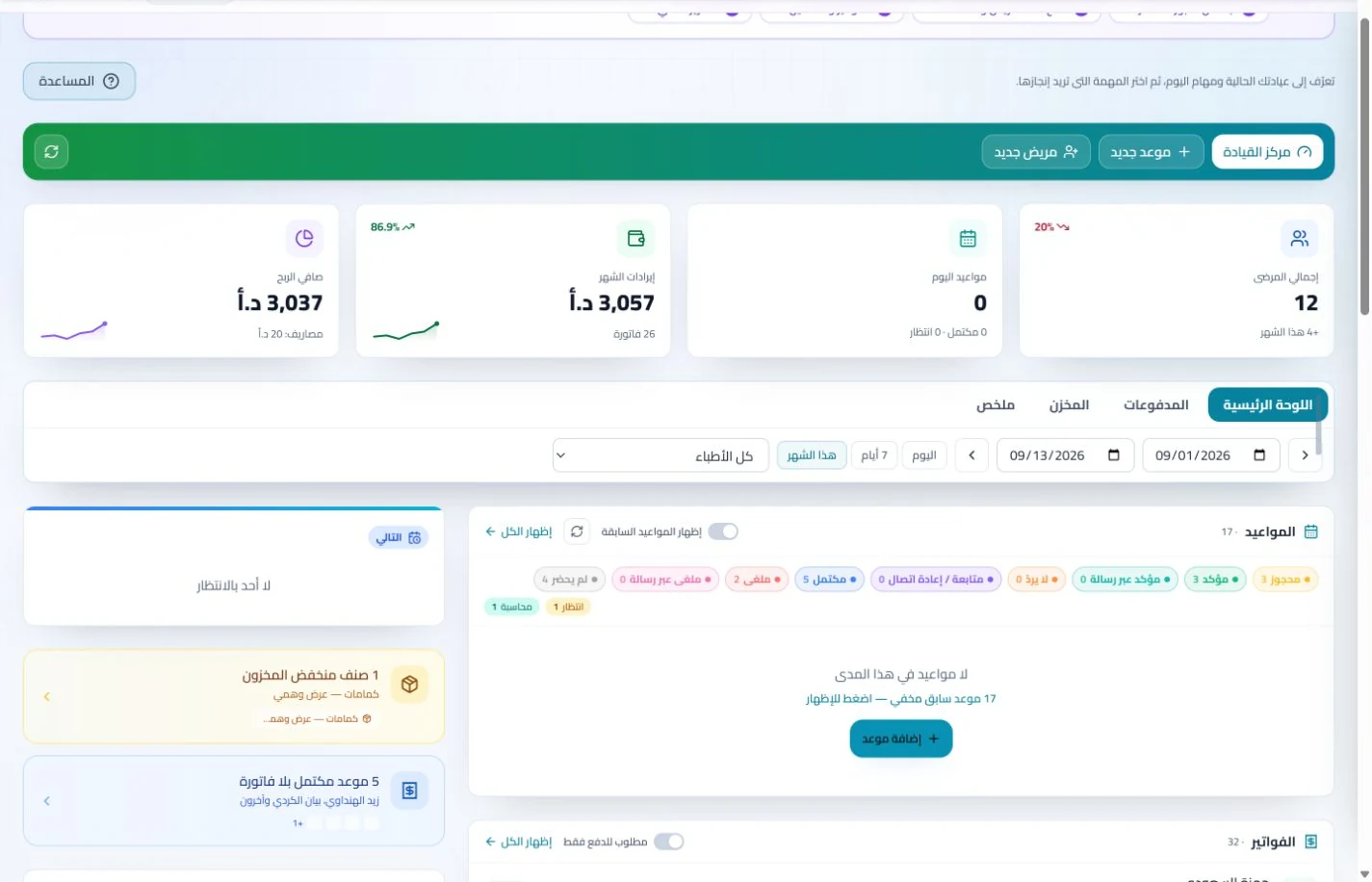
Appointments
Book, change and cancel appointments and follow attendance, the waiting queue and working hours. Updating states during the day gives clinicians and reception a common scheduling reference.
Configure appointment reminders and enabled communication channels, with follow-up tasks and available message logs. Configured reminders reduce repetitive manual sending; delivery depends on service setup and activation.
Define consultation and follow-up services and record their invoices and payments. Your public practice profile presents published services and contact details to people considering their first session.
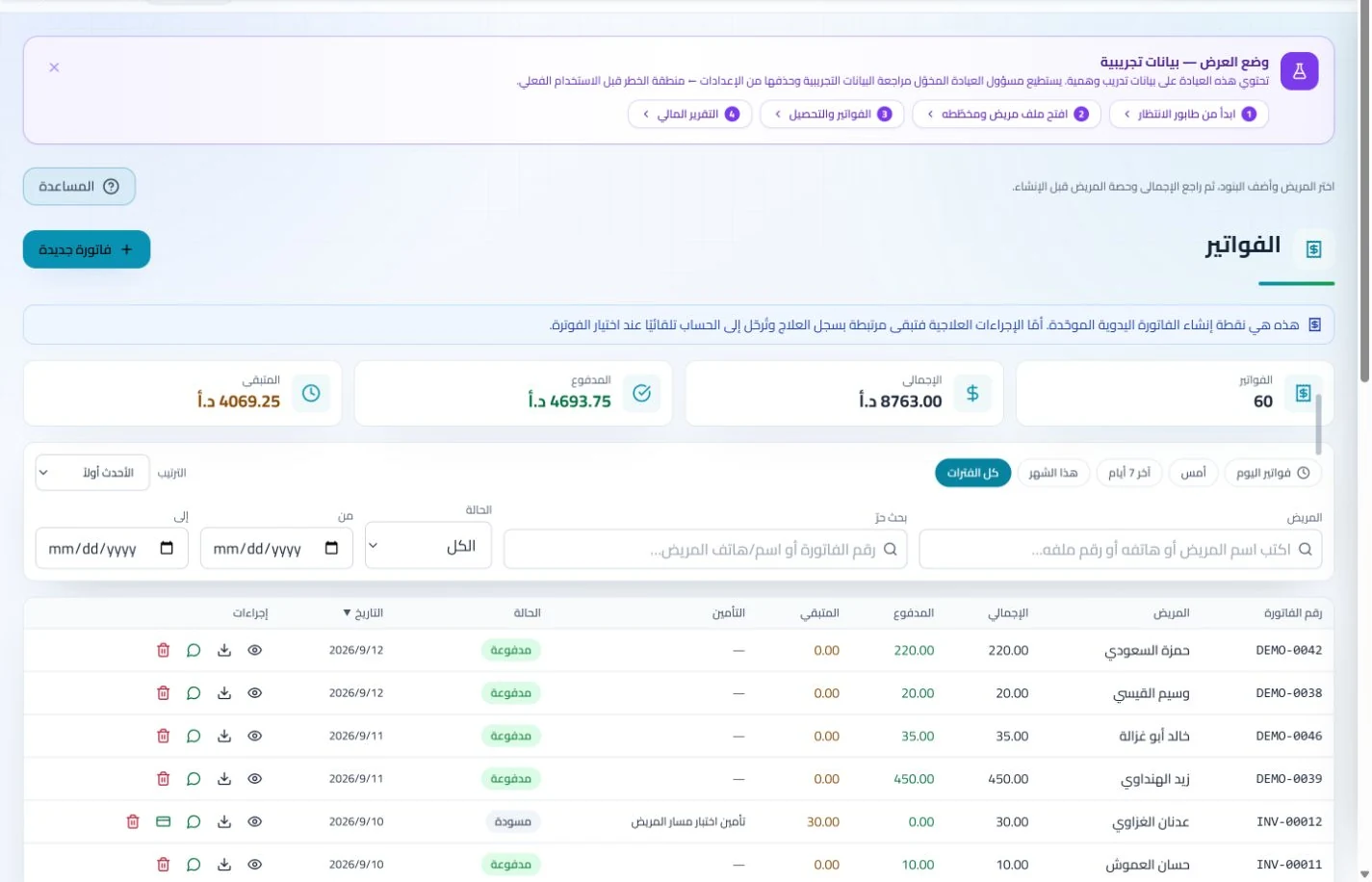
Invoices and collections
Manage invoices, receipts, payments, outstanding balances and installments when enabled. Recording payments when received distinguishes collected amounts from balances needing follow-up without repeated manual calculation.
A public practice profile presents contact details and published services, alongside available booking tools and help guides. Visitors can find practice information while staff access guidance as they learn the tools.
How do I choose software for a nutrition practice in Jordan?
Try a record containing two dated versions of a follow-up plan, then enter two sessions and their payments and retrieve the latest version. Focus on document organization and clear service pricing. ClinicsJo uses attachments, visit notes and accounts for this purpose; it does not establish an automatic diet generator or nutrient-analysis tool. Before subscribing, review practitioner and reception features, migration of existing plans, storage allowances and the communication tools you intend to enable.
Create your account, set up clinic details and services, and try the software free for 7 days. Then choose a clinic-management plan for your clinicians, team and required features.
A clinic-management subscription combines tools for patient records, appointments, billing and teamwork with a doctor and clinic profile on ClinicsJo. We prepare your profile for indexing and organize your specialty, services and location to support discovery in Google and AI-powered search. Tools and limits depend on your selected plan.
The plans page lists current prices, features and limits; some services require activation and setup.