ENT (Ear, Nose & Throat) Clinic Management Software in Jordan
Hearing visits, nasal consultations and procedure reviews have different requirements. Clear service names help reception book the right appointment type and duration.
How do I separate ENT consultation and procedure charges?
Define each service with its name and price, then add delivered services to the invoice. Review charges and payments while procedure notes stay in the patient file.
An everyday clinic example
An ENT consultation followed by a procedure
Book the consultation, document the procedure performed and attach the available report. Reception checks delivered services before invoicing and schedules the return visit. Consultation and procedure notes remain retrievable together.
Document the procedure performed during the consultation.
Attach received hearing or examination reports.
Review delivered services before collecting the invoice payment.
When a patient brings a new hearing report, add it alongside earlier reports and consultation notes. The visit history provides a practical place to retrieve documents at review.
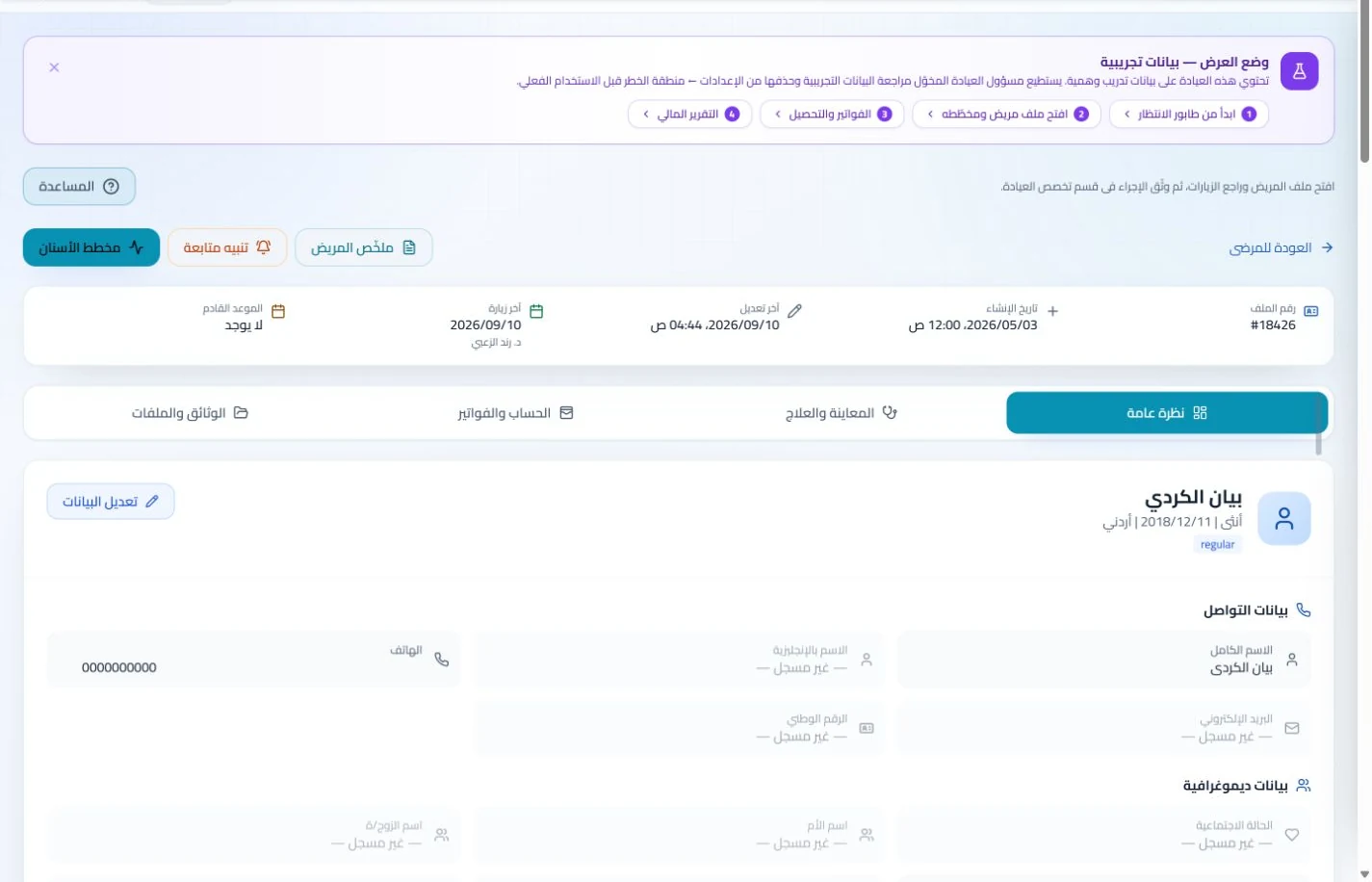
Patient records
Keep patient details, visits, attachments, prescriptions and plans in a retrievable record. Recording information during the visit reduces later searching and repeated documentation.
Book, change and cancel appointments and follow attendance, the waiting queue and working hours. Updating states during the day gives clinicians and reception a common scheduling reference.
Book the return visit after a procedure and monitor attendance in the schedule. Configured appointment reminders can reduce repetitive confirmation calls made by reception.
Appointments
Book, change and cancel appointments and follow attendance, the waiting queue and working hours. Updating states during the day gives clinicians and reception a common scheduling reference.
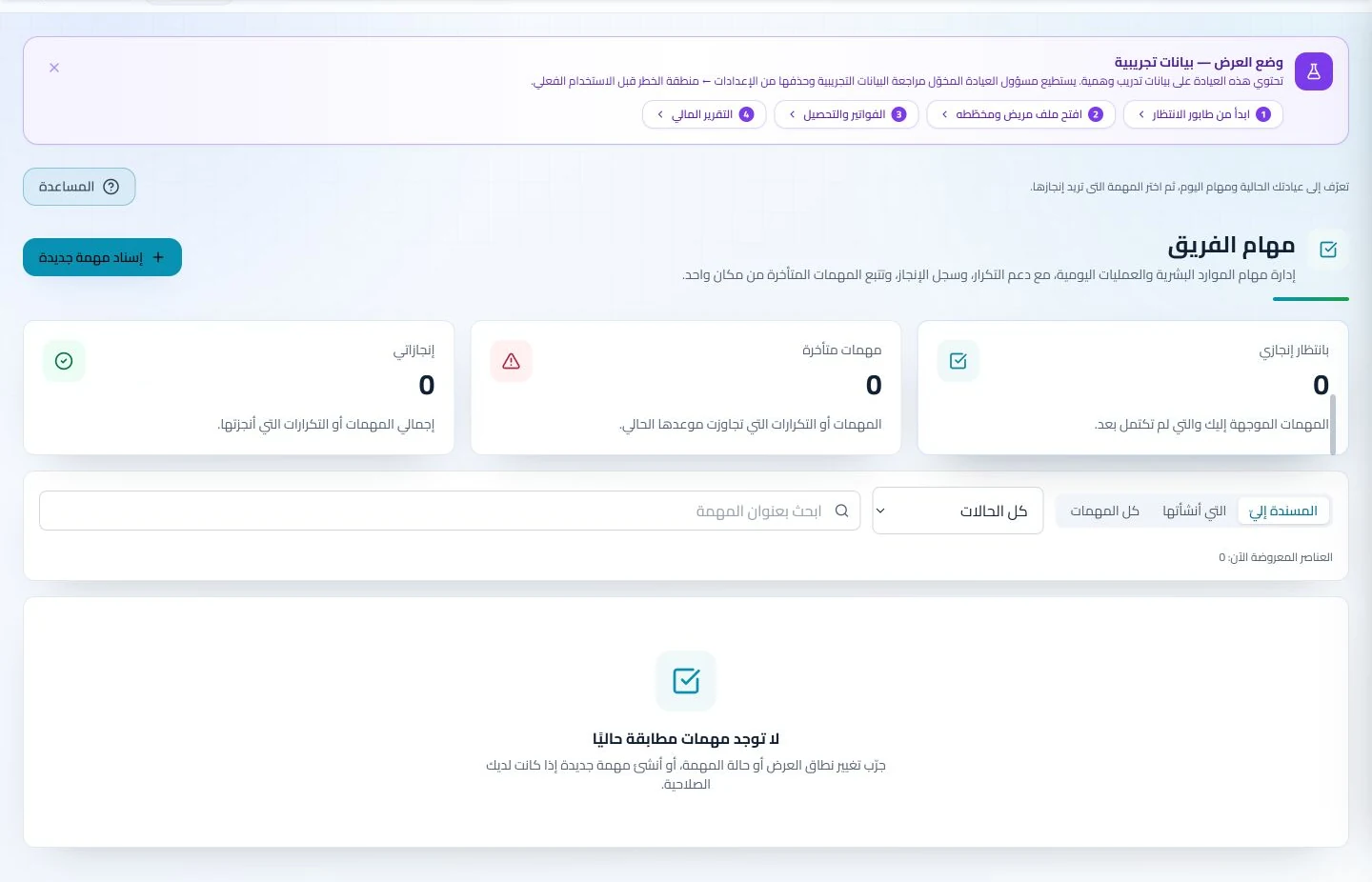
Configure appointment reminders and enabled communication channels, with follow-up tasks and available message logs. Configured reminders reduce repetitive manual sending; delivery depends on service setup and activation.
Invoice the consultation or procedure and follow its payments. Recording consumable movements separately gives the team a stock balance to review when preparing for upcoming clinic days.
Invoices and collections
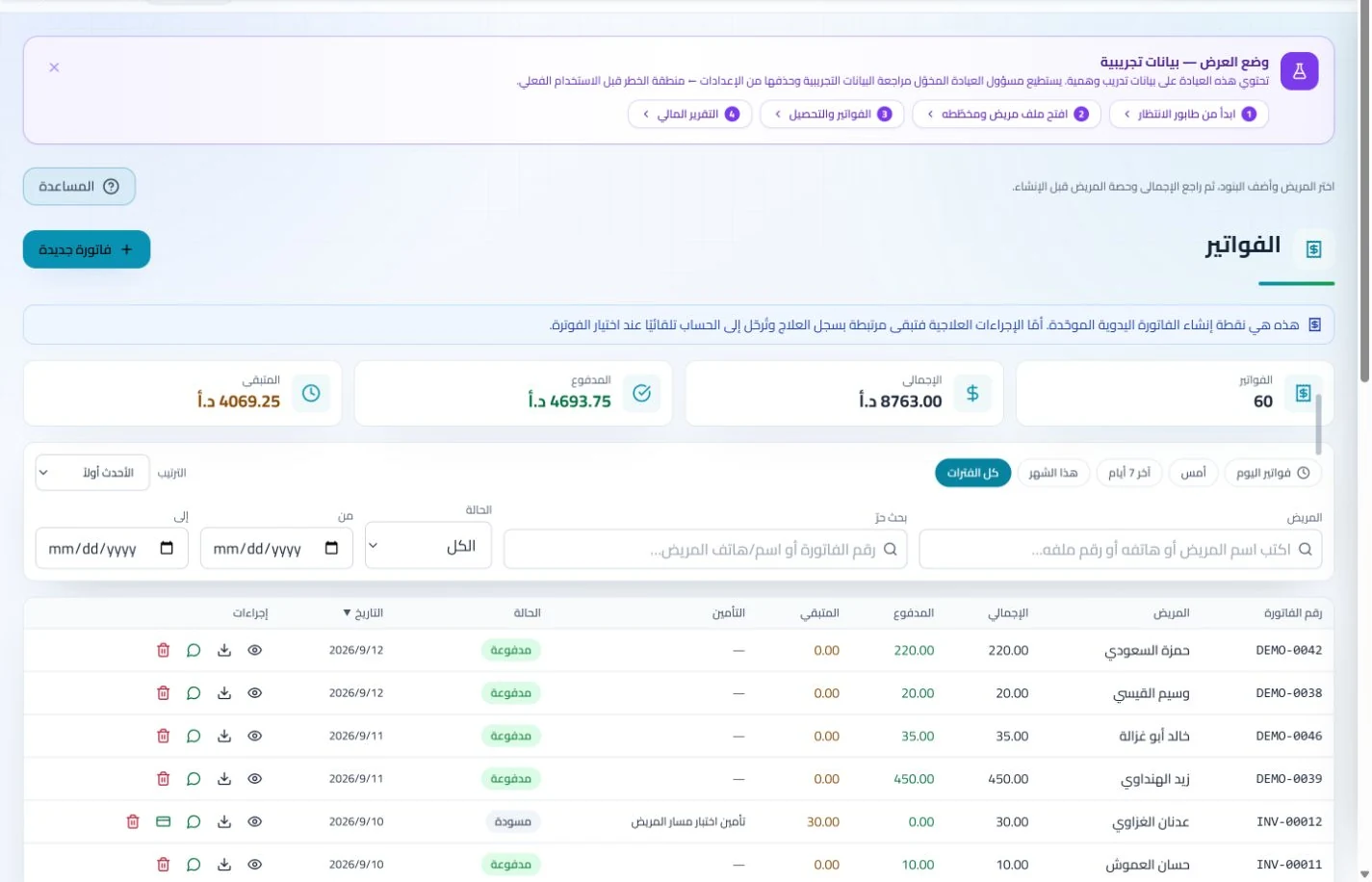
Manage invoices, receipts, payments, outstanding balances and installments when enabled. Recording payments when received distinguishes collected amounts from balances needing follow-up without repeated manual calculation.
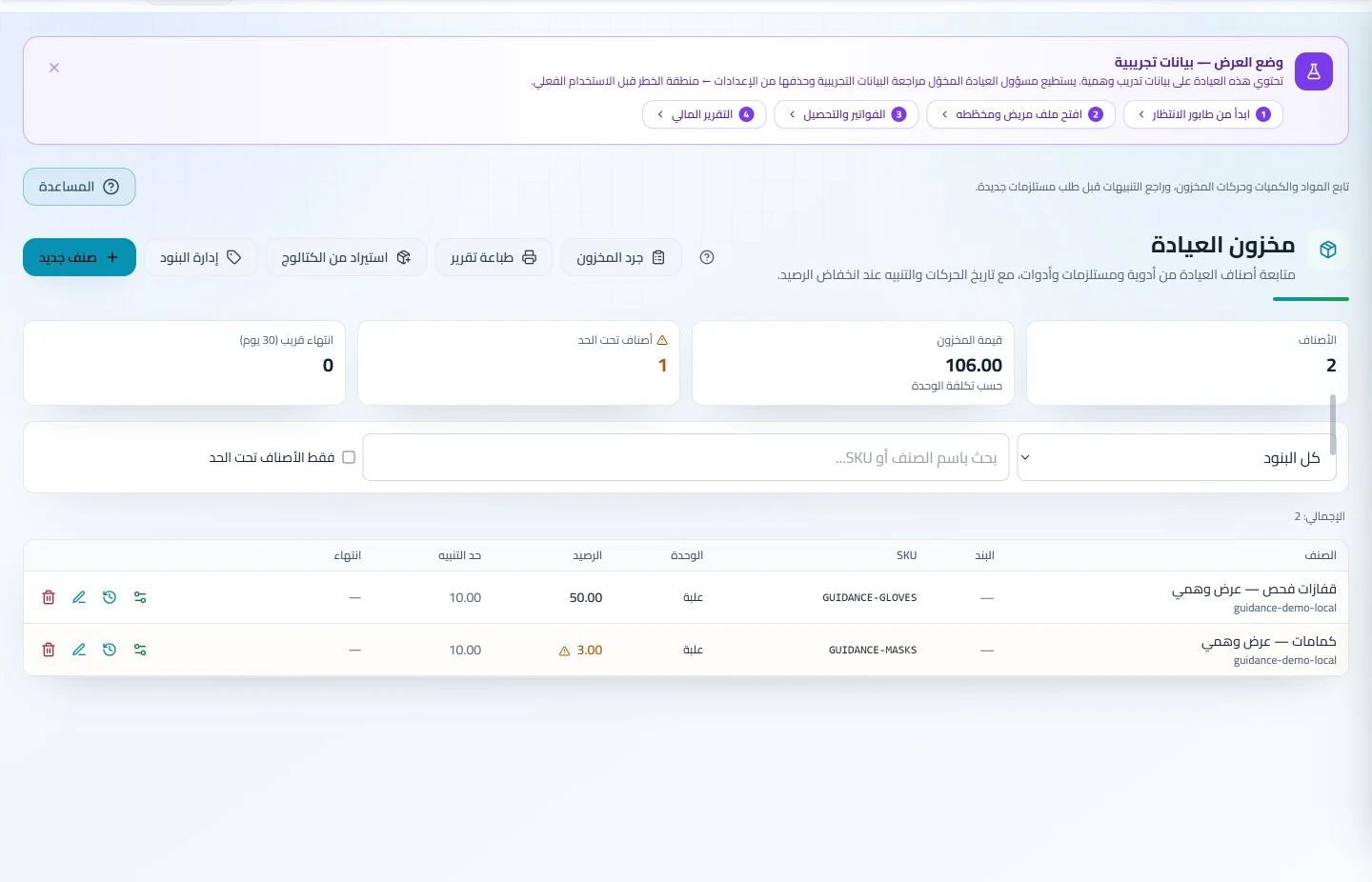
Track items, quantities, storage, movements and stocktakes with low-stock and expiry alerts. Accurate balances require logged receipts and usage; review them to identify replenishment needs before supplies run out.
Which trial helps evaluate ENT clinic software in Jordan?
Go beyond an empty calendar: enter a consultation and a procedure for the same sample patient, attach an audiology report and arrange a return visit. Check that reception can identify the appointment type, the clinician can retrieve the report and both charges remain clear. ClinicsJo documents reports through the patient record; this does not operate examination equipment or directly import its results. Choose a plan around the scheduling, billing and inventory tools required.
Create your account, set up clinic details and services, and try the software free for 7 days. Then choose a clinic-management plan for your clinicians, team and required features.
A clinic-management subscription combines tools for patient records, appointments, billing and teamwork with a doctor and clinic profile on ClinicsJo. We prepare your profile for indexing and organize your specialty, services and location to support discovery in Google and AI-powered search. Tools and limits depend on your selected plan.
The plans page lists current prices, features and limits; some services require activation and setup.