Speech & Language Therapy Clinic Management Software in Jordan
Speech and language therapy uses recurring sessions and practitioner notes. Linking each session to the record and next appointment supports continuity.
Document each session in the client file and record its appointment and attendance. Retrieve notes and the attached plan before preparing the next session.
An everyday clinic example
A guardian asks about the next speech session
Reception locates the appointment and verifies the recorded contact. Review your attached plan before the session and add notes on the work performed. Record attendance and payment, then arrange the next appointment.
Attach the speech therapy plan you prepare.
Keep notes on exercises completed during the session.
Coordinate appointments and payments with the recorded contact.
Save follow-up plans, session notes and attachments in the client record. Review earlier documentation before the next session, including when an authorized colleague takes over the appointment.
Patient records
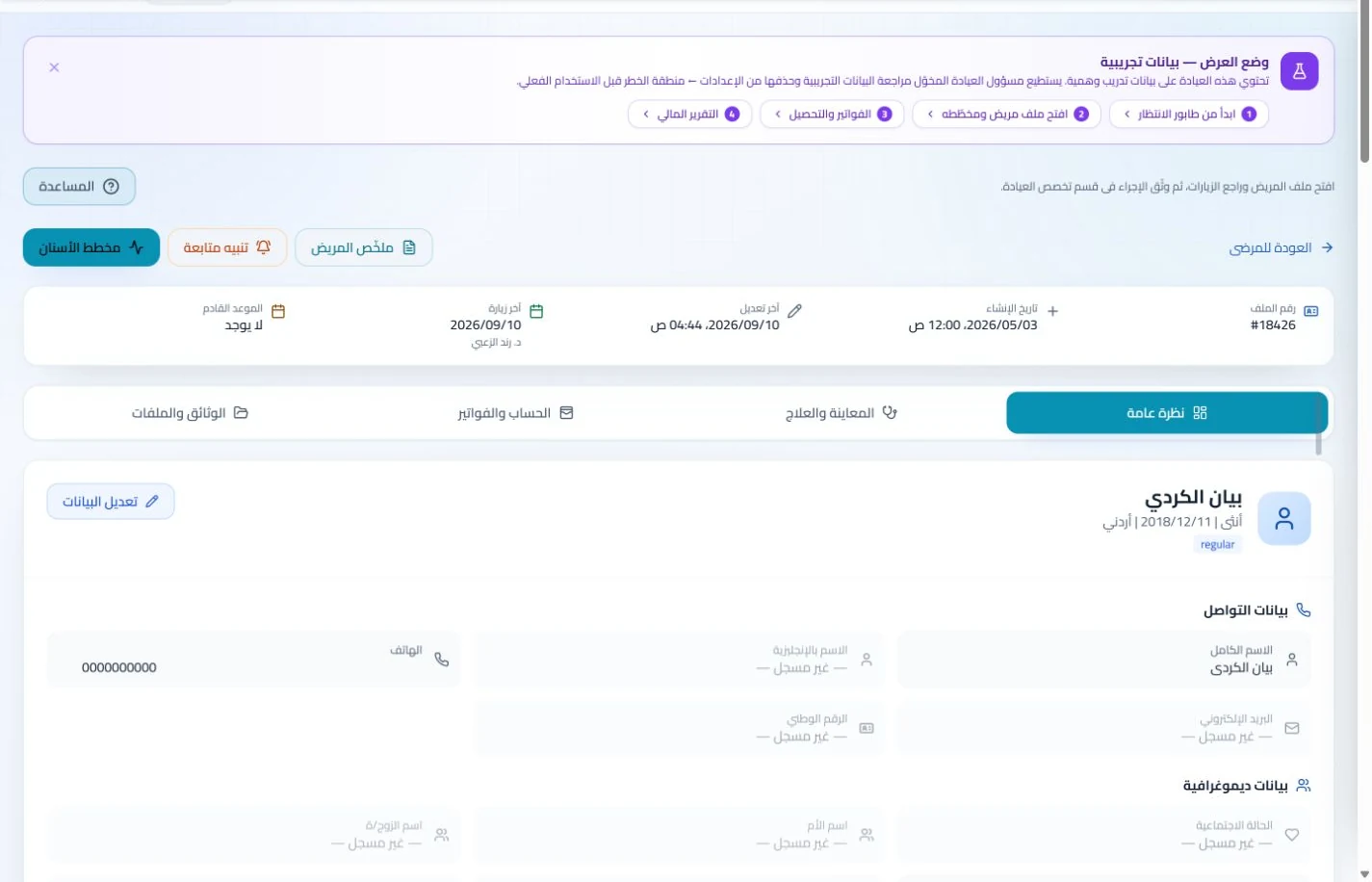
Keep patient details, visits, attachments, prescriptions and plans in a retrievable record. Recording information during the visit reduces later searching and repeated documentation.
Book, change and cancel appointments and follow attendance, the waiting queue and working hours. Updating states during the day gives clinicians and reception a common scheduling reference.
Record session bookings and track attendance and postponements, using suitable enabled reminders. Reception can find the correct session date when a family calls without reviewing several appointment conversations.
Appointments
Book, change and cancel appointments and follow attendance, the waiting queue and working hours. Updating states during the day gives clinicians and reception a common scheduling reference.
Configure appointment reminders and enabled communication channels, with follow-up tasks and available message logs. Configured reminders reduce repetitive manual sending; delivery depends on service setup and activation.
Manage session accounts and specialist administration
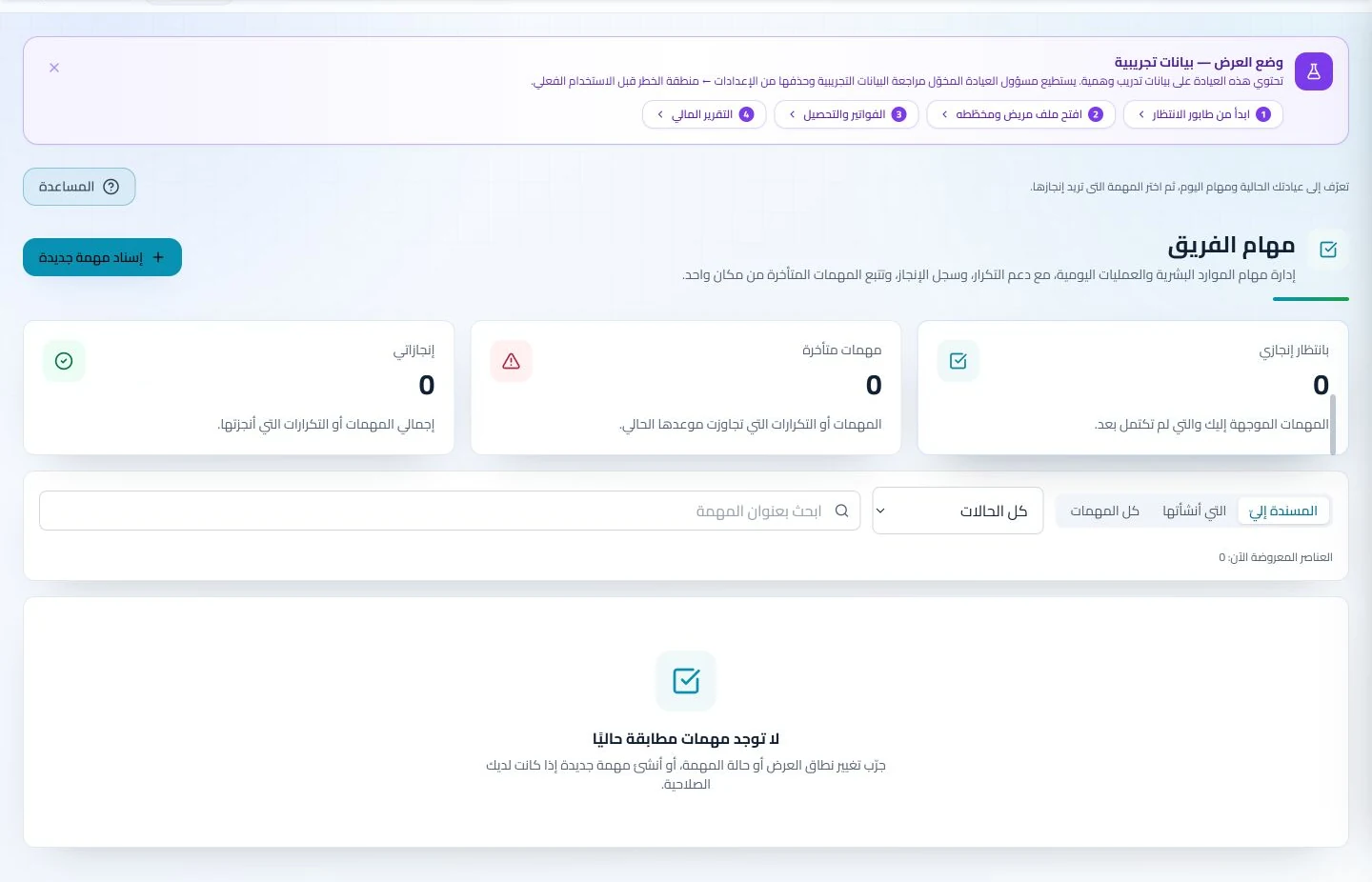
Track each client’s invoices and payments while administering specialist attendance and leave. When staff cover changes, the relevant records remain available without collecting employee schedules and family accounts from separate notebooks.
Invoices and collections
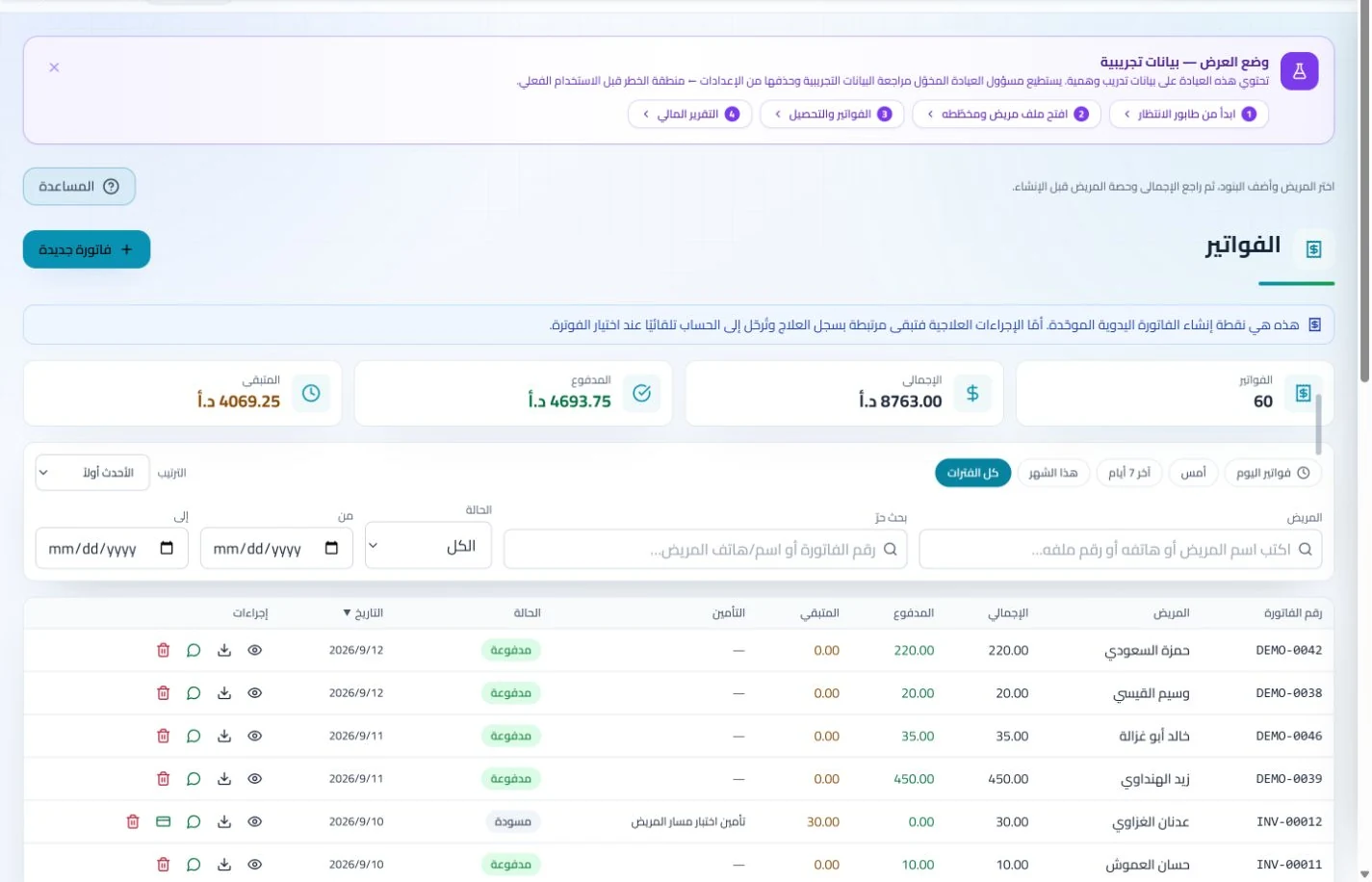
Manage invoices, receipts, payments, outstanding balances and installments when enabled. Recording payments when received distinguishes collected amounts from balances needing follow-up without repeated manual calculation.
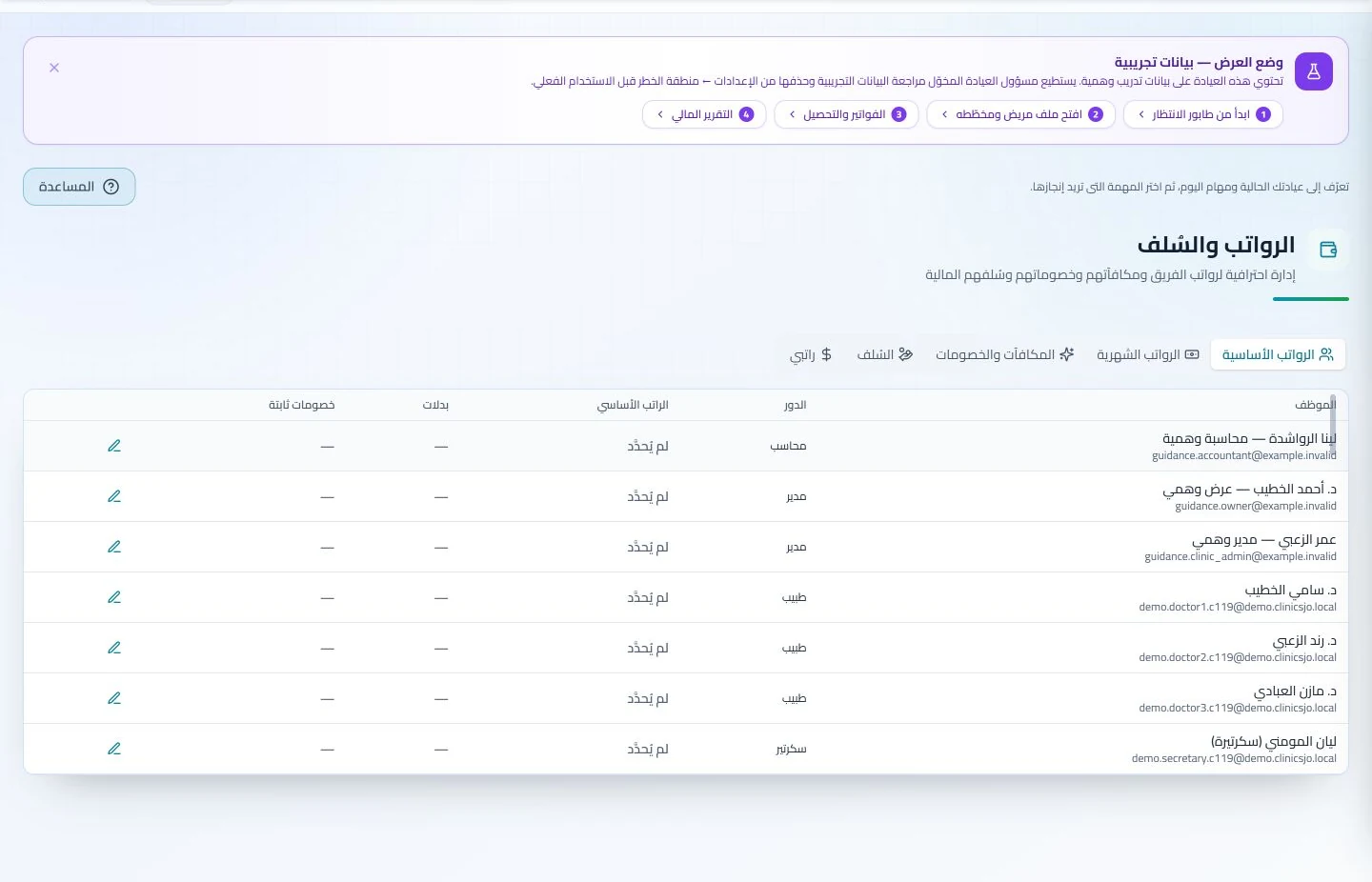
Administer attendance, leave, payroll, advances and commissions according to clinic settings. Dedicated employee records make payroll preparation easier to review with fewer searches through notebooks and messages.
How should I select software for a speech and language therapy center in Jordan?
Use a sample plan and two sessions with different notes, then arrange the next booking and explain attendance and payments for a guardian enquiry. Compare therapist documentation access with reception’s ability to answer from administrative records. ClinicsJo organizes files, appointments and accounts; it does not automatically measure speech progress or turn recordings into specialist assessments. If audio files matter, test their formats and sizes directly, then review plan limits and permissions.
Create your account, set up clinic details and services, and try the software free for 7 days. Then choose a clinic-management plan for your clinicians, team and required features.
A clinic-management subscription combines tools for patient records, appointments, billing and teamwork with a doctor and clinic profile on ClinicsJo. We prepare your profile for indexing and organize your specialty, services and location to support discovery in Google and AI-powered search. Tools and limits depend on your selected plan.
The plans page lists current prices, features and limits; some services require activation and setup.