How do I arrange return after a preventive consultation?
Book review in the schedule and document its purpose in the visit. Attach received results and configure reminders when the messaging service is enabled.
An everyday clinic example
A preventive consultation followed by results review
Book the consultation and attach received reports with your notes. When another result arrives, add it to the file and arrange a discussion appointment. Review recorded services and accounts through the clinic reports for the month.
Define preventive consultations as clear services.
Document the recommendations you give the patient.
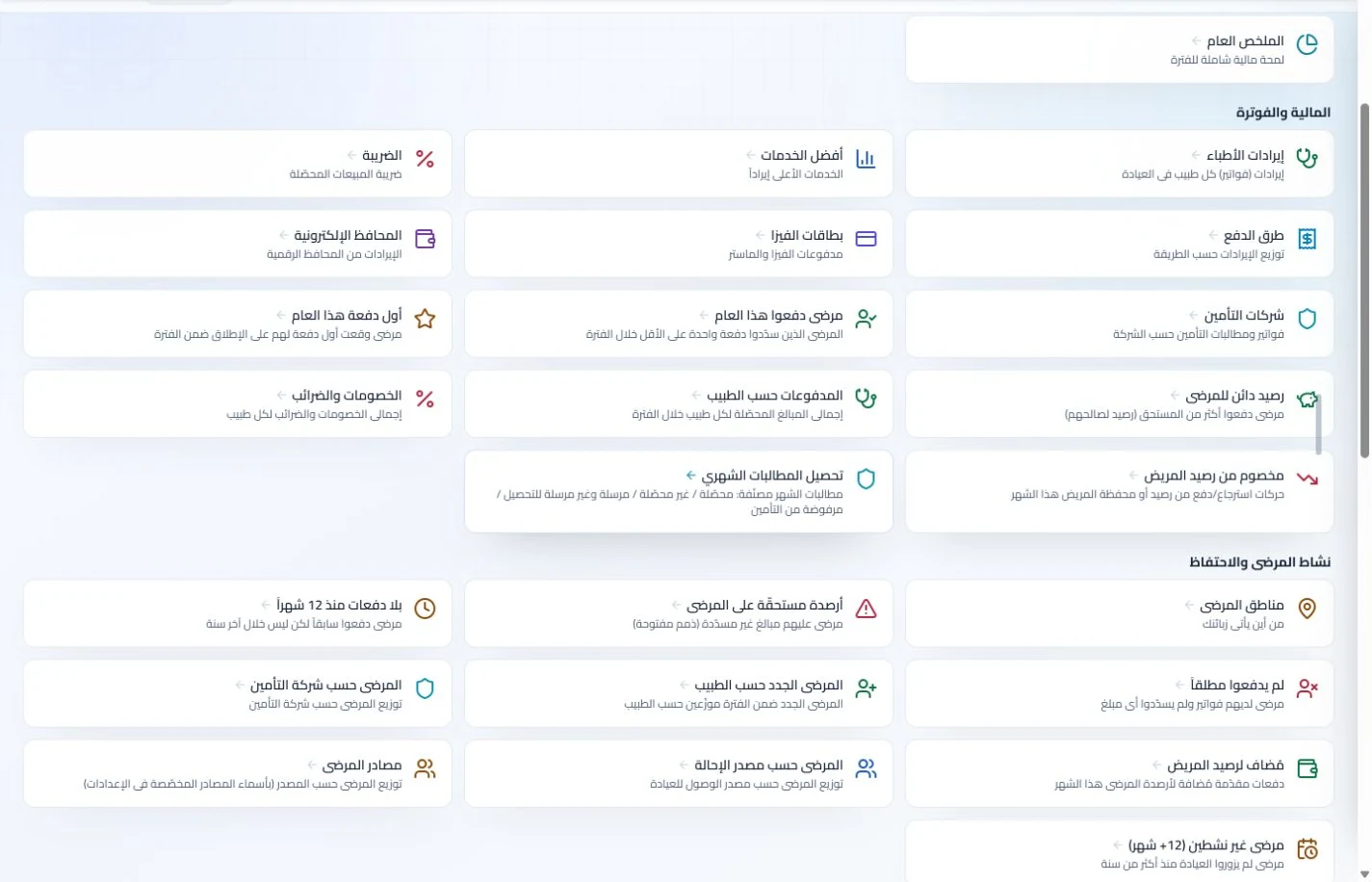
Review reports of services recorded during the period.
Document preventive consultations and their attachments
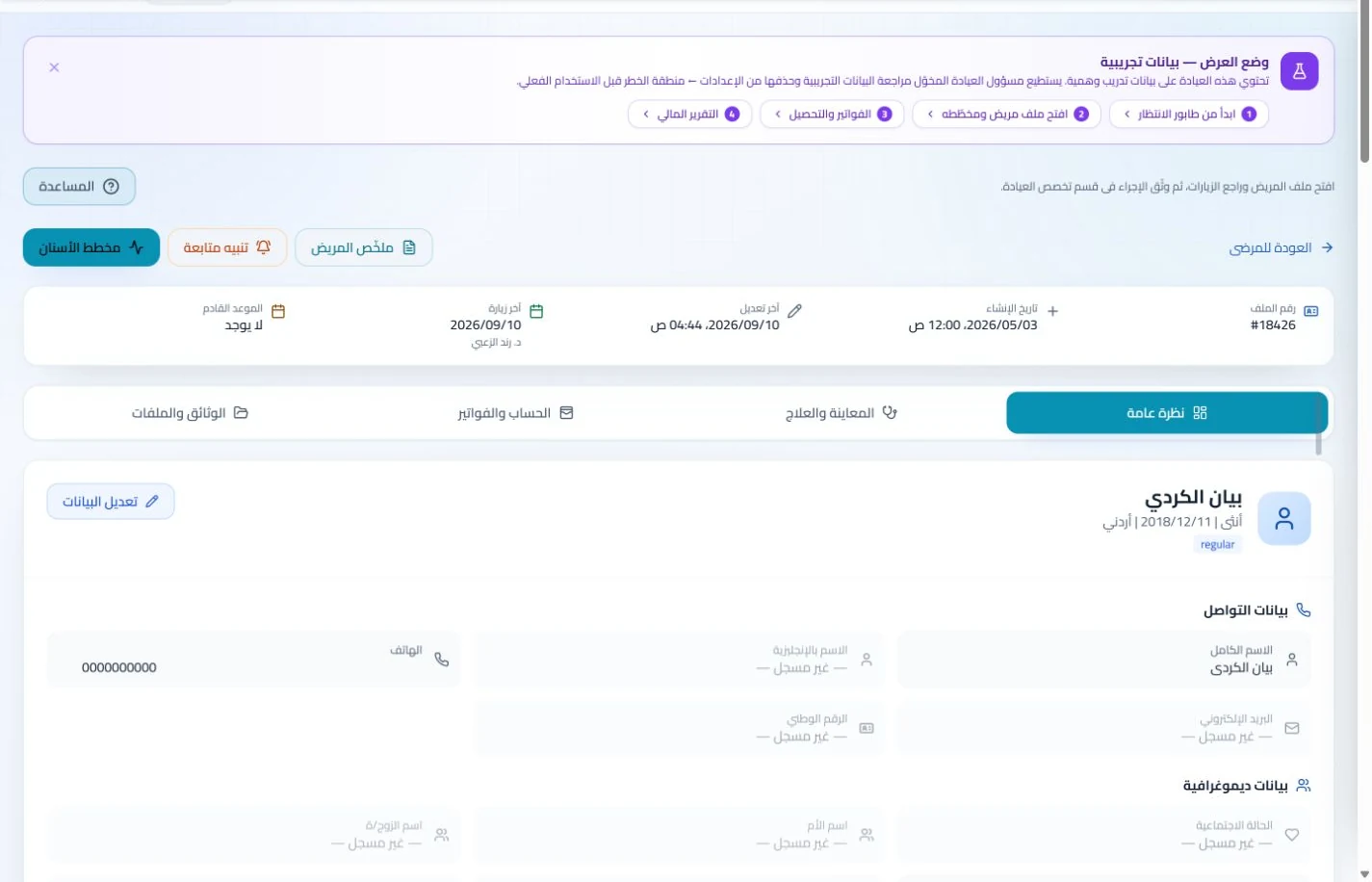
Record patient details, preventive service notes and supplied reports in the file. Retrieve previous documentation at follow-up rather than opening a separate disconnected record for each visit.
Patient records
Keep patient details, visits, attachments, prescriptions and plans in a retrievable record. Recording information during the visit reduces later searching and repeated documentation.
Book, change and cancel appointments and follow attendance, the waiting queue and working hours. Updating states during the day gives clinicians and reception a common scheduling reference.
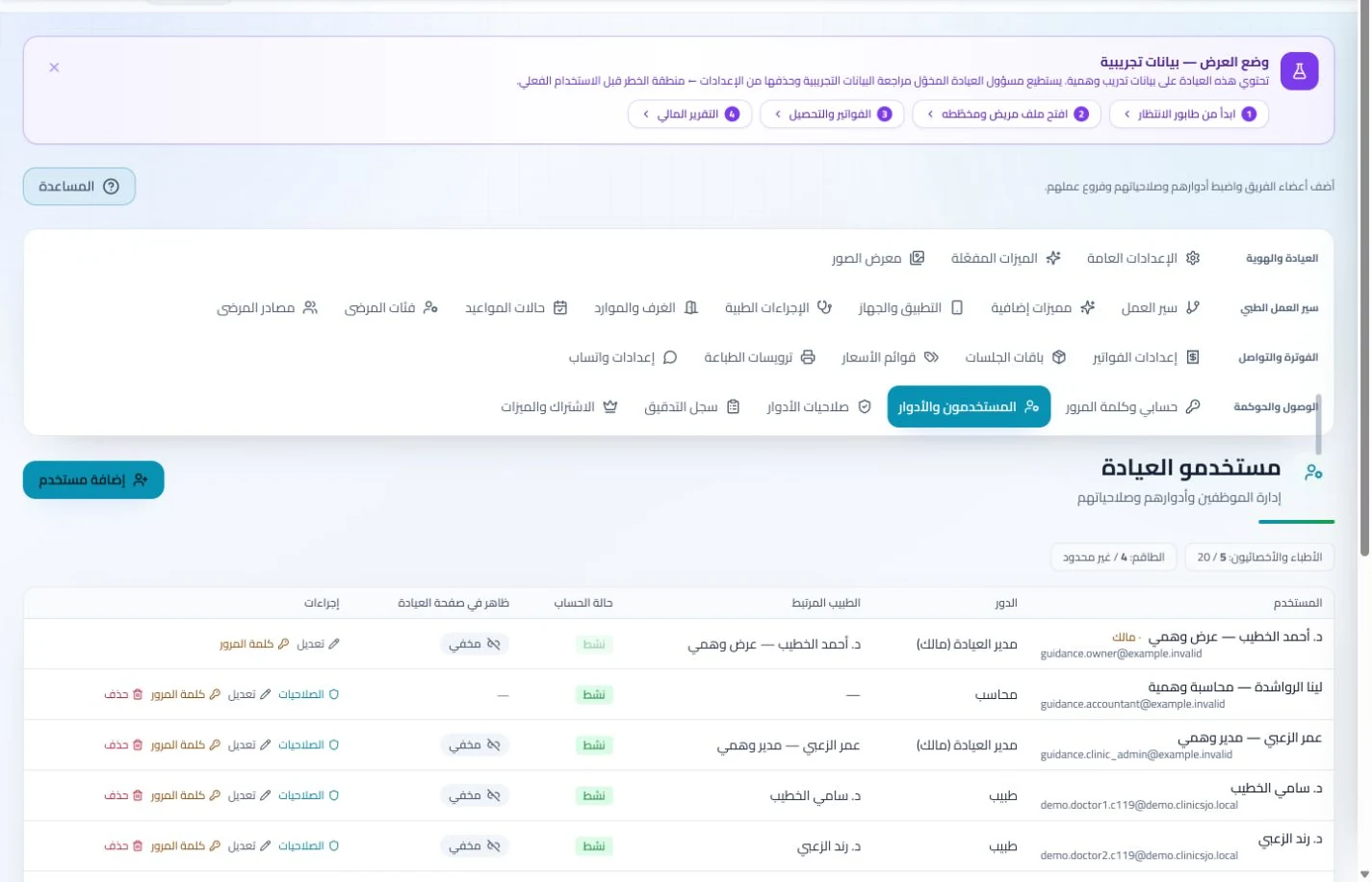
Assign coordination and file-preparation tasks and administer permissions, attendance and leave. Clear roles help management identify who owns each follow-up when several employees share the work.
Branches and team
Configure services, prices, rooms and branches with user permissions and team tasks. Defined roles and follow-up ownership clarify handovers and reduce internal questions about the next administrative action.
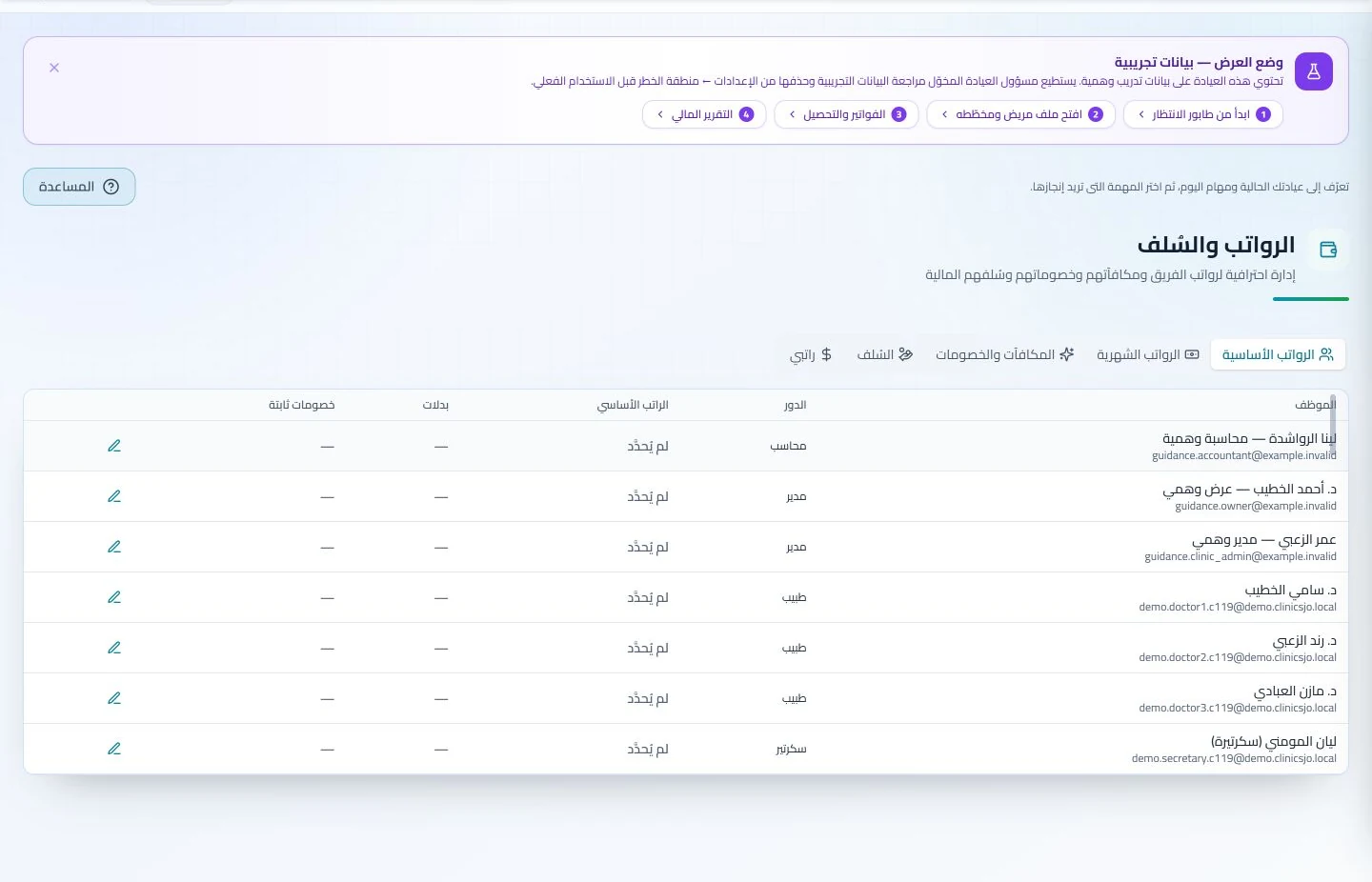
Administer attendance, leave, payroll, advances and commissions according to clinic settings. Dedicated employee records make payroll preparation easier to review with fewer searches through notebooks and messages.
Publish service and contact information in the clinic profile and record paid-service invoices and payments. Visitors can find contact details while management maintains a record of delivered and collected services.
Invoices and collections
Manage invoices, receipts, payments, outstanding balances and installments when enabled. Recording payments when received distinguishes collected amounts from balances needing follow-up without repeated manual calculation.
A public practice profile presents contact details and published services, alongside available booking tools and help guides. Visitors can find practice information while staff access guidance as they learn the tools.
How should a community and preventive medicine clinic in Jordan evaluate software?
Try a preventive consultation, attached result and return appointment for a sample patient, then inspect the service in a period report and the assigned follow-up task. Assess attendance and administrative coordination while keeping accounts distinct from clinical notes. ClinicsJo organizes recorded clinic work; it should not be assumed to provide epidemiological surveillance or a population database. Define the reports you actually need and test exports, permissions and included features before adoption or archive migration.
Create your account, set up clinic details and services, and try the software free for 7 days. Then choose a clinic-management plan for your clinicians, team and required features.
A clinic-management subscription combines tools for patient records, appointments, billing and teamwork with a doctor and clinic profile on ClinicsJo. We prepare your profile for indexing and organize your specialty, services and location to support discovery in Google and AI-powered search. Tools and limits depend on your selected plan.
The plans page lists current prices, features and limits; some services require activation and setup.