Respiratory reviews involve examination reports and ongoing notes. Organized records make uploaded reports and previous visit dates easier to retrieve.
Can respiratory consultations and examinations have different prices?
Define separate services and prices, then add delivered services to the invoice. Keep examination reports in the patient file for clinical review.
An everyday clinic example
A respiratory consultation followed by an examination
Book the consultation, attach the available examination report and document your notes. Staff schedule follow-up and complete service charges or claim follow-up. Retrieve the previous report when the patient returns.
Save lung function reports as attachments.
Define the consultation and examination as separate services.
Attach supplied lung-function and imaging reports to visit documentation. At review, recorded reports and earlier prescriptions remain accessible within the follow-up history instead of scattered sources.
Patient records
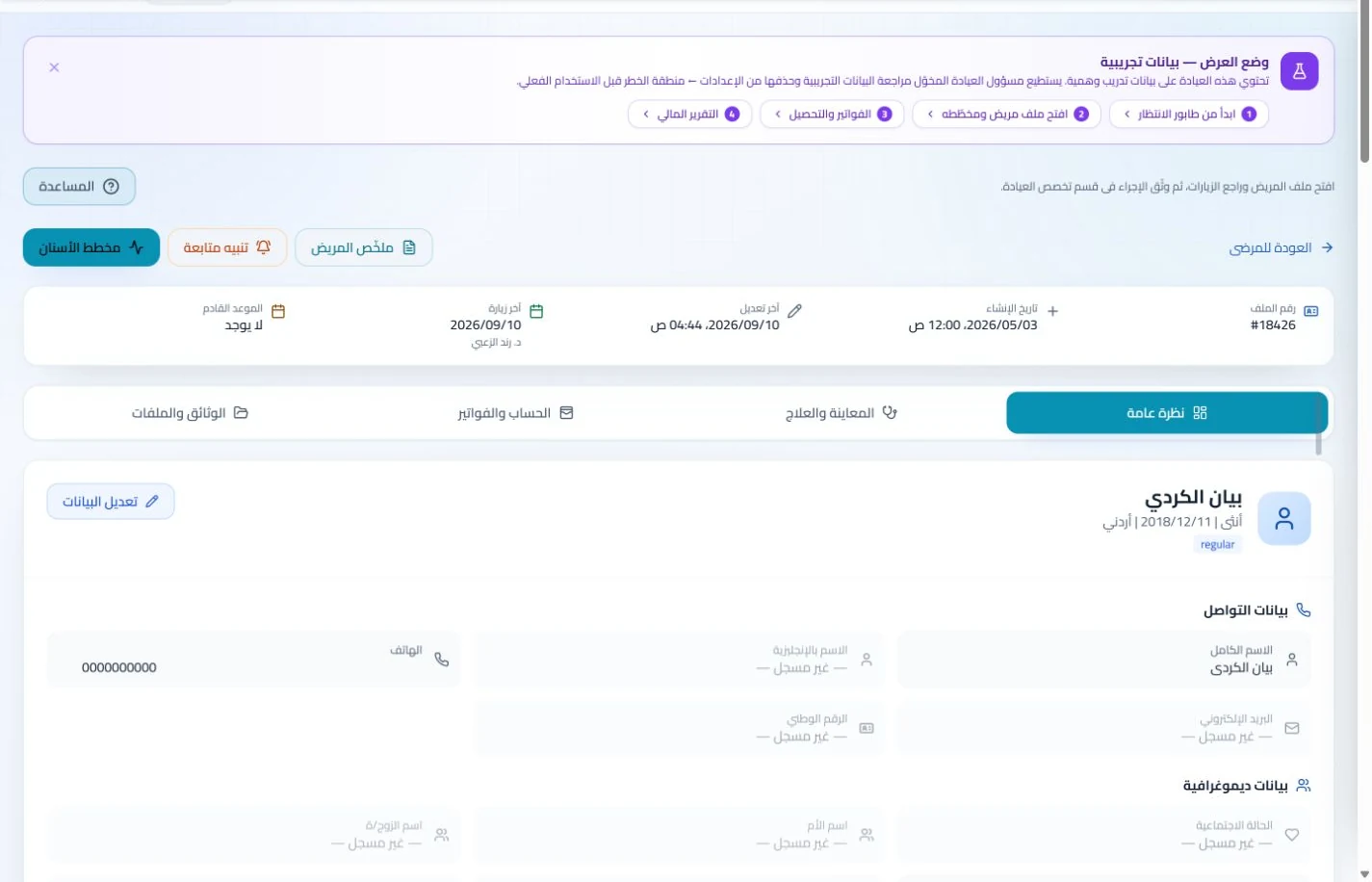
Keep patient details, visits, attachments, prescriptions and plans in a retrievable record. Recording information during the visit reduces later searching and repeated documentation.
Book, change and cancel appointments and follow attendance, the waiting queue and working hours. Updating states during the day gives clinicians and reception a common scheduling reference.
Check attendance and waiting states during clinic hours and assign missing-document tasks. Clear status and ownership reduce interruptions about patient order and paperwork readiness.
Appointments
Book, change and cancel appointments and follow attendance, the waiting queue and working hours. Updating states during the day gives clinicians and reception a common scheduling reference.
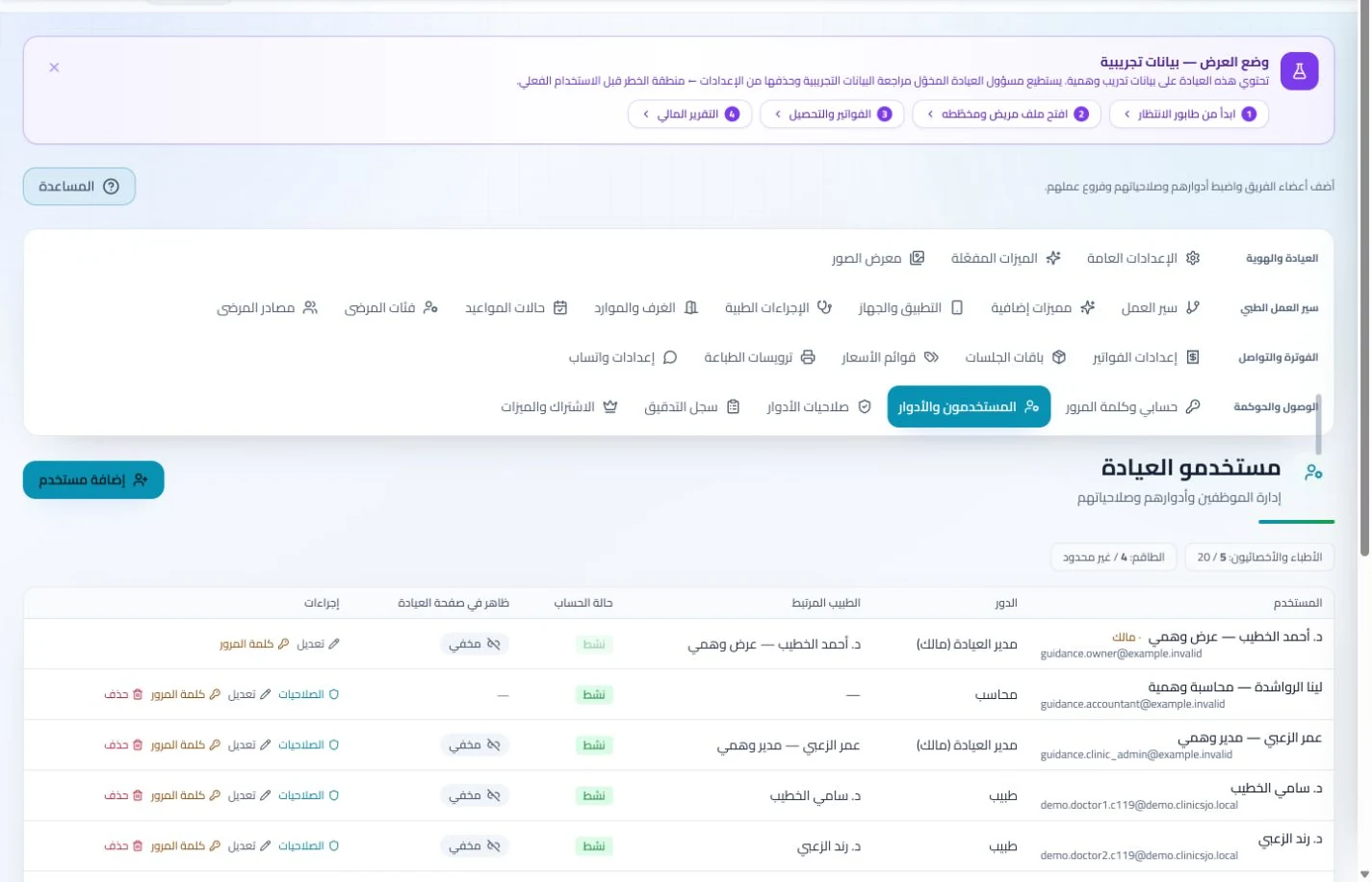
Configure services, prices, rooms and branches with user permissions and team tasks. Defined roles and follow-up ownership clarify handovers and reduce internal questions about the next administrative action.
Record the consultation and patient payment, then follow the claim under the relevant insurer. Reception can answer questions about recorded balances without asking you to reconstruct earlier collections.
Invoices and collections
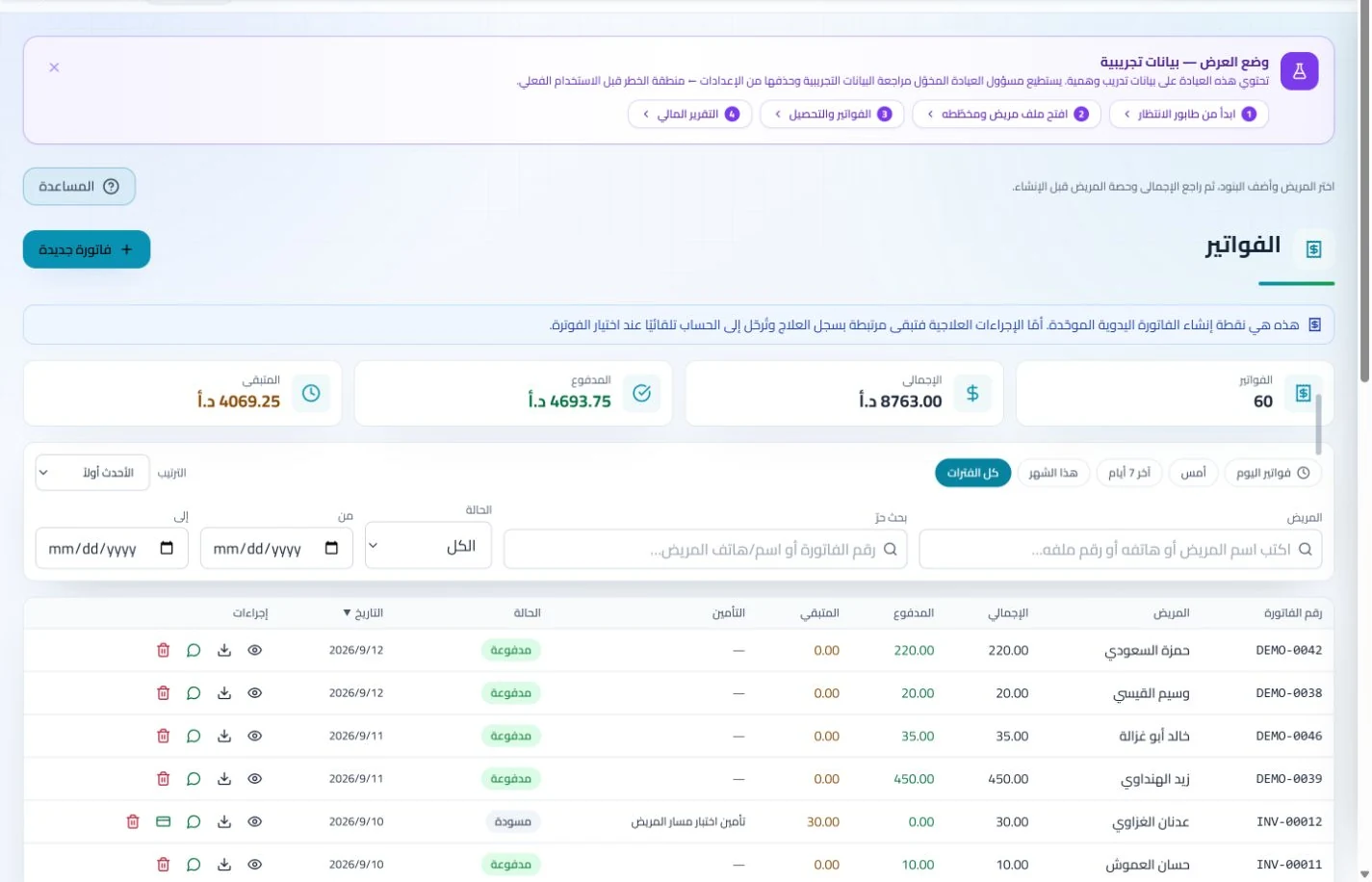
Manage invoices, receipts, payments, outstanding balances and installments when enabled. Recording payments when received distinguishes collected amounts from balances needing follow-up without repeated manual calculation.
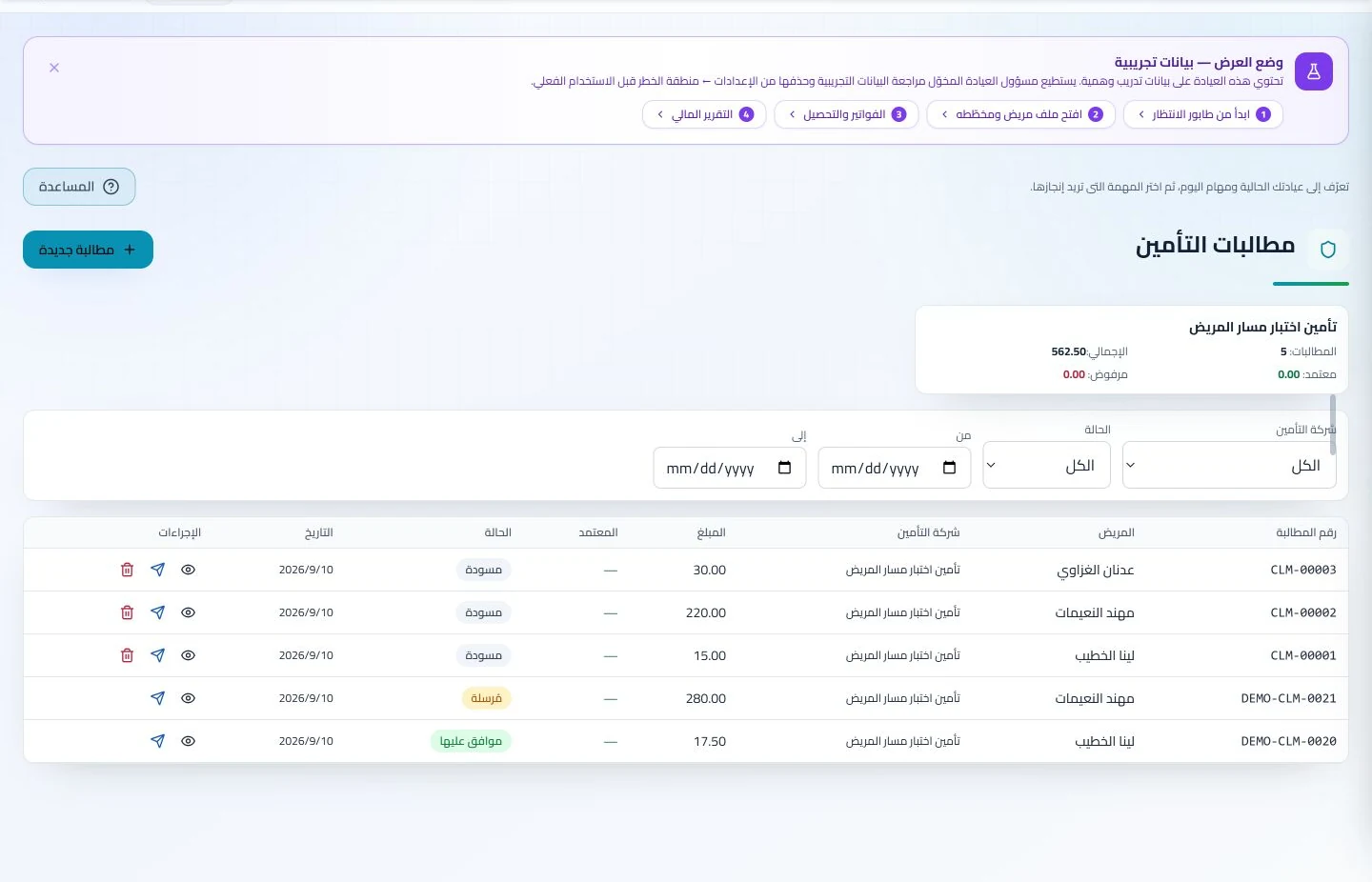
Maintain insurer details, claim amounts and statuses, receivables and settlements. Reviewing claims by company and status helps responsible staff identify items needing follow-up or completion.
How can a pulmonology clinic in Jordan choose suitable management software?
Define consultation and examination services with their durations and prices, then book them for a sample patient. Request the attached report, invoice and daily waiting queue to see whether staff can identify the service without repeatedly asking the clinician. ClinicsJo manages these administrative and documentation records; attaching a respiratory report does not imply direct equipment readings. Check insurance setup if needed, plus staff permissions and user and messaging allowances in current plans.
Create your account, set up clinic details and services, and try the software free for 7 days. Then choose a clinic-management plan for your clinicians, team and required features.
A clinic-management subscription combines tools for patient records, appointments, billing and teamwork with a doctor and clinic profile on ClinicsJo. We prepare your profile for indexing and organize your specialty, services and location to support discovery in Google and AI-powered search. Tools and limits depend on your selected plan.
The plans page lists current prices, features and limits; some services require activation and setup.